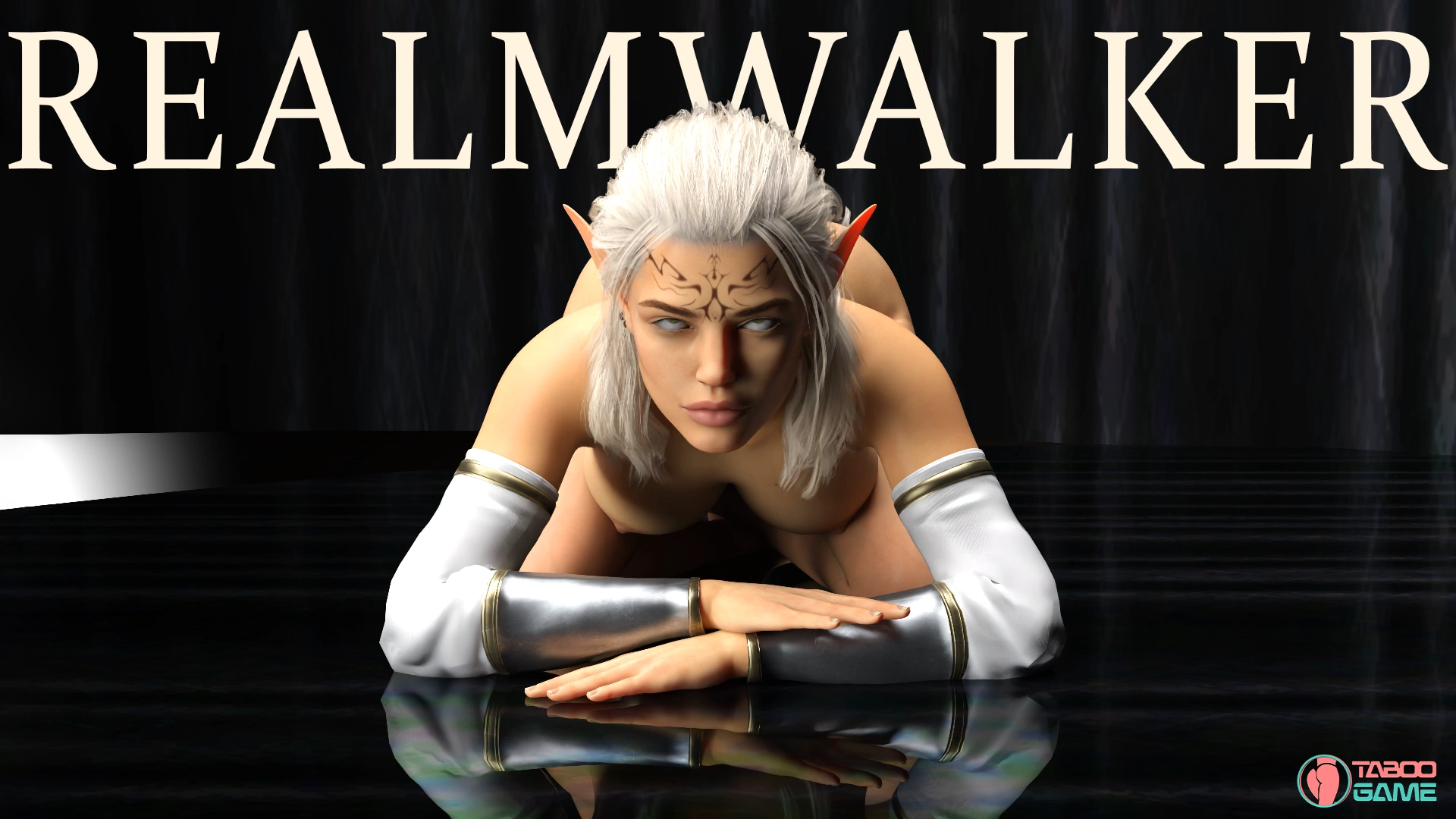
RealmWalker [v2.3] [SpectralByte]

3.3
(6)

Story Overview

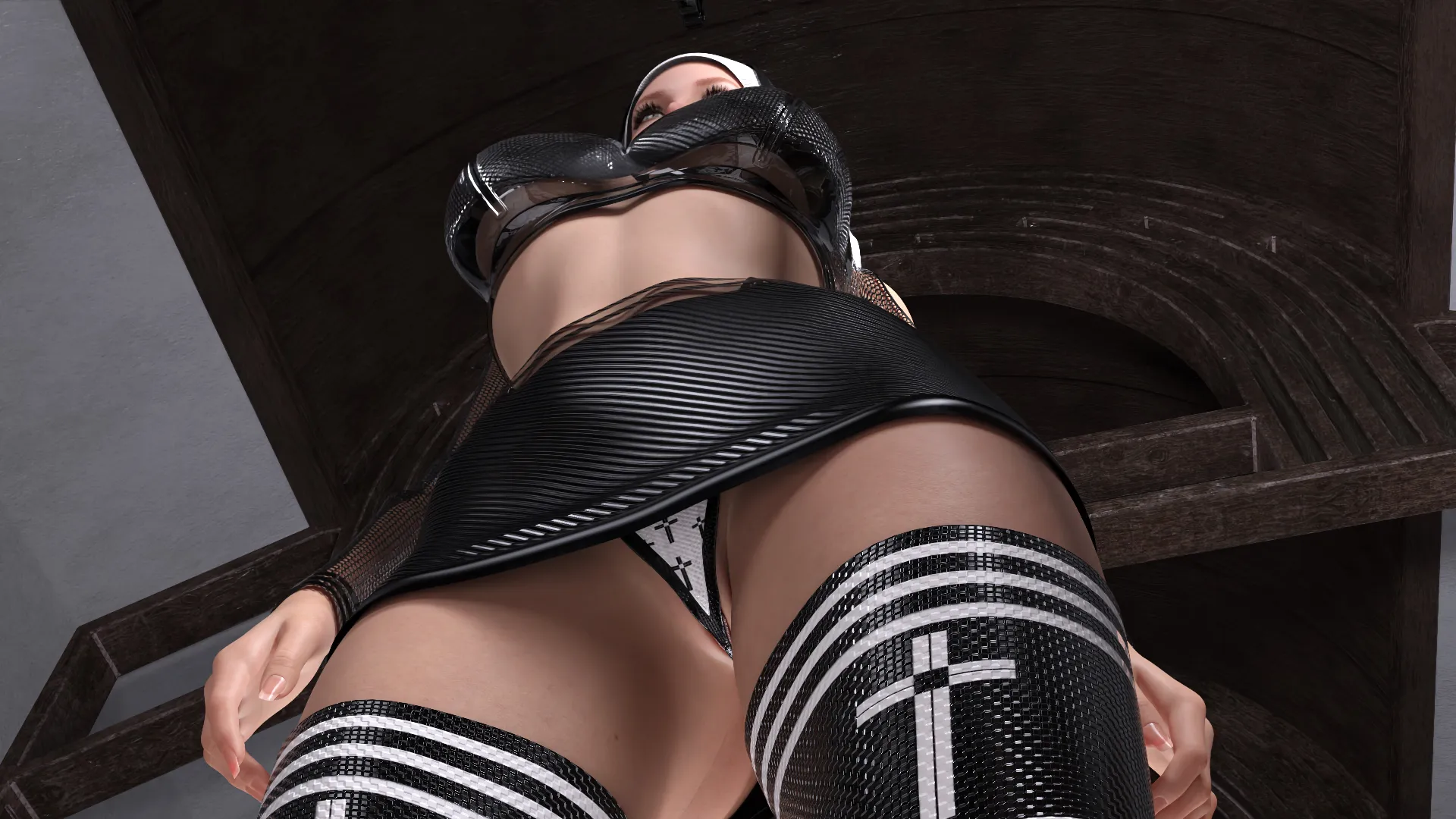
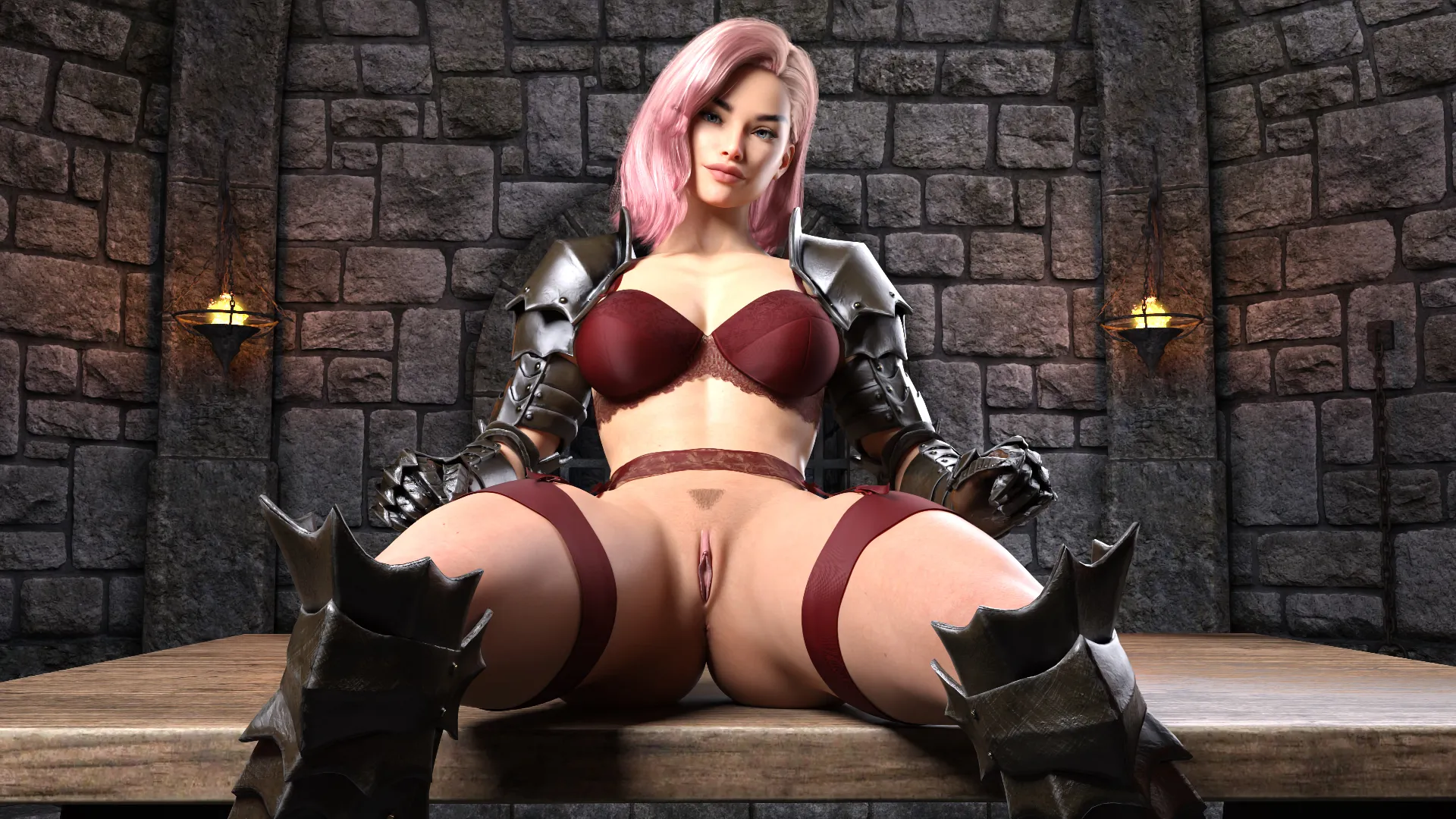
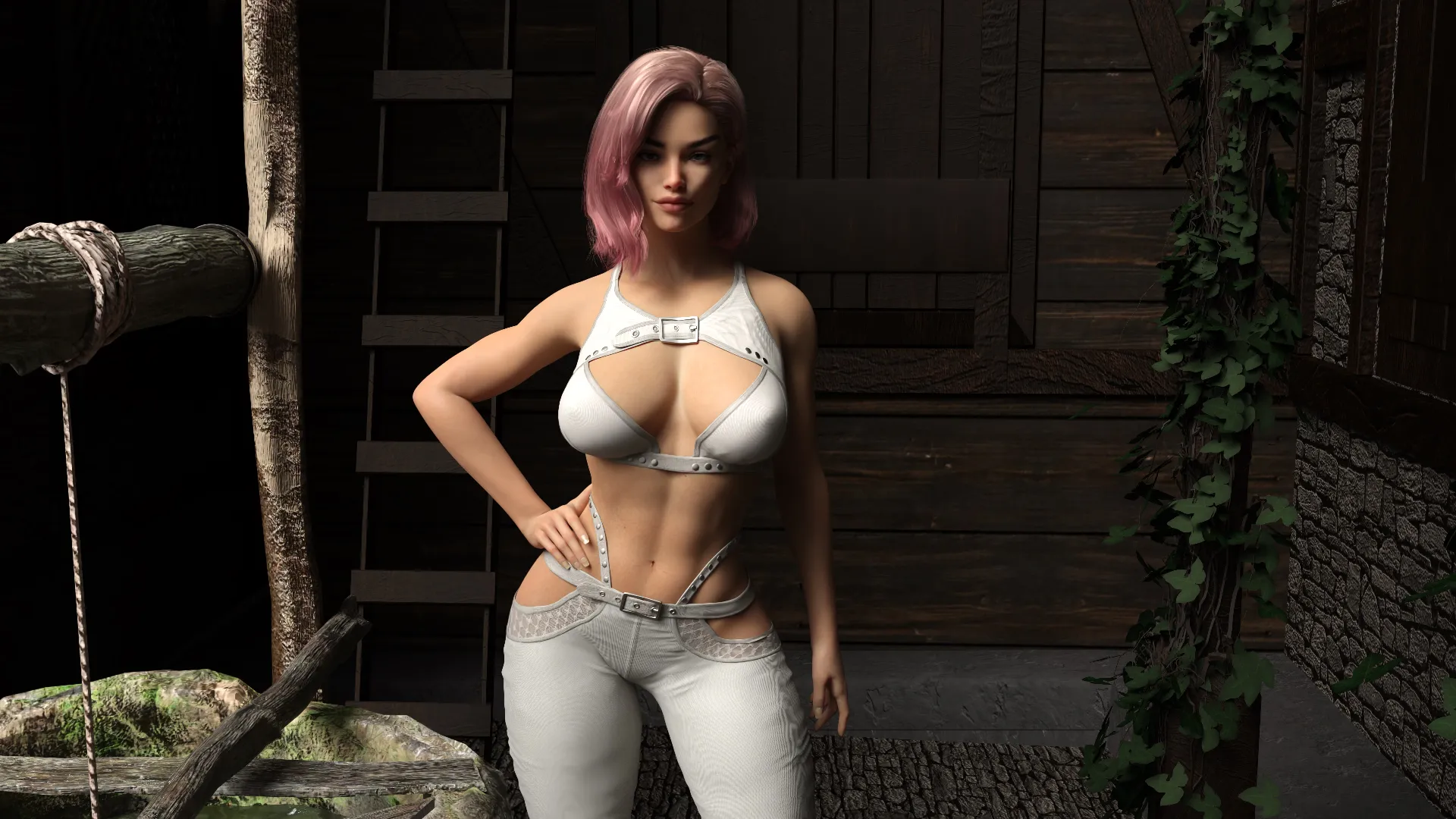
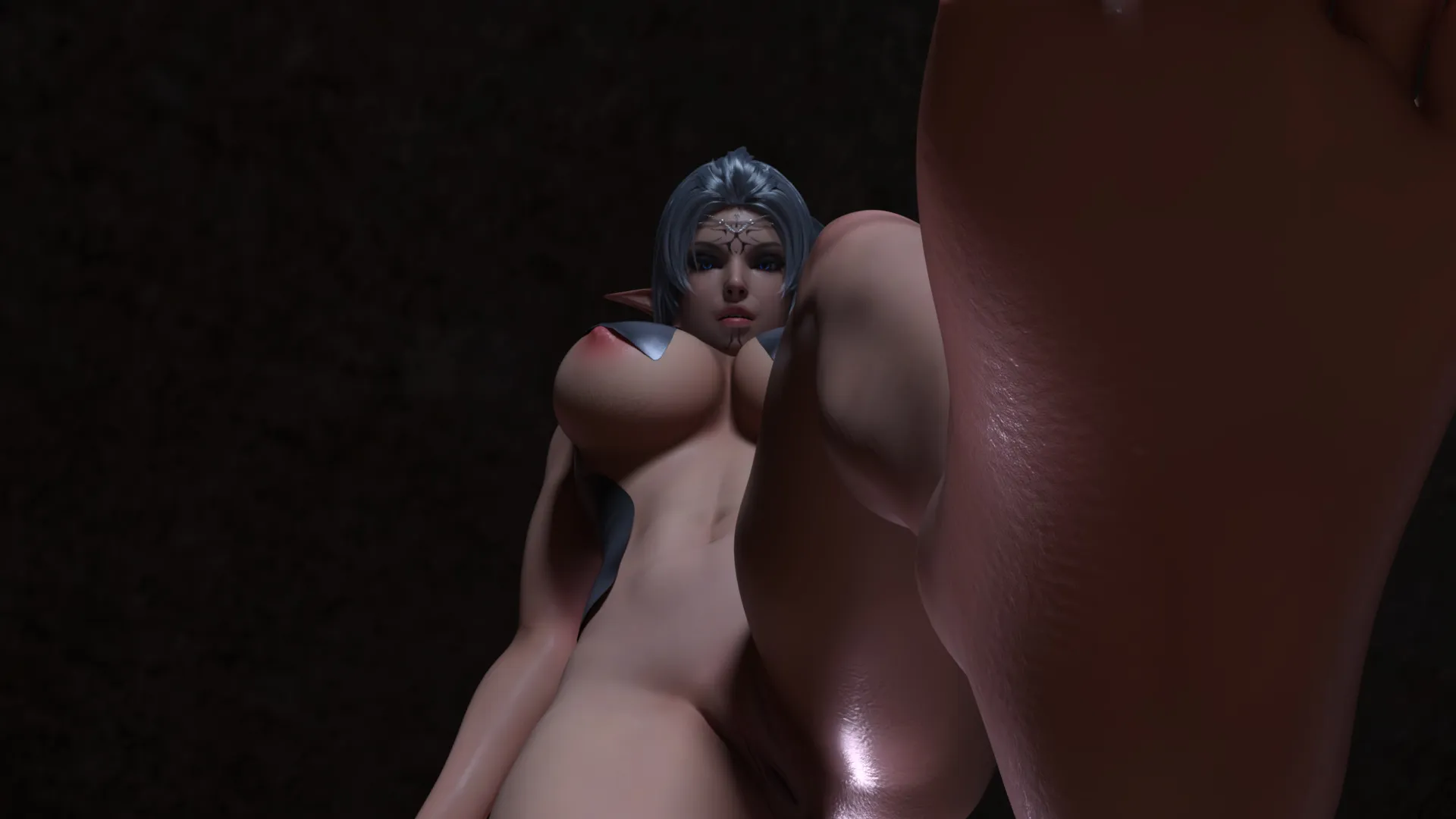
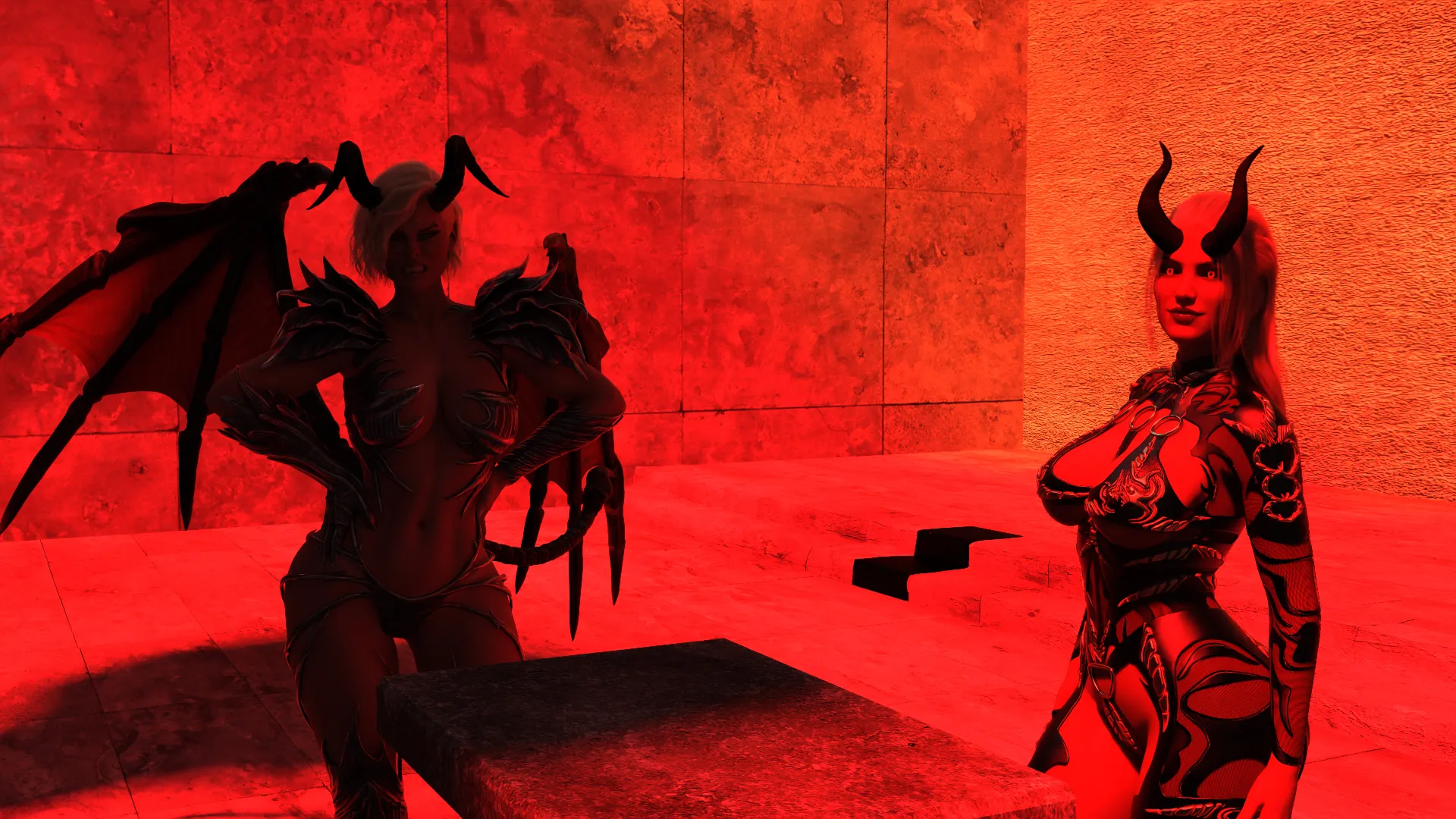
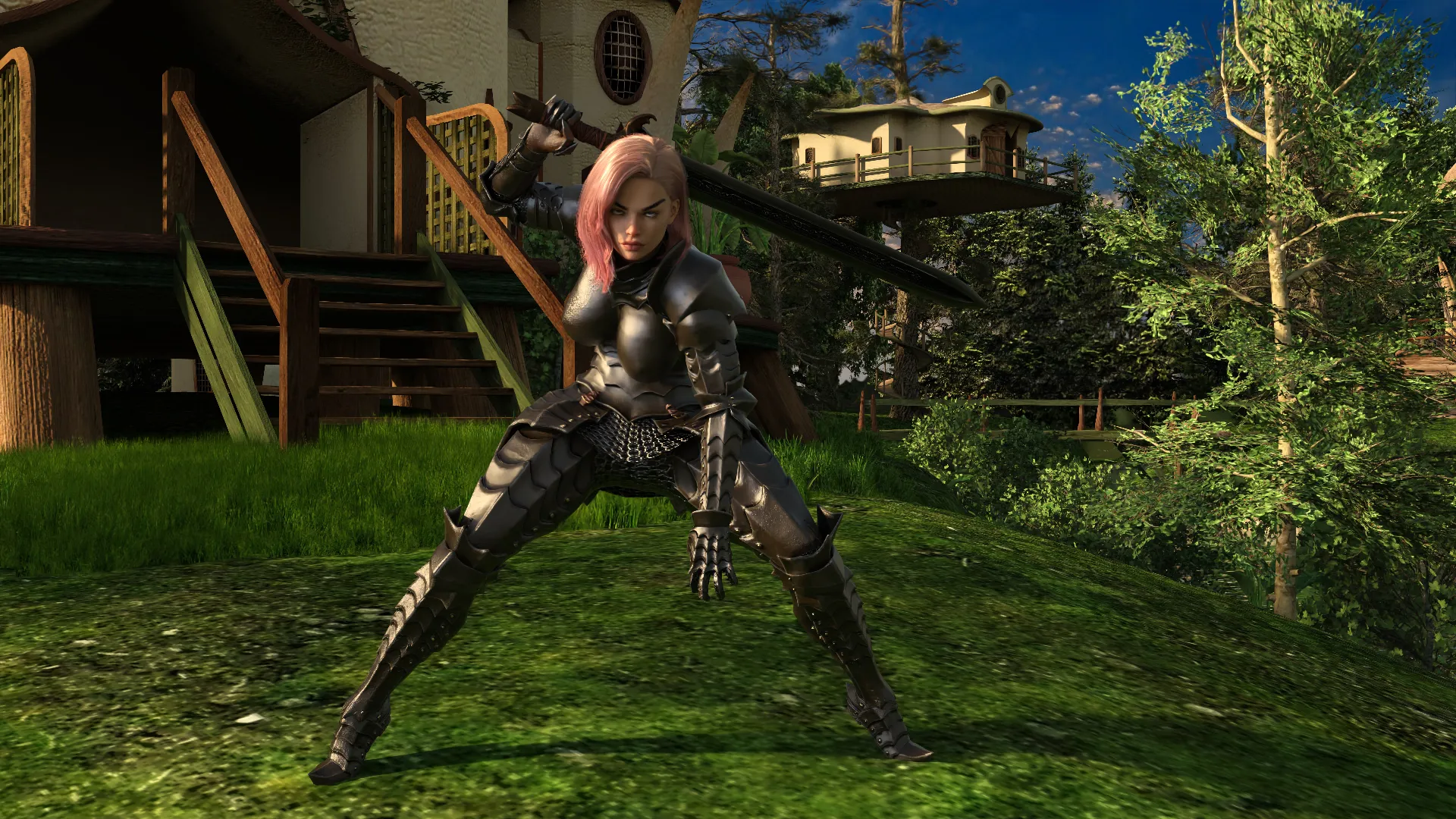
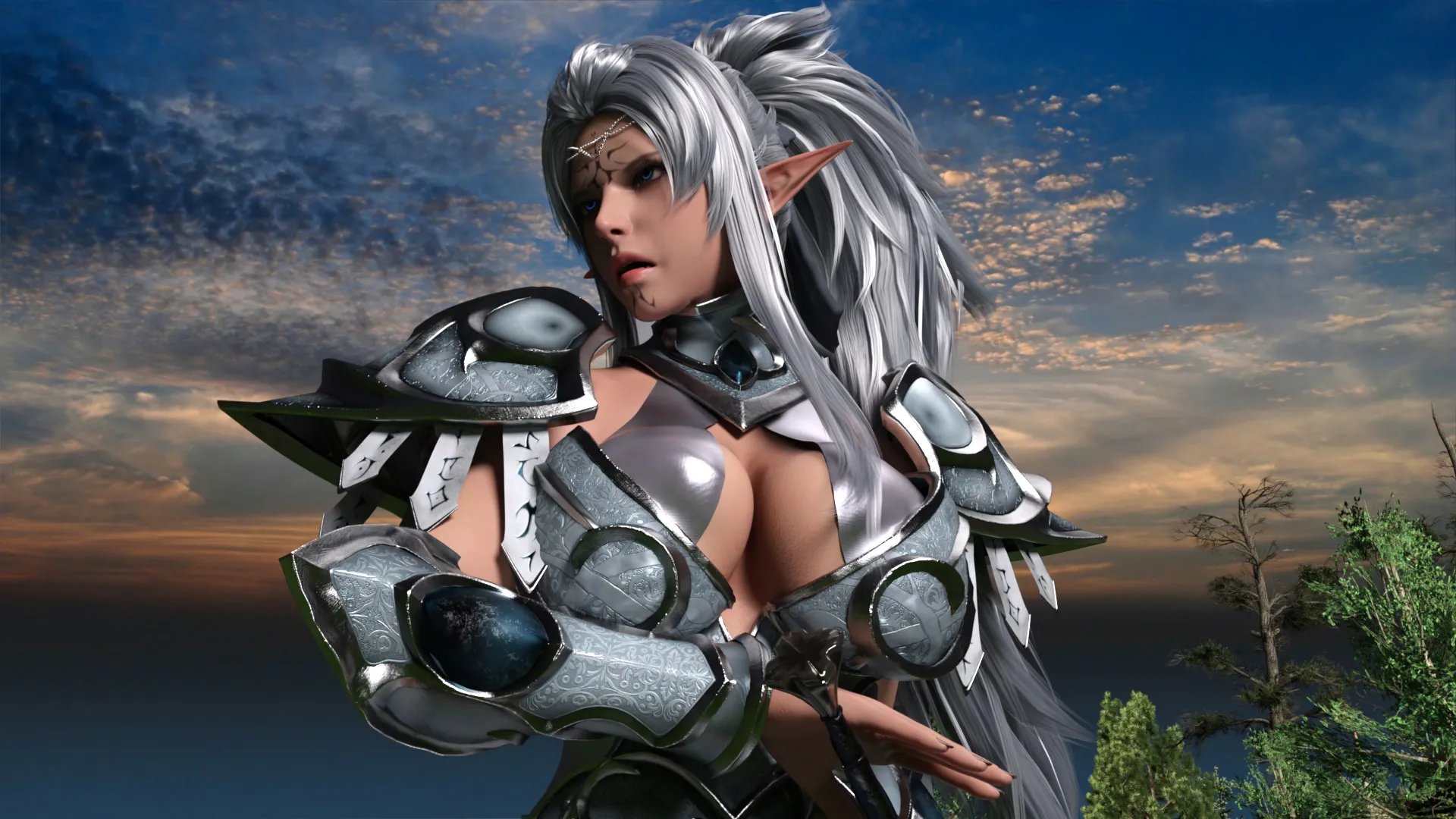
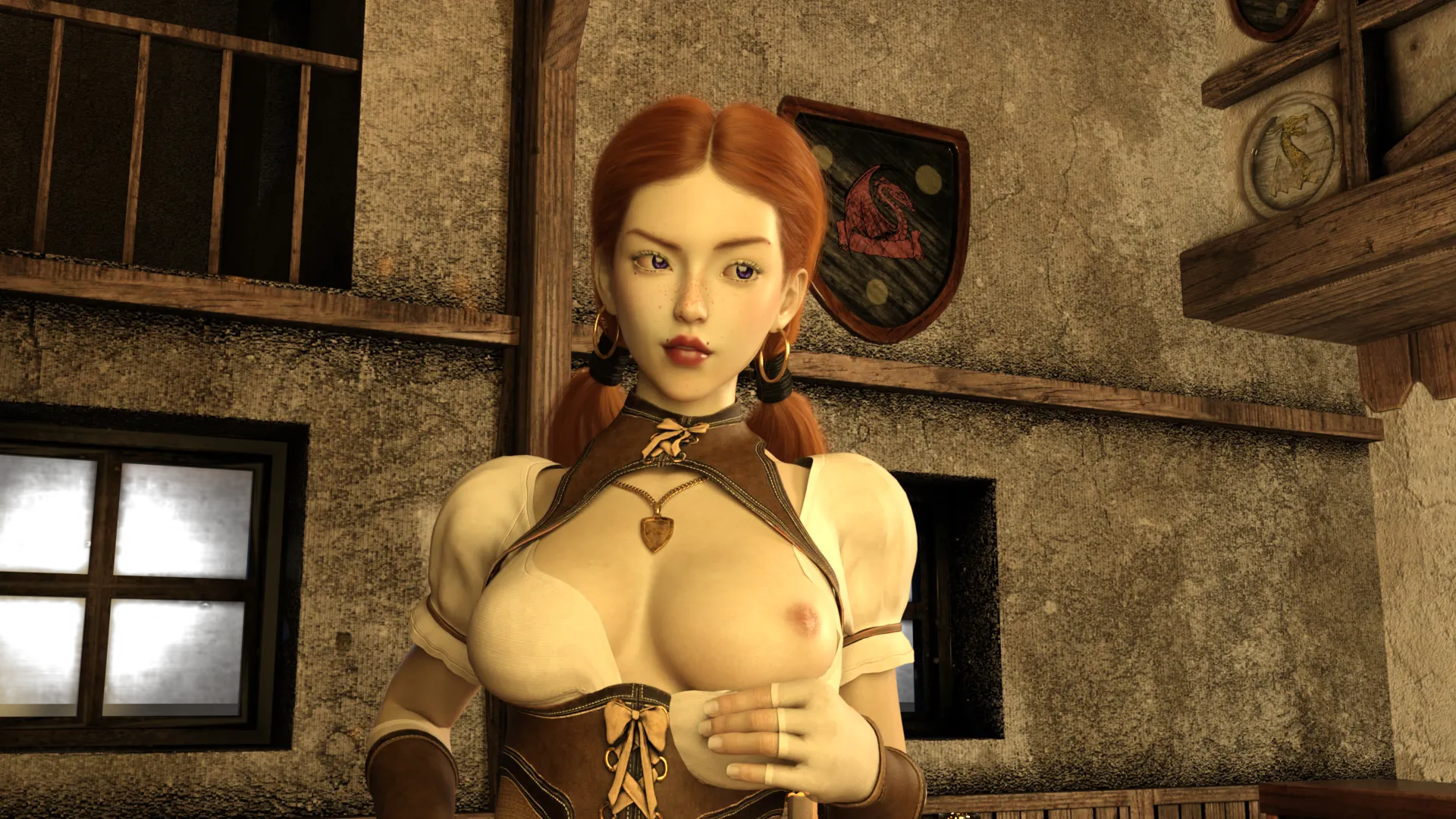
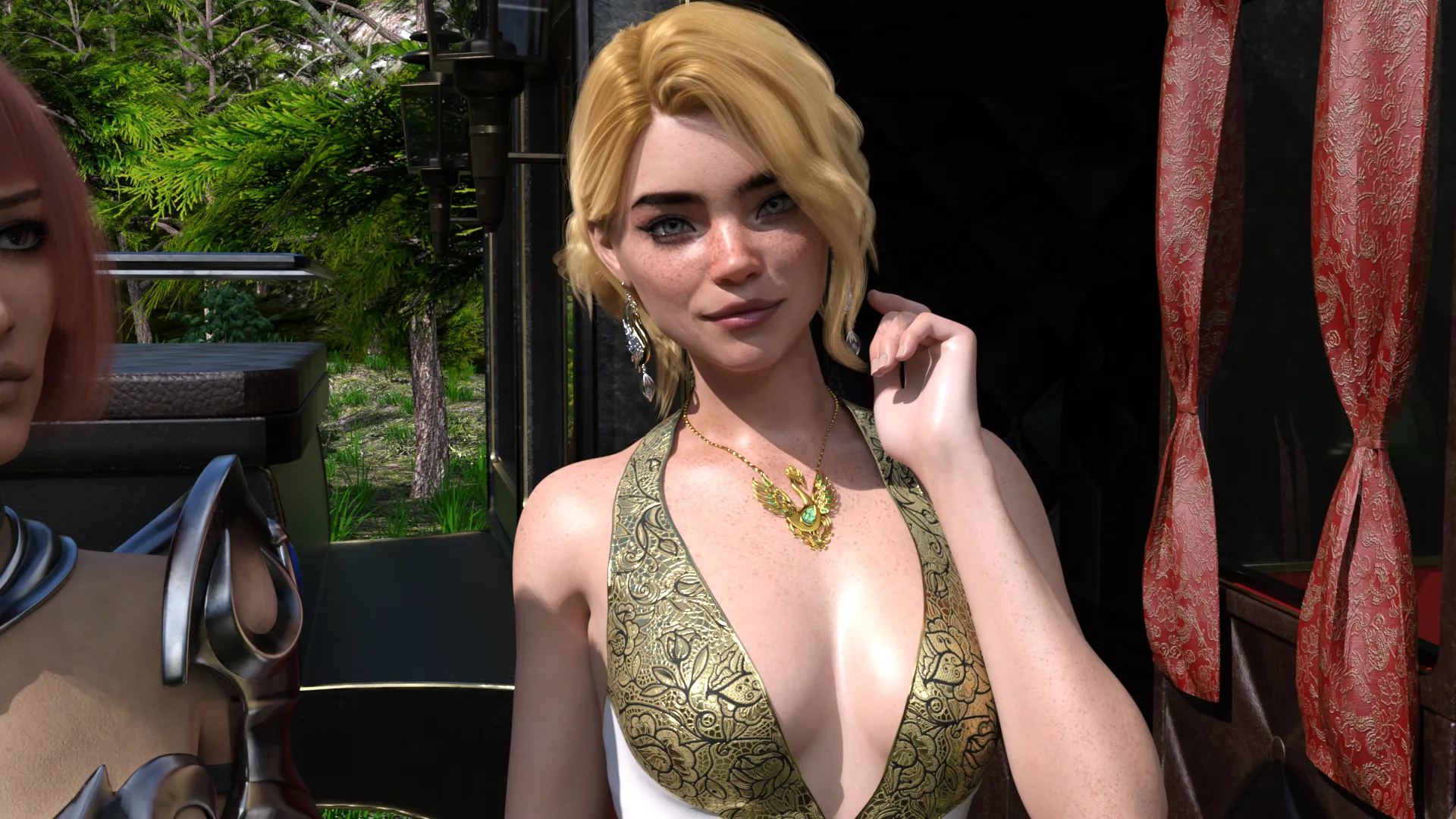
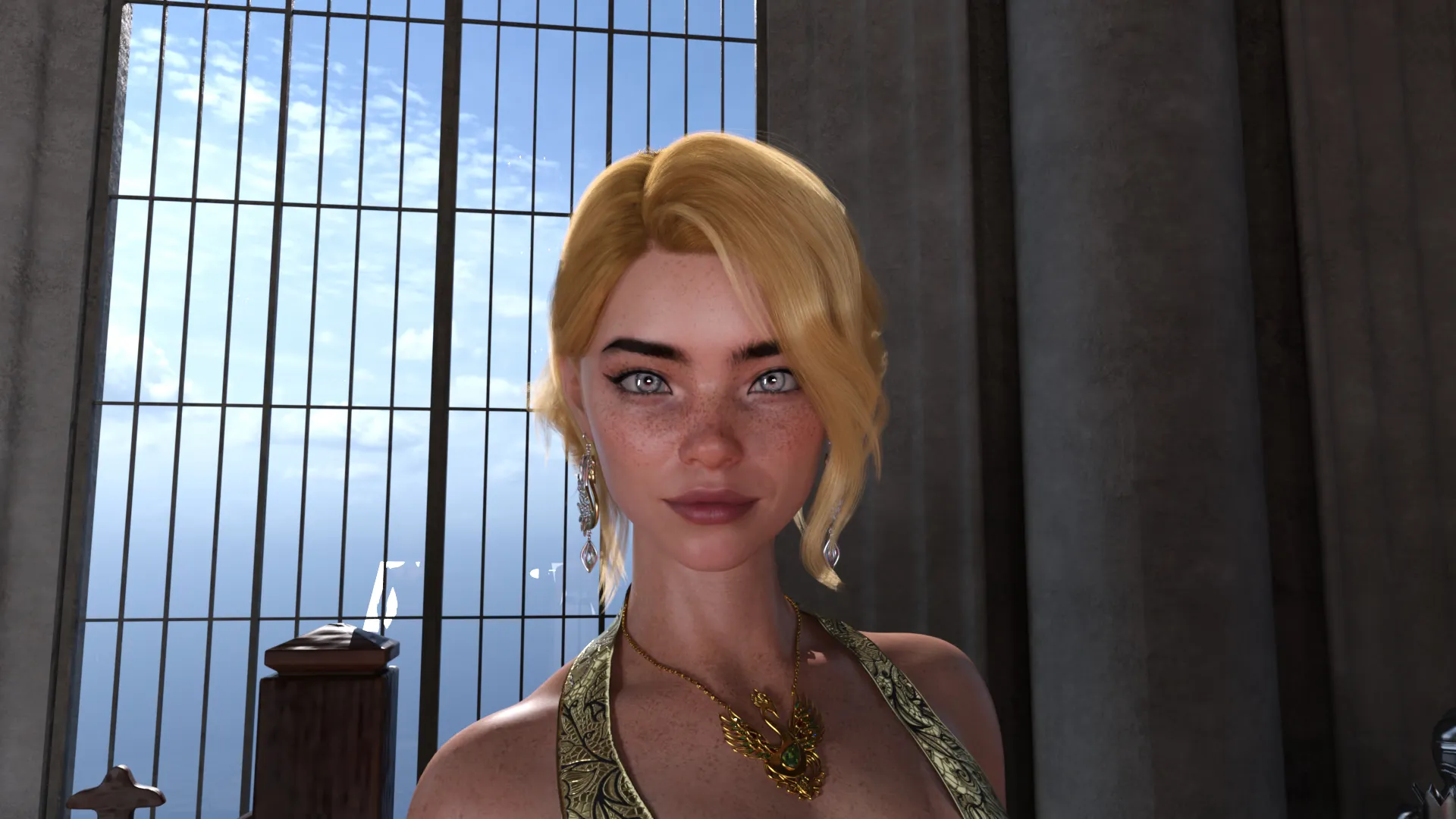
RealmWalker is a porn game that transports you into a magical realm where betrayal turns into destiny. You begin as an ordinary summon, called forth by the powerful Priestess Kalythra to confront a dark evil. But when she tests your mana and finds you lacking, she discards you like trash—leaving you to die in a monster-infested dungeon.

But fate has other plans. You survive. You uncover a mythical sword and awaken latent powers. Alongside Felina Whiskershadow—a seductive, sharp-tongued magical companion—you set out to reclaim your place in the prophecy and gather allies for the ultimate showdown.

This RPGM-based fantasy adventure blends traditional role-playing mechanics with provocative themes of domination, teasing, futanari encounters, and transformation. It’s a bold mix of magic, lust, and revenge that redefines your typical fantasy quest.

Why download “RealmWalker”?

✨ Unique Fantasy Narrative – A rich storyline of betrayal, survival, and prophecy that keeps you hooked.
🗡️ Classic RPGM Mechanics – Engage in dungeon crawling, item collection, and tactical combat.
👅 Futa/Trans & Teasing Content – For fans of fetish-based storytelling with dominant characters.
😼 Felina Whiskershadow – Your sassy, magical companion adds personality, humor, and temptation.
🔥 Adult-Focused Exploration – Discover lewd secrets, hidden interactions, and sexy battles.

Game Status:
Protagonist (MC):
Genre:
Engine:
Last Update: 2026-09-20
Release Date: 2025-07-21
Censored: No

V2.3

  • New scenes: Alice, Edda, Felina, Lyriana, and Morrigan
  • 10 new animations
  • 100+ new renders
  • Story continuation with new events and dialogue
  • Fixed various visual bugs
  • Updated Gallery Room with new content

Dev Notes:

Hey everyone! The Android version is moving to JoiPlay. The game outgrew the size limit of a normal .apk, and this switch means no more size problems as the game keeps growing – plus, going forward, your saves carry over between updates.
Please read the setup once; it’s easy after that.
First-time setup (one time only):

  1. Install JoiPlay and the RPG Maker Plugin from the official JoiPlay site.
  2. Download the game.
  3. Extract the file to a folder you’ll remember (a file manager like ZArchiver works great).
  4. Open JoiPlay → + → Add Game → browse into your extracted folder and select the one containing index.html.
  5. Play!
  6. How to update each month (THIS keeps your saves):
    1. Download the new version.
    2. Extract it over your existing game folder. Choose Overwrite/Replace when asked.
    3. Open JoiPlay and continue. Your save is still there.
  7. Important: To update, always extract over your existing folder. Do NOT use “Import Archive File” to update. that makes a fresh copy and your saves will not follow. Overwrite your existing folder and you keep everything.

    About saves:

    • Coming from the old .apk? That save unfortunately can’t transfer (totally different system). Sorry about the one-time reset. I’ve included a save that jumps you to the newest content so you’re not starting over.
    • From now on, your saves are real files you control and carry over between updates as long as you update the right way above. You can even back up your save folder anytime for peace of mind or replace it. No more losing progress to an update.
  8. Thanks so much for making the jump with me. This sets the game up to grow for a long time without hitting walls. If you have any problems installing the game or have any questions, feel free to leave a comment below or send me a DM on Discord. I’ll be happy to help you get everything up and running.

Some Android games come with both an .apk file and one or more .rpa files. Here’s how to install them correctly:

  1. Install the APK file

    • Tap on the .apk file and follow the prompts to install the game on your Android device.

    • Make sure “Install from unknown sources” is enabled in your device settings.

  2. Place the RPA file(s)

    • After installing the APK, don’t launch the game yet.

    • Use a file manager app and go to:
      Android > data > [game folder] > files > game

    • If the game folder doesn’t exist, create it manually.

    • Copy or move all .rpa files into this game folder.

  3. Launch the game

    • Now open the game. The extra content (like images, sounds, mods, etc.) from the RPA files will be loaded.


⚠️ Notes:

  • If the game crashes or doesn’t open, double-check that the .rpa files are placed in the correct folder.

  • Do not unzip .rpa files — they should remain exactly as downloaded.

  • For best results, use a reliable file manager like ZArchiver or Solid Explorer.

When you install a game downloaded from outside the Google Play Store, Android may display a security warning. This is a standard system alert for “unknown sources” and doesn’t necessarily mean the file is harmful.

Our team does its best to gather and share games from trusted and well-known sources. However, since these games are created and distributed by independent developers, We are not responsible for the content or behavior of the game itself. Use your discretion and only install games from developers or sources you feel comfortable with.

Modded games are modified versions of the original games that offer extra features, unlocked content, or changes not present in the official release. These modifications are usually made by independent developers or fans and are designed to enhance gameplay or remove limitations.


⚠️ Please Note:

  • Modded games are not created by the original developers.

  • Some mods may not work on all devices or may crash unexpectedly.

  • Always use caution and install modded games from trusted sources.

Walkthrough Mod:
A Walkthrough Mod adds helpful tips, highlights, or guides inside the game to show the best choices, routes, or scenes. It helps players get the best results without guessing.

Cheat Mod:
A Cheat Mod enables features like unlimited money, points, or energy. It lets you skip grinding and enjoy the full game faster — but it may reduce the challenge.

Multi Mod:
A Multi Mod combines multiple mods (e.g. walkthrough + cheats + gallery unlocker + Custom Settings …) into one package. 

Unlock Mod:
An Unlock Mod gives you access to features that are locked in the original game, such as premium scenes, full galleries, or choices that are normally restricted.

An Incest Patch restores or enables family-related content that was removed or censored in the public version of the game due to platform rules.

⚠️ Always check local laws and age restrictions before using such patches

Report broken download links
Please note that our download links are not direct. You will be redirected through external pages that may contain advertisements. These ads are not affiliated with us.
Only report a link if the file is truly unavailable — for example, if you encounter a 404 error or the download page does not work at all.

Request Game Update
Use this form to request an update for the current version of the game.
Before submitting a request, please make sure that a newer version has been officially released by the developer (e.g., on Patreon, Steam, itch.io, etc.).
Keep in mind that it usually takes a short time after the developer’s release for the new version to appear on our website.

Your Rating For This Post

Average rating [3.3] out of 5 | Vote: 6

No votes so far! Be first

3.3

● Help make this game page more complete!  If you notice any missing tags, forgotten details, required patches, or any other important information, please let us know in the comments.
Your contributions help improve the page for everyone. Thank you!

guest
2 Comments
Tomas
Tomas
26 days ago

Help me to download it … I already downloaded rar file extracted it and now I’m stuck i cant open the game on my android why?

Mad Max
Editor
Mad Max
24 days ago
Reply to  Tomas

..

Screenshot-2026-09-23-202809