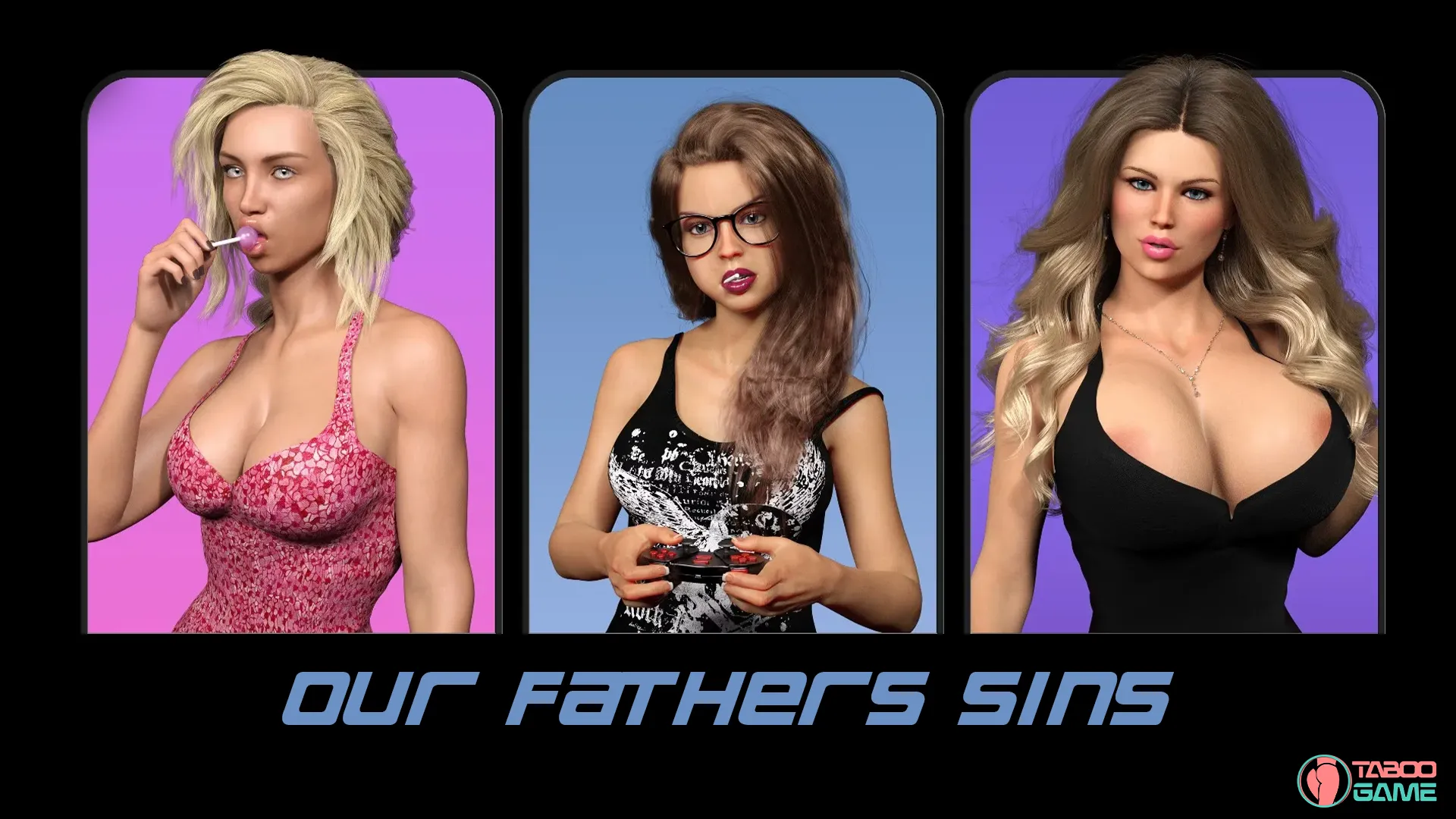
Our Father’s Sins [v0.1.6.6] [Sin Bin Interactive]

3
(4)

Story Overview

Boston, late 1980s. A city with cold streets, old debts, and problems that never stay buried for long.

In Our Fathers’ Sins, you step into the life of an 18-year-old who is just trying to move forward—university plans, a future in engineering, and the sense that things might finally be settling down. But that fragile normality collapses when his father’s gambling addiction and hidden betrayals surface, dragging the entire family into financial chaos and dangerous ties with organized crime.

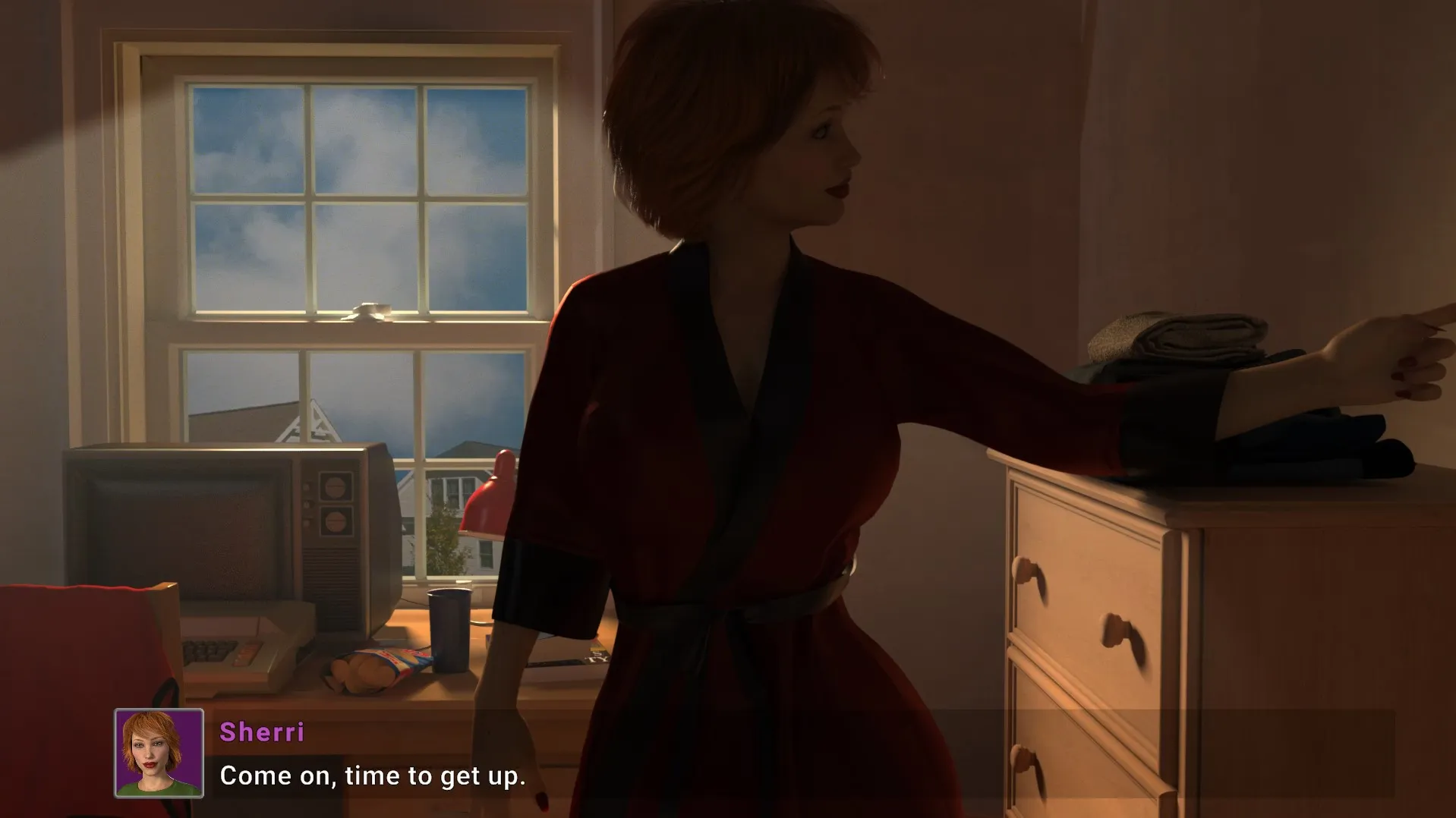
With the father forced out of the house after his affair is exposed, the protagonist is left behind with his stepmother Sherri, and an already broken home becomes something far more unstable. Living under the same roof now means dealing with emotional tension, shifting loyalties, and outside threats that slowly press in from the city itself.

As the situation tightens, every decision starts to matter—who to trust, what to protect, and how far you’re willing to go to keep what’s left of your family intact. The story blends personal drama with crime-driven pressure, building a narrative where survival isn’t just physical, but emotional too.
Incest Content:
Game Status:
Protagonist (MC):
Genre:
Engine:
OS:
Last Update: 2026-09-04
Release Date: 2026-07-19
Censored: No

v0.1.6.6

On Negative responses (Unhappy, Less Corrupt should animate downward)
If left empty, the save name will be Save # (date saved)
On Quit, an auto-save is created. If autosave is not empty a Continue option appears when you start the game.

Bug Fixes:
If user chose New Game after starting/loading game it would not reset the game. Now a warning dialog appears and on “confirm” all Quests, variables, etc. are reset to the game starting point.
Cancel on Save Name closes menu instead of opening save again.
No menu, clicking load opens save
If clicked load then save it overwrites the loaded save slot instead of the one I select
Fixed issue with saves not saving to correct slot.
Set default save name to blank if selecting empty slot.
Suppressed Control Mappings screen when closing Options menu
Town Map still showing during scene transitions (Fixing Gutters & Garage after work)
Q1 Graduation: Unable to rollback from Graduation back to Hallway
Q1 Hallway: Rollback after choosing “Nah…” was broken.
Q1 Grad Party: Talking to friends “Be Hesitant” doesn’t progress
Q2 Garage: Rollback from option 4 “Hi sweety, what are you doing here?”
Q2 Garage: Rollback during last dialog option
Q3 Violet’s House: Sorry, I hope you figure something out rollback
Q3 In Car: Stay Quiet goes back then freezes
Q3 D&D: Is that chair broken response gets caught in loop.
Q3 Return Home: Move On gets in loop.
Q3 Return Home: Out in the open? Another loop.
Q4 Find work store: Several issues
Q4 After Bowling ally if player choses to not help Mrs. Peterson (Violet’s mom) the game would stop
Q5 Help with gutters: On scene load it always goes back to start of scene
Q6 First Day of work: In VN mode during Garage scene, MC fixing fenders freezes
Q6 Garage: On loading game skips past dialog options

Some Android games come with both an .apk file and one or more .rpa files. Here’s how to install them correctly:

  1. Install the APK file

    • Tap on the .apk file and follow the prompts to install the game on your Android device.

    • Make sure “Install from unknown sources” is enabled in your device settings.

  2. Place the RPA file(s)

    • After installing the APK, don’t launch the game yet.

    • Use a file manager app and go to:
      Android > data > [game folder] > files > game

    • If the game folder doesn’t exist, create it manually.

    • Copy or move all .rpa files into this game folder.

  3. Launch the game

    • Now open the game. The extra content (like images, sounds, mods, etc.) from the RPA files will be loaded.


⚠️ Notes:

  • If the game crashes or doesn’t open, double-check that the .rpa files are placed in the correct folder.

  • Do not unzip .rpa files — they should remain exactly as downloaded.

  • For best results, use a reliable file manager like ZArchiver or Solid Explorer.

When you install a game downloaded from outside the Google Play Store, Android may display a security warning. This is a standard system alert for “unknown sources” and doesn’t necessarily mean the file is harmful.

Our team does its best to gather and share games from trusted and well-known sources. However, since these games are created and distributed by independent developers, We are not responsible for the content or behavior of the game itself. Use your discretion and only install games from developers or sources you feel comfortable with.

Modded games are modified versions of the original games that offer extra features, unlocked content, or changes not present in the official release. These modifications are usually made by independent developers or fans and are designed to enhance gameplay or remove limitations.


⚠️ Please Note:

  • Modded games are not created by the original developers.

  • Some mods may not work on all devices or may crash unexpectedly.

  • Always use caution and install modded games from trusted sources.

Walkthrough Mod:
A Walkthrough Mod adds helpful tips, highlights, or guides inside the game to show the best choices, routes, or scenes. It helps players get the best results without guessing.

Cheat Mod:
A Cheat Mod enables features like unlimited money, points, or energy. It lets you skip grinding and enjoy the full game faster — but it may reduce the challenge.

Multi Mod:
A Multi Mod combines multiple mods (e.g. walkthrough + cheats + gallery unlocker + Custom Settings …) into one package. 

Unlock Mod:
An Unlock Mod gives you access to features that are locked in the original game, such as premium scenes, full galleries, or choices that are normally restricted.

An Incest Patch restores or enables family-related content that was removed or censored in the public version of the game due to platform rules.

⚠️ Always check local laws and age restrictions before using such patches

Report broken download links
Please note that our download links are not direct. You will be redirected through external pages that may contain advertisements. These ads are not affiliated with us.
Only report a link if the file is truly unavailable — for example, if you encounter a 404 error or the download page does not work at all.

Request Game Update
Use this form to request an update for the current version of the game.
Before submitting a request, please make sure that a newer version has been officially released by the developer (e.g., on Patreon, Steam, itch.io, etc.).
Keep in mind that it usually takes a short time after the developer’s release for the new version to appear on our website.

Your Rating For This Post

Average rating [3] out of 5 | Vote: 4

No votes so far! Be first

3.0

● Help make this game page more complete!  If you notice any missing tags, forgotten details, required patches, or any other important information, please let us know in the comments.
Your contributions help improve the page for everyone. Thank you!

guest
0 Comments