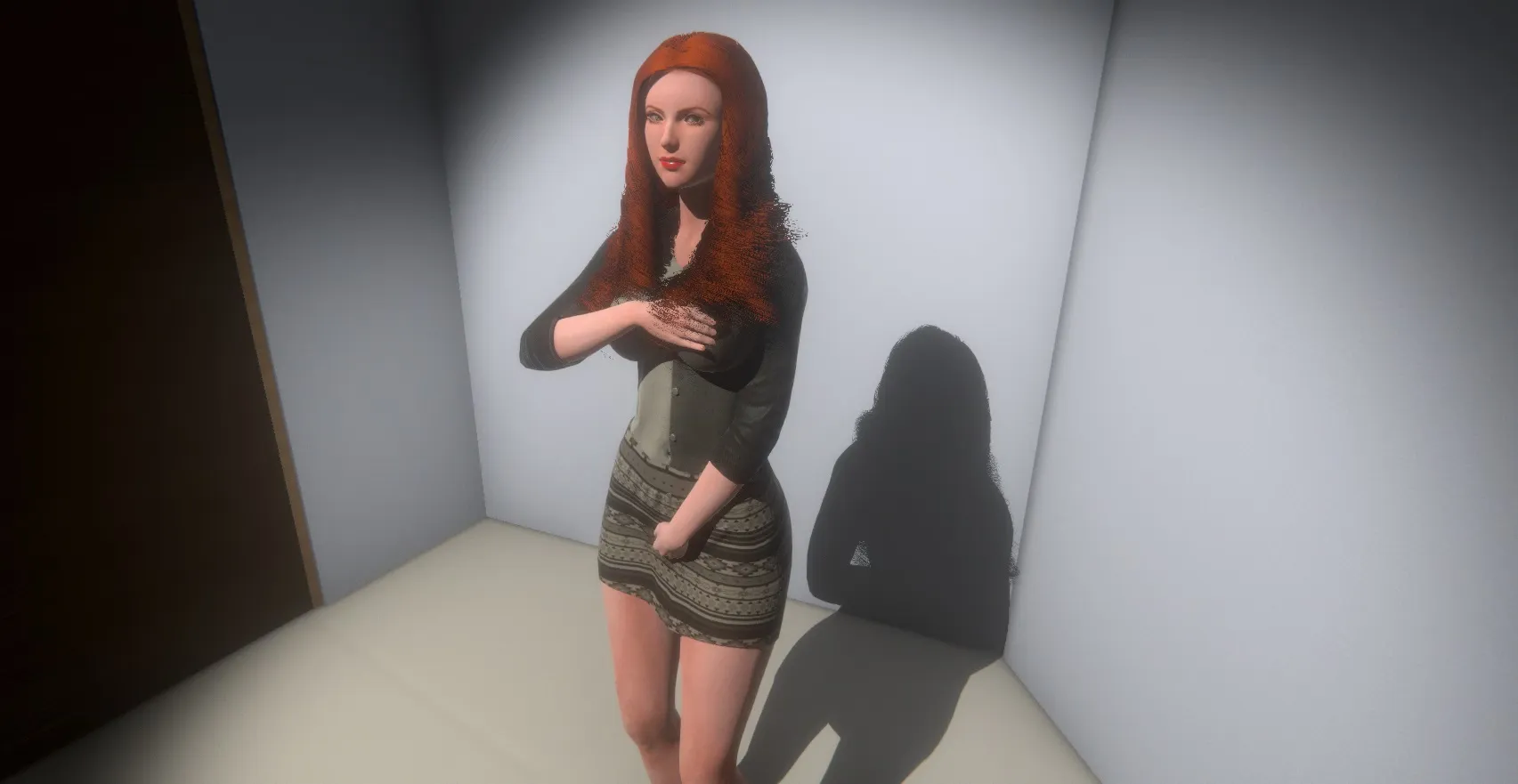
How to play:
- game uses mouse and keyboard
- Tab: Agency Menu.
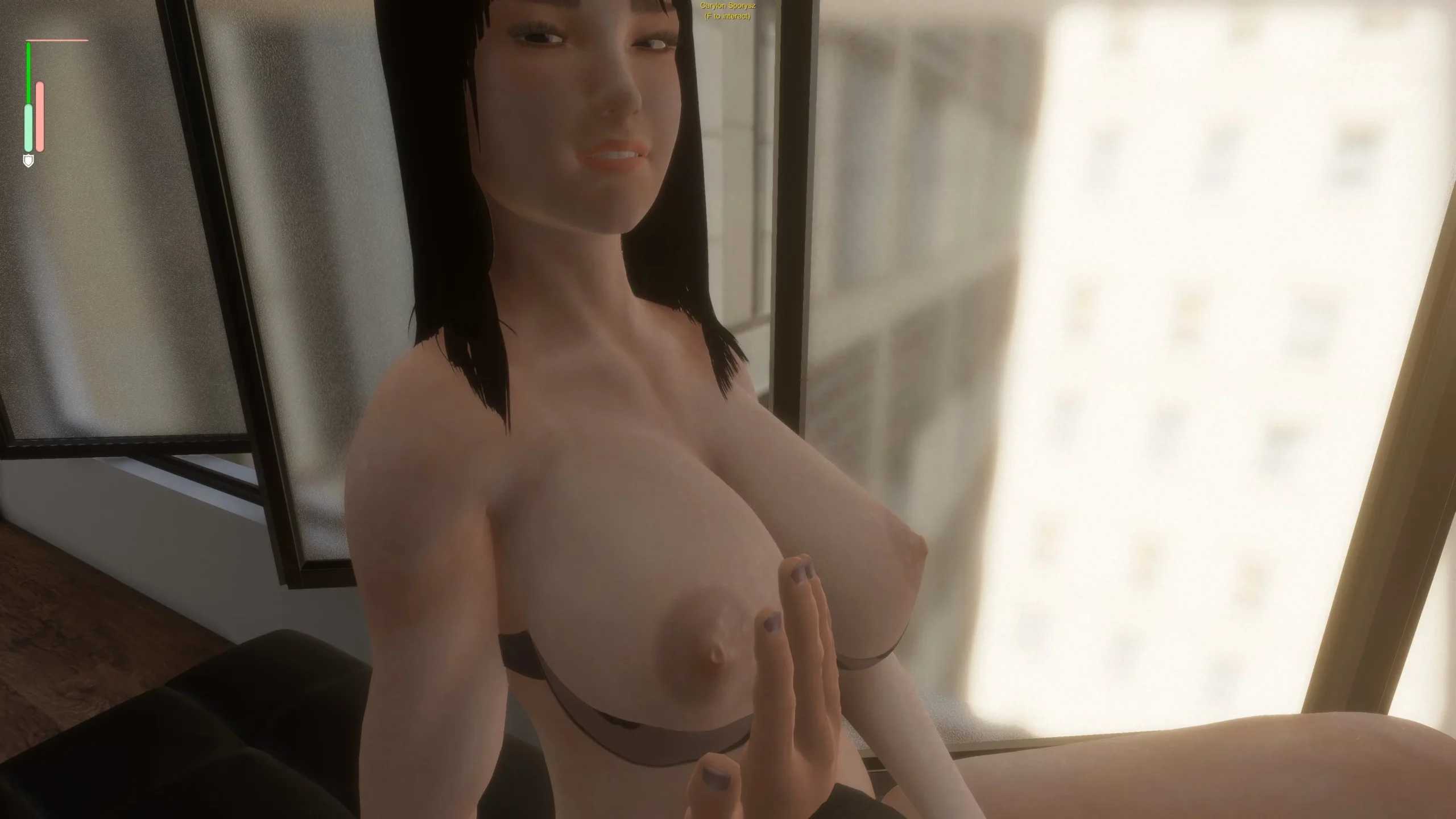
Number 1: Hand. Used to caress body parts, interact with blue orbs to remove girl clothes or to grab penis. Can also interact with bones in Custom Poses.
Number 2: Finger. Used to poke body parts and penetrate holes. Can be used to loosen up tight girls, generate Desire (purple bar), etc.
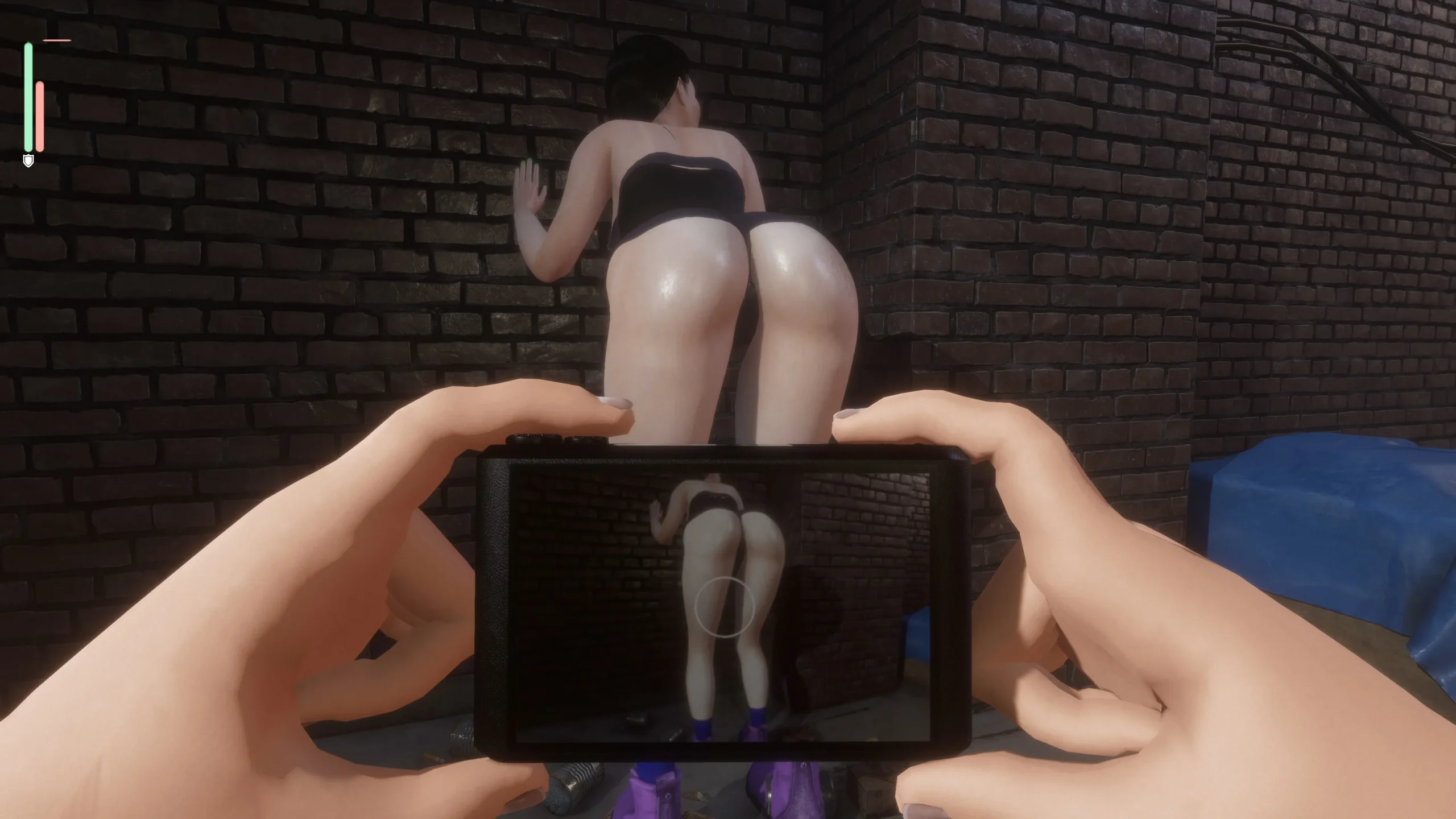
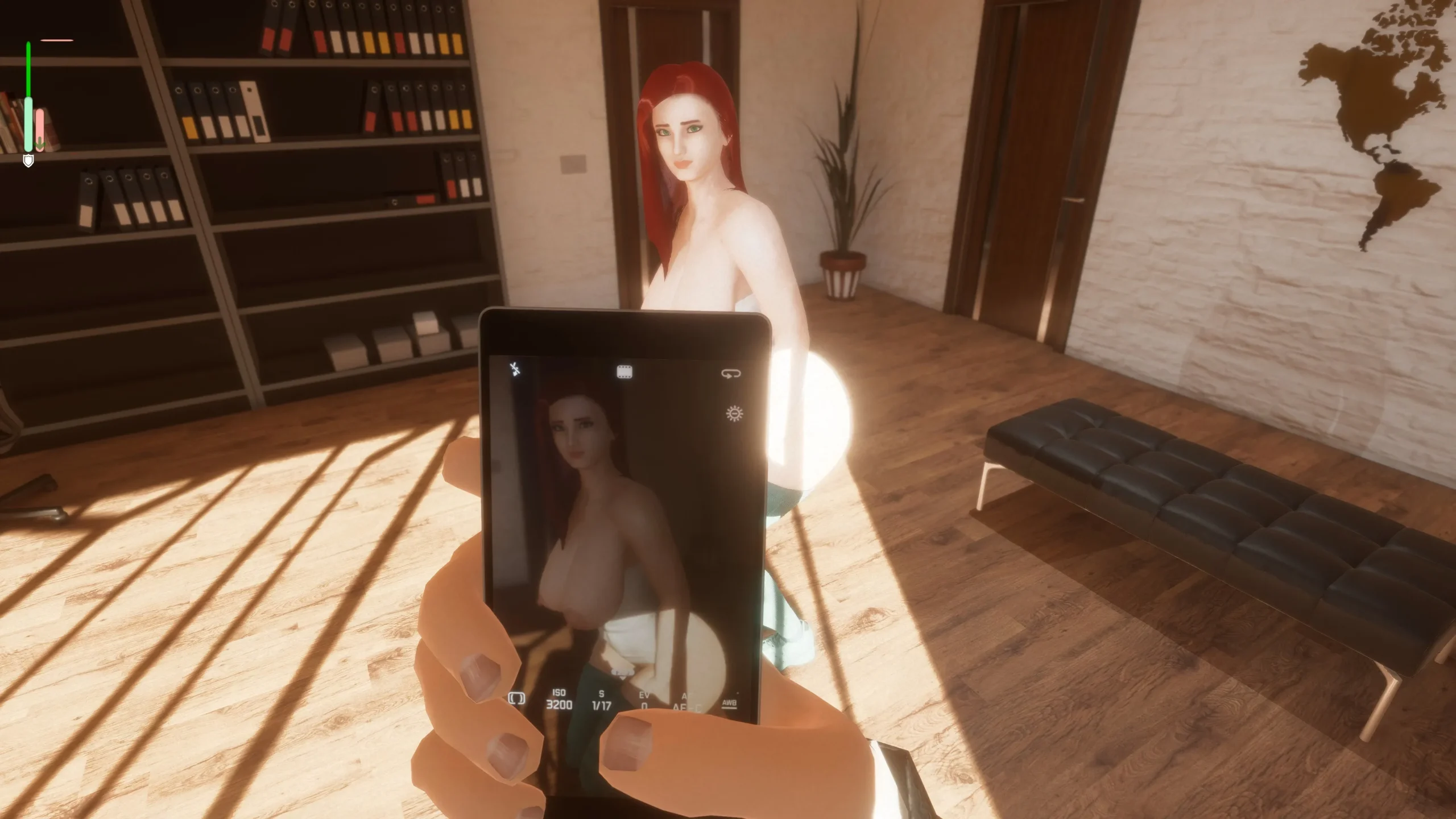
Number 3: Cellphone. Can be used to save girls. Use middle mouse button to save custom poses.
Number 4: Camera. Used during interviews to increase Consent (green bar). - WASD: Player Movement.
- Right Mouse Button: Move Player Head.
- Left Mouse Button: Interact.
- F: Talk or Make Requests, like asking the girl to move, change poses, turn around or take clothes off. Visible menus depend on Girl’s acceptance or modeling stage (Chat -> Let’s try XXX Modeling).
- P or Shift+P: Remove Player Clothes. Showing penis too early may have bad consequences.
- V: Raise up.
- C: Crouch.
- Mouse Wheel: Thrust hips.
- Left Shift: Increase all animation and movement speed.
- Left Alt: Decrease all animation and movement speed. Useful to decrease pain generation.
- Left Control: Contextual. While holding penis, can change it’s angle. When using the Mouse Wheel, can raise up or crouch. With hands, can rotate or change angle.
Don’t rush to hire your first model. At the early game, you’ll get money by sending girls to other agencies in the Tab Menu -> Contact Her With Agency. One common strategy is to make a Chubby profile and send models to the Plus Size Agency, or Muscular profile and send them to the Fitness Agency. Racial Agencies are a bit harder to please.
When you get at least $2,5k+ and you find a girl you like (personality is also important), you can hire her. You’ll need to negotiate her salary and commissions, so be careful with how much you offer.
How to Find Good Girls
Appearance
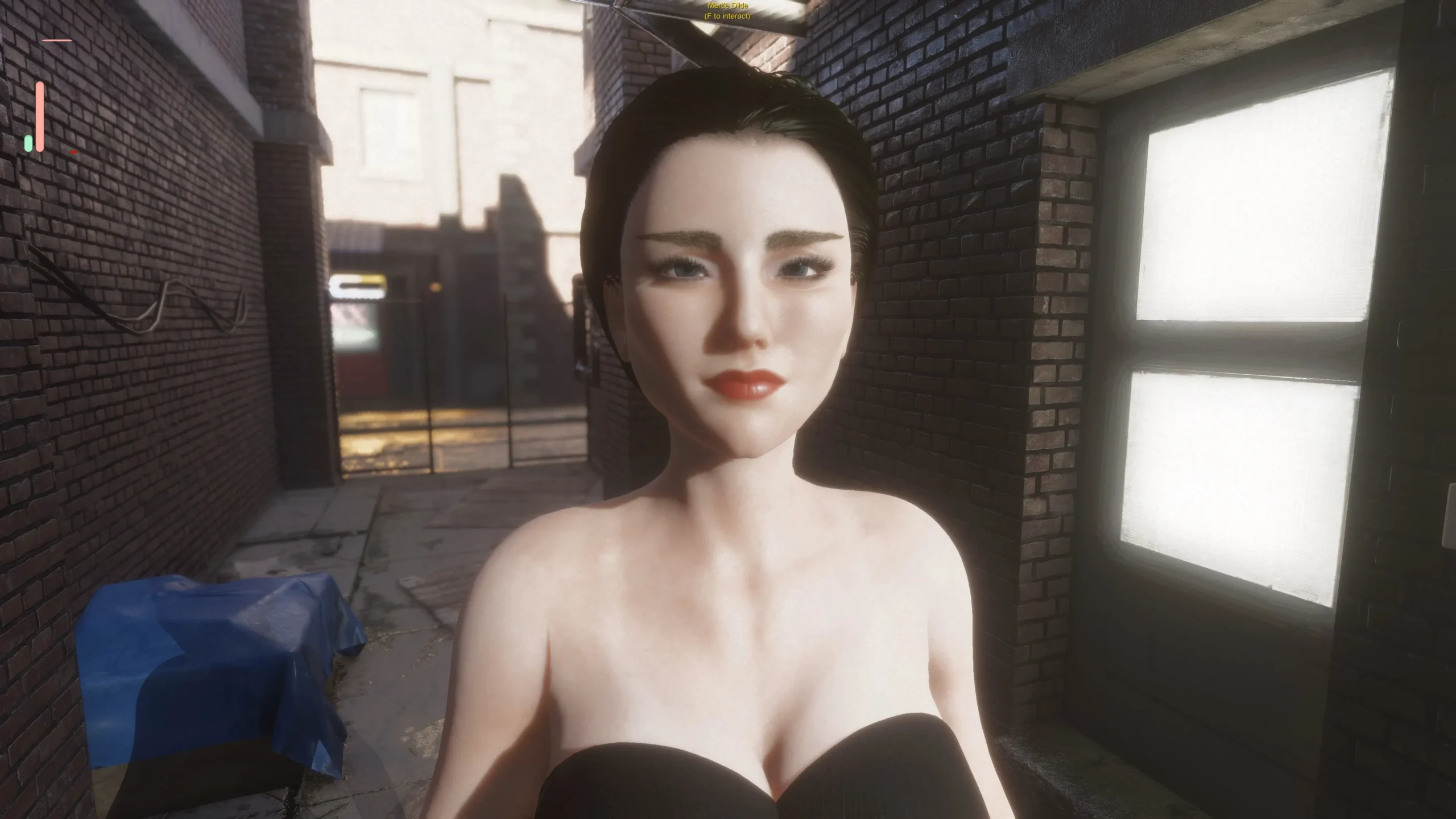
Hot girls take some time to appear. Expensive campaigns with more phases help by a lot (recruiting at Mondays also seems to help, according to the dev).
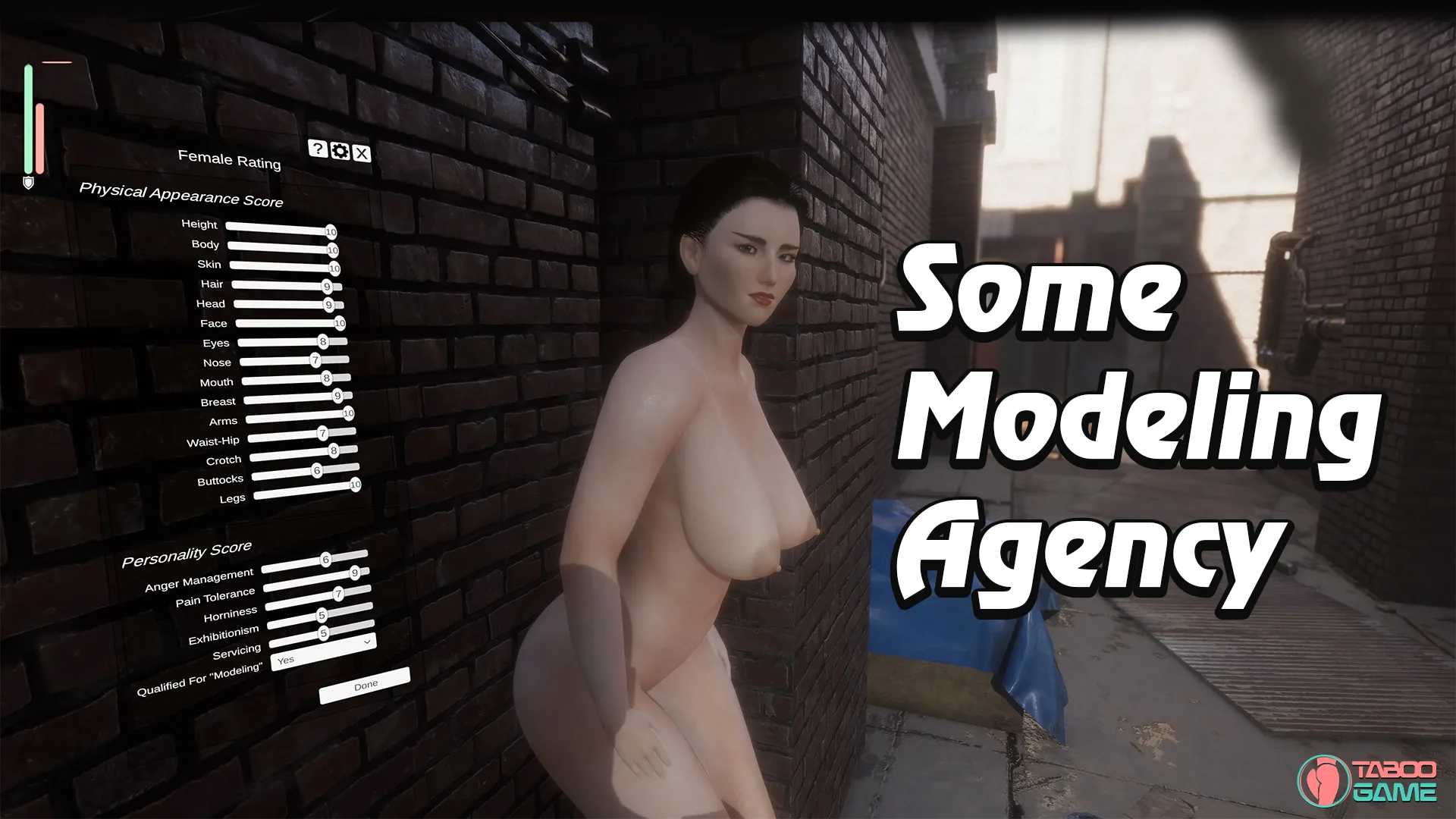
You don’t need to adjust ratings one by one. The game already “cheats” and rates it based on the profile you’ve created. Subsequent campaign phases depend on the models you interview and the ratings they get. The higher the ratings, the more you’ll see the same thing at next phase.
To advance phases, select “Show Campaign Info” -> “Go Next Phase”.
Personality
Personality is a bit harder to filter. You can start by checking Tab -> Model Resume to check two things:
1. Personality Traits (Perverted and Exhibitionists are generally the best, but you can change traits with time).
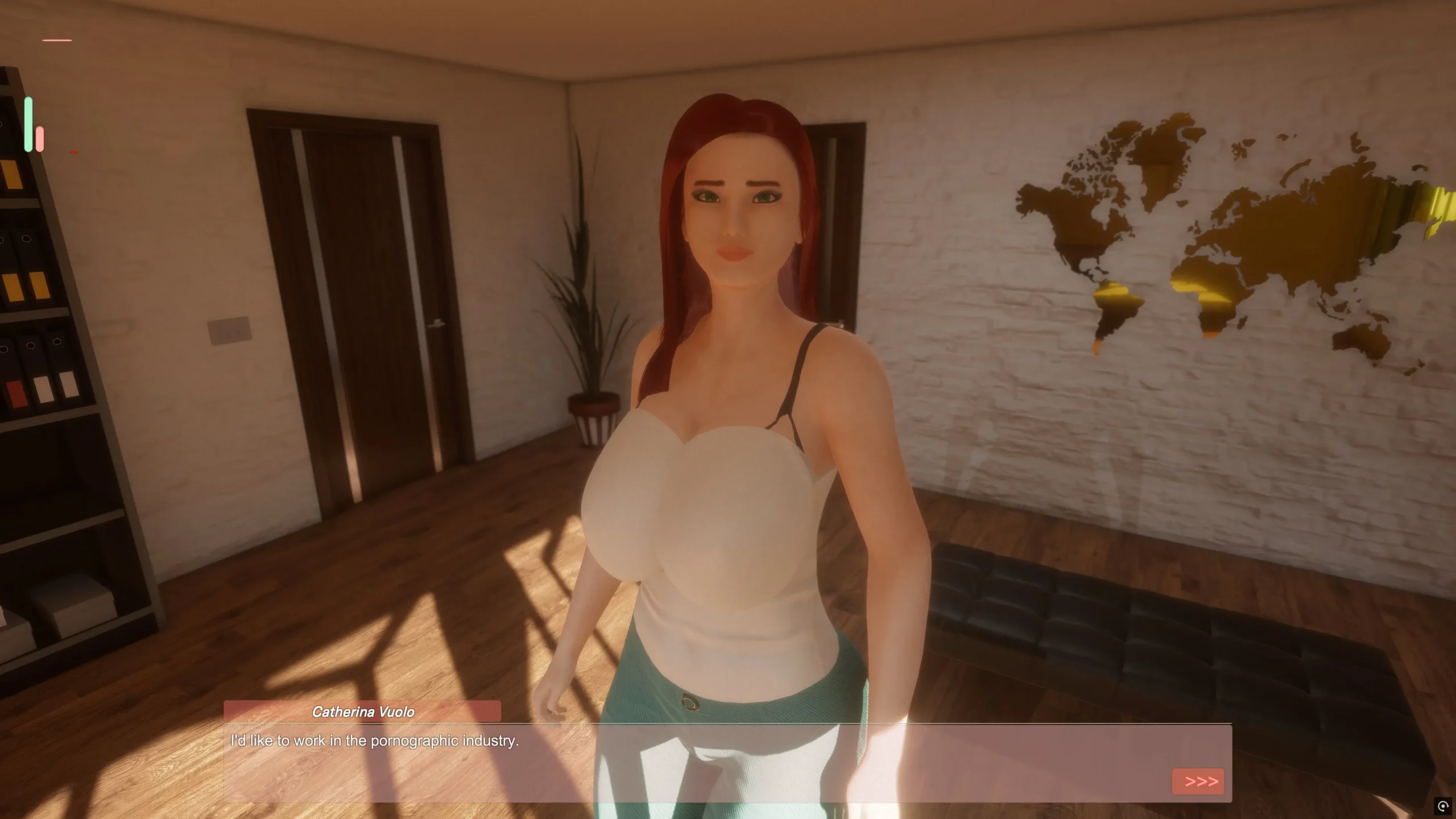
2. Interests: dictate what kind of jobs they will accept (Erotic Modeling and Escort Services can accept all current jobs). “Modeling” interest also affects initial Consent. Girls ready for Erotic Modeling get a big boost to their green bar.
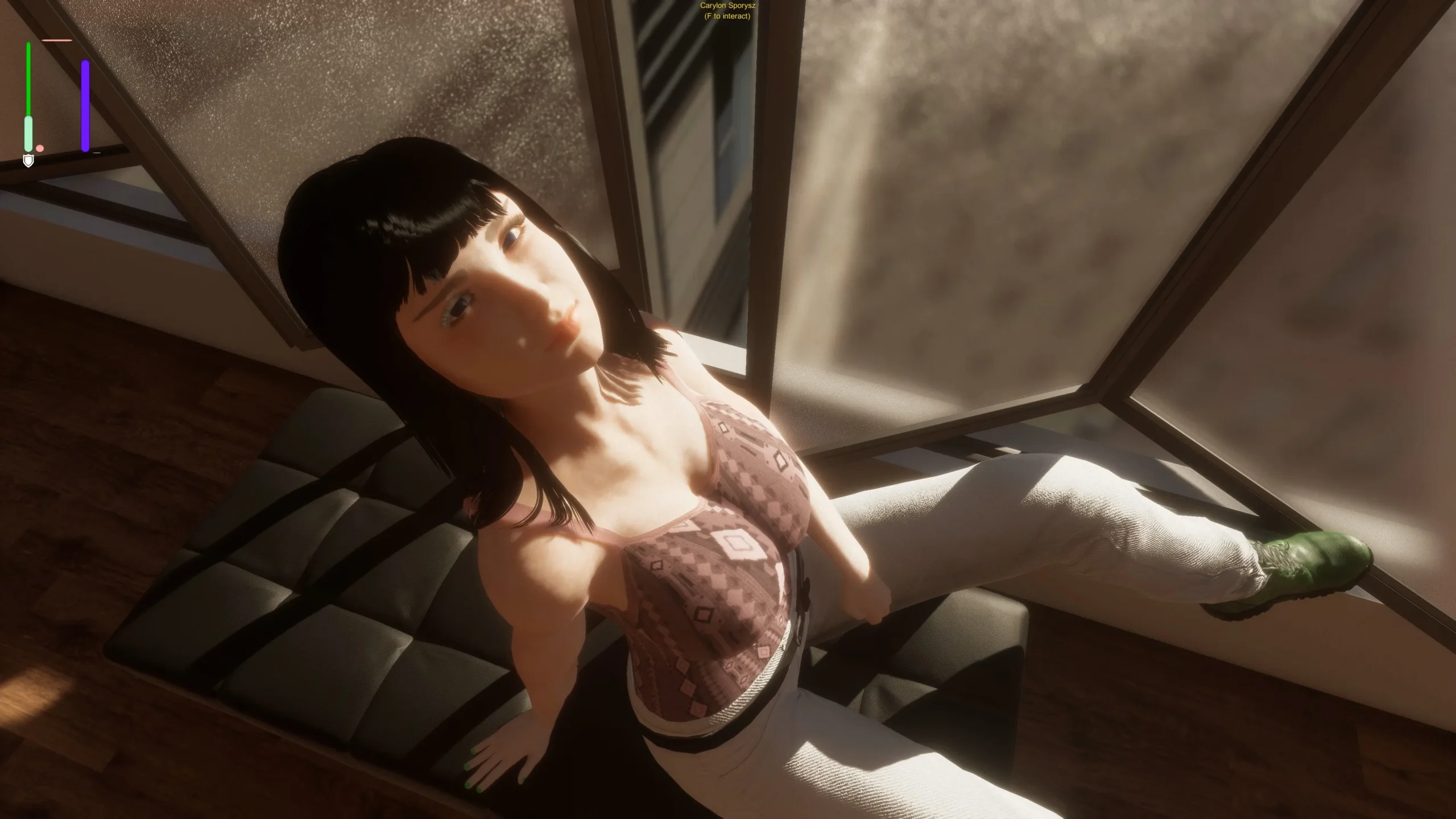
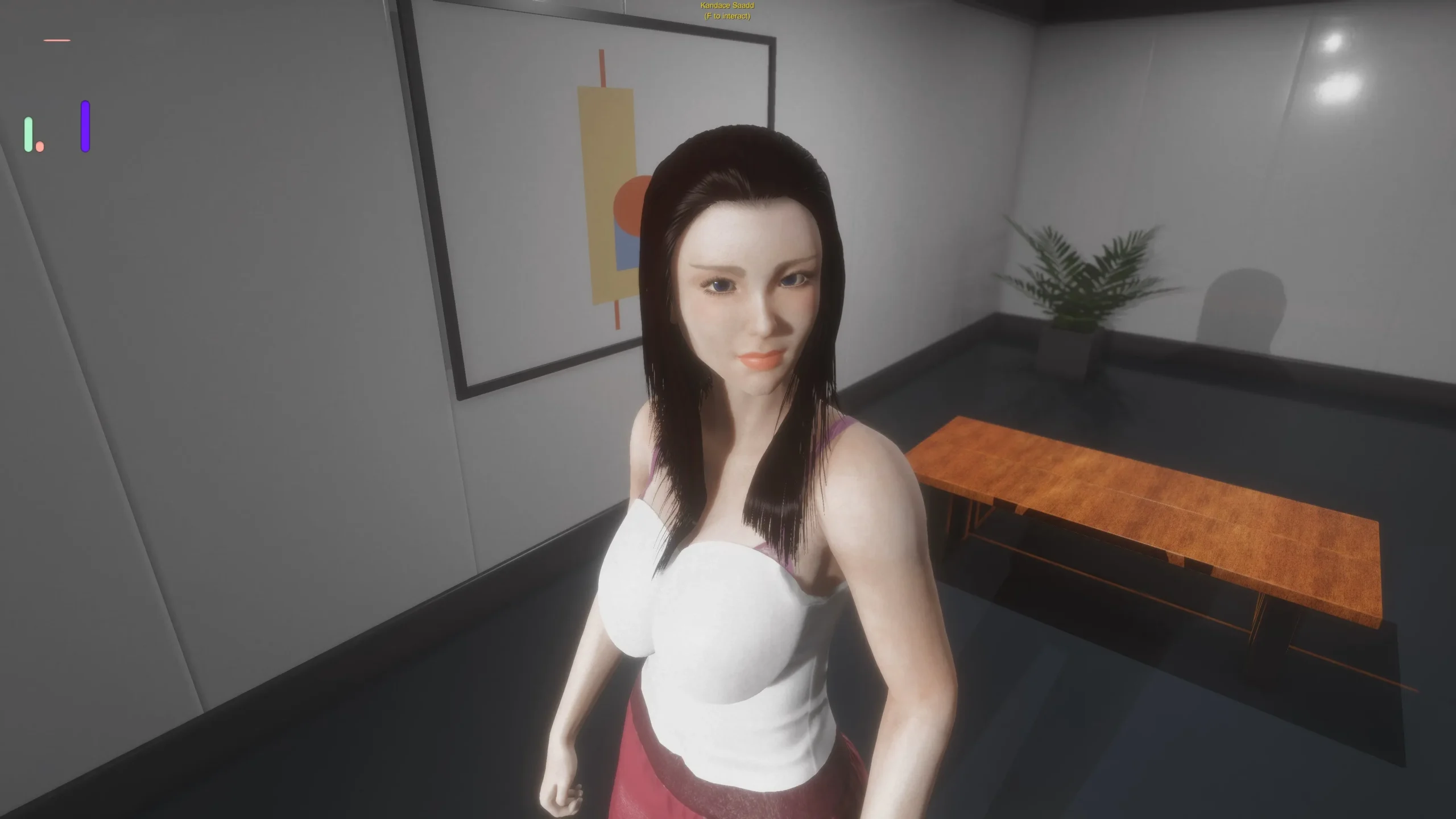
Consent (green bar) is very important. Each girl has a unique Consent requirement to be comfortable with touching, caressing, poking or penetration. To increase it, you need to take photos of the girl during the interview while changing their positions and clothes. You can also bribe her, make compliments and make her cum.
Pleasure (pink bar) is also important because female orgasm can raise Consent. Sensitivity to pleasure is also unique for each body part: some girls can feel more pleasure on their shoulders, thighs, hands, belly… The clitoris is generally a safe bet, but many girls are not willing to let you touch it right away. Start with shoulders, arms, back. After, you can try belly, breasts, nipples and ass. If she lets you touch, but none is sensitive, go for the clit.
Arousal (purple thin bar) works almost like Consent. Decreases sensitivity to pain, fear and increases her Desire. If her desire is high enough, she will fuck your dick by herself in almost any position. You can increase her arousal by touching her on sensitive zones.
Other bars are Fear (Brown), Pain (Blue), Boredom (Gray) and Anger (Red). Keep an eye on those, Anger is the most important because it doesn’t decay with time, you need to find a good sensitive spot to reduce it. If she is too sensitive to Pain, hold Left Alt to move slower. Also, if you keep inflicting Pain, Fear or making her Angry, she won’t forget about it.
Each girl is unique, so every single body part has it’s own Consent requirement to be touched or penetrated. Keep taking photos to increase Consent until you can find a good place to touch. If you can’t find any or her Anger gets too high too quick, just send her to another agency.
Sexual Experience and Desire can affect how tight her holes are. If penetration is causing too much Pain for her, you can use your finger to loosen up her holes.
How to Progress
Your hired models will accumulate “Modeling Exp” from any performed job. This will unlock new jobs, animations, positions and options for you. Just keep sending them to the Spa or to Photo-shoots.
Each Monday you’ll be able to upgrade to a bigger office, but remember you’ll need to pay your rent every week. Bigger offices allow you to hire more girls, have better light and more furniture for poses.
You can also free room for new models by firing any of the current ones.
When you have enough money: don’t forget that you can “bribe” most girls and also pay for sex by using the Chat option. When you pay for sex, it’s much easier to make her orgasm to increase Consent and relations with the player.