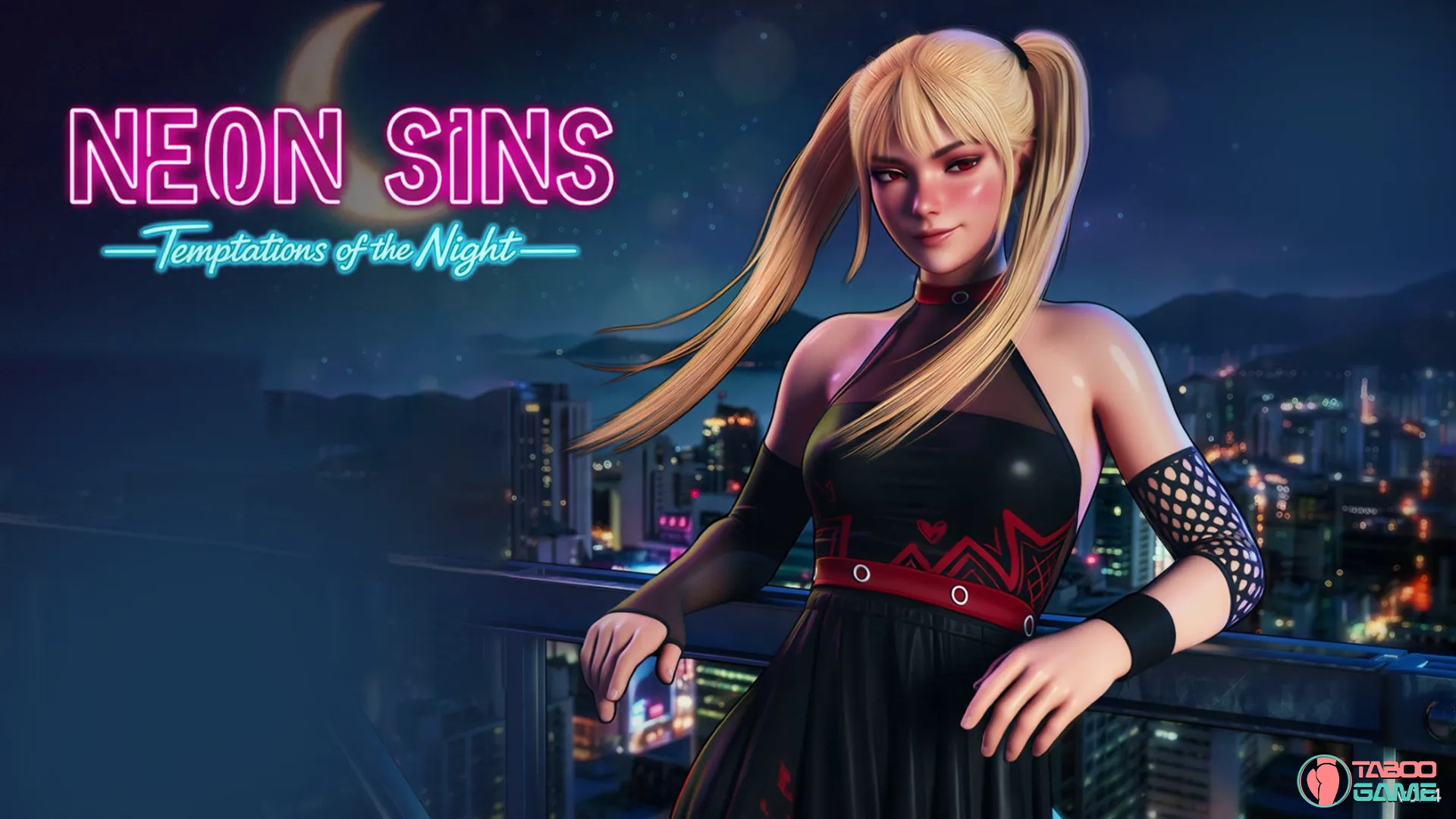

Neon Sins: Temptations of the Night [v0.3.1] [Fropzys]

4
(1)

Story Overview

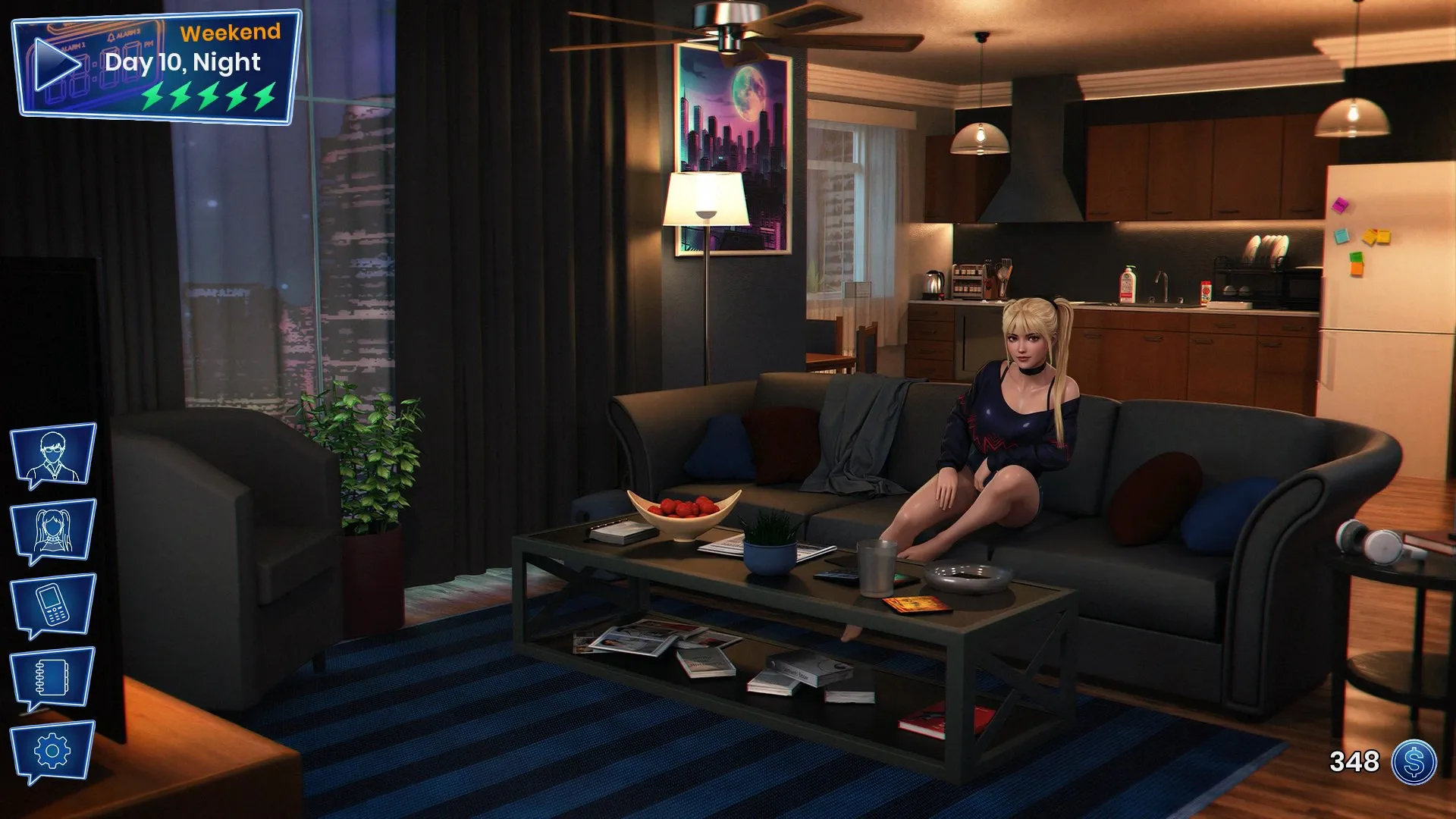
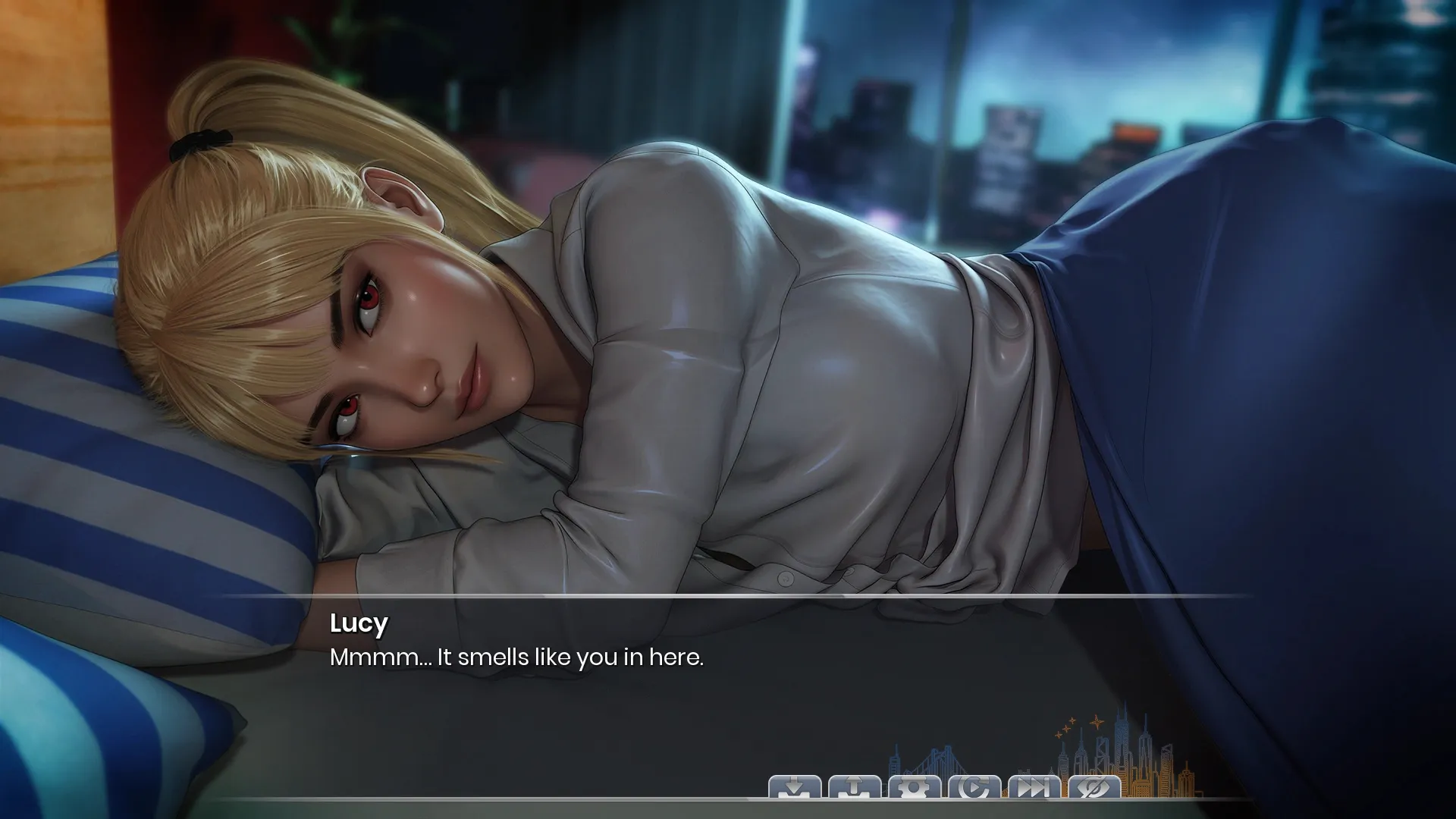
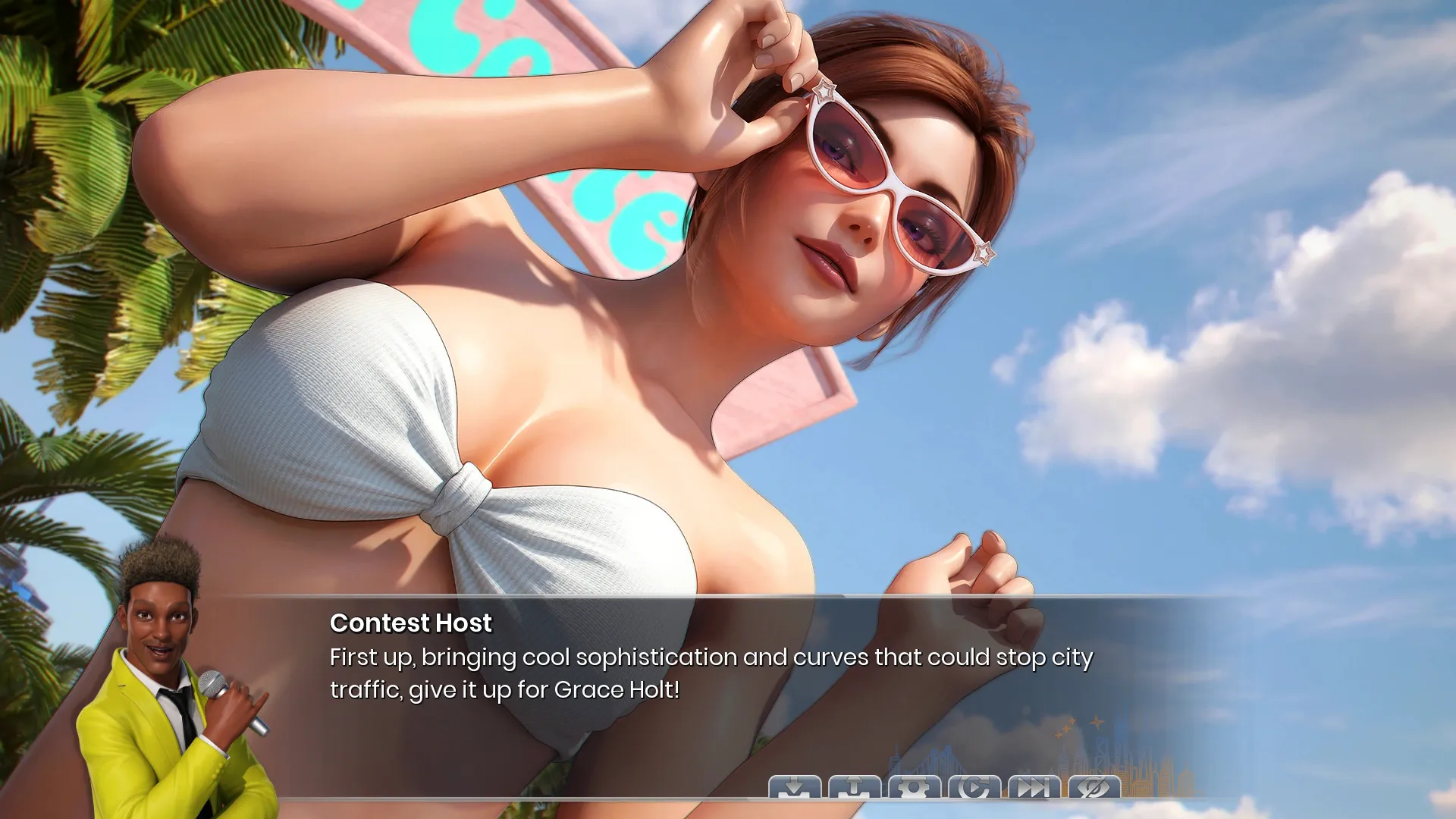
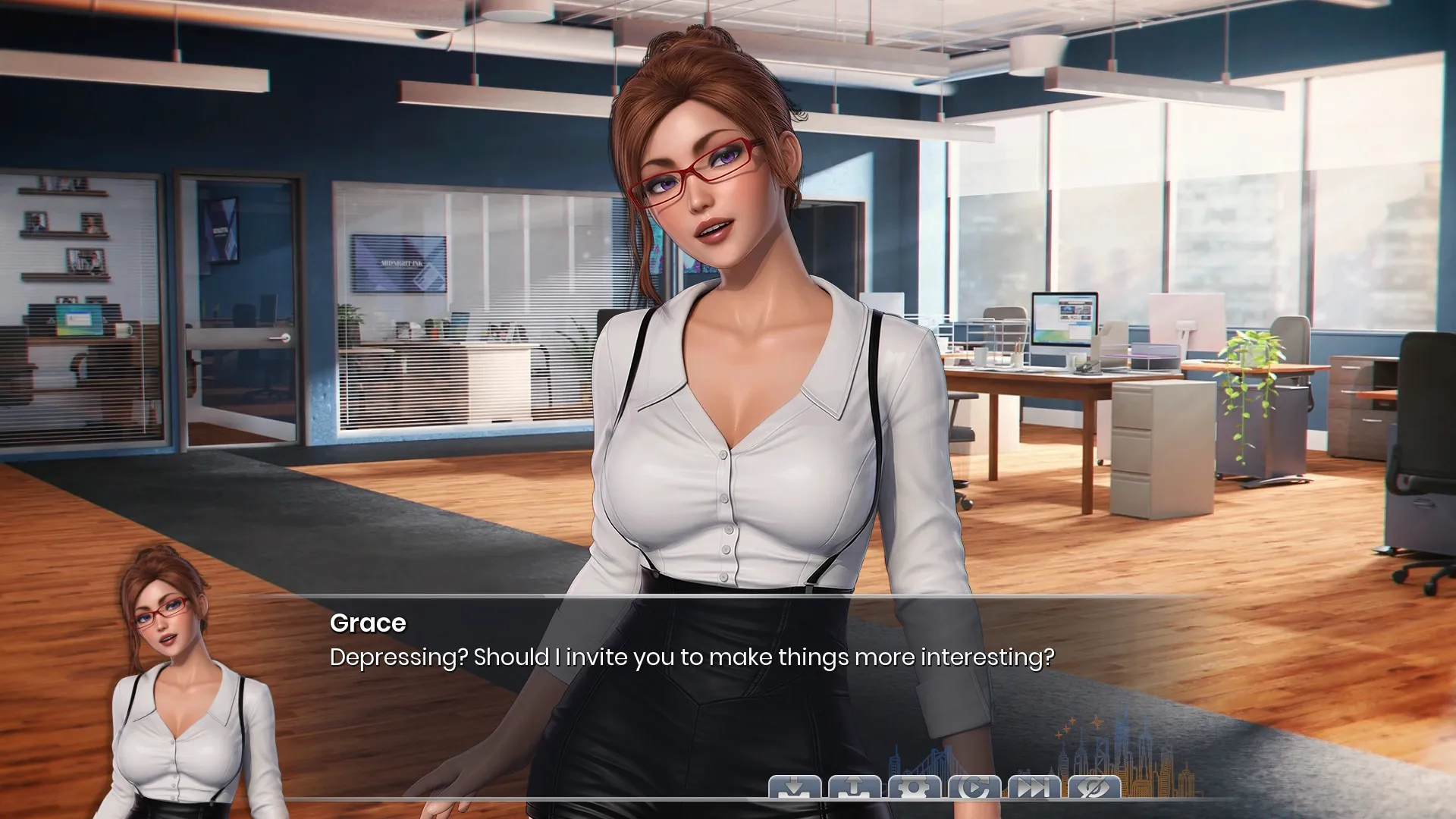
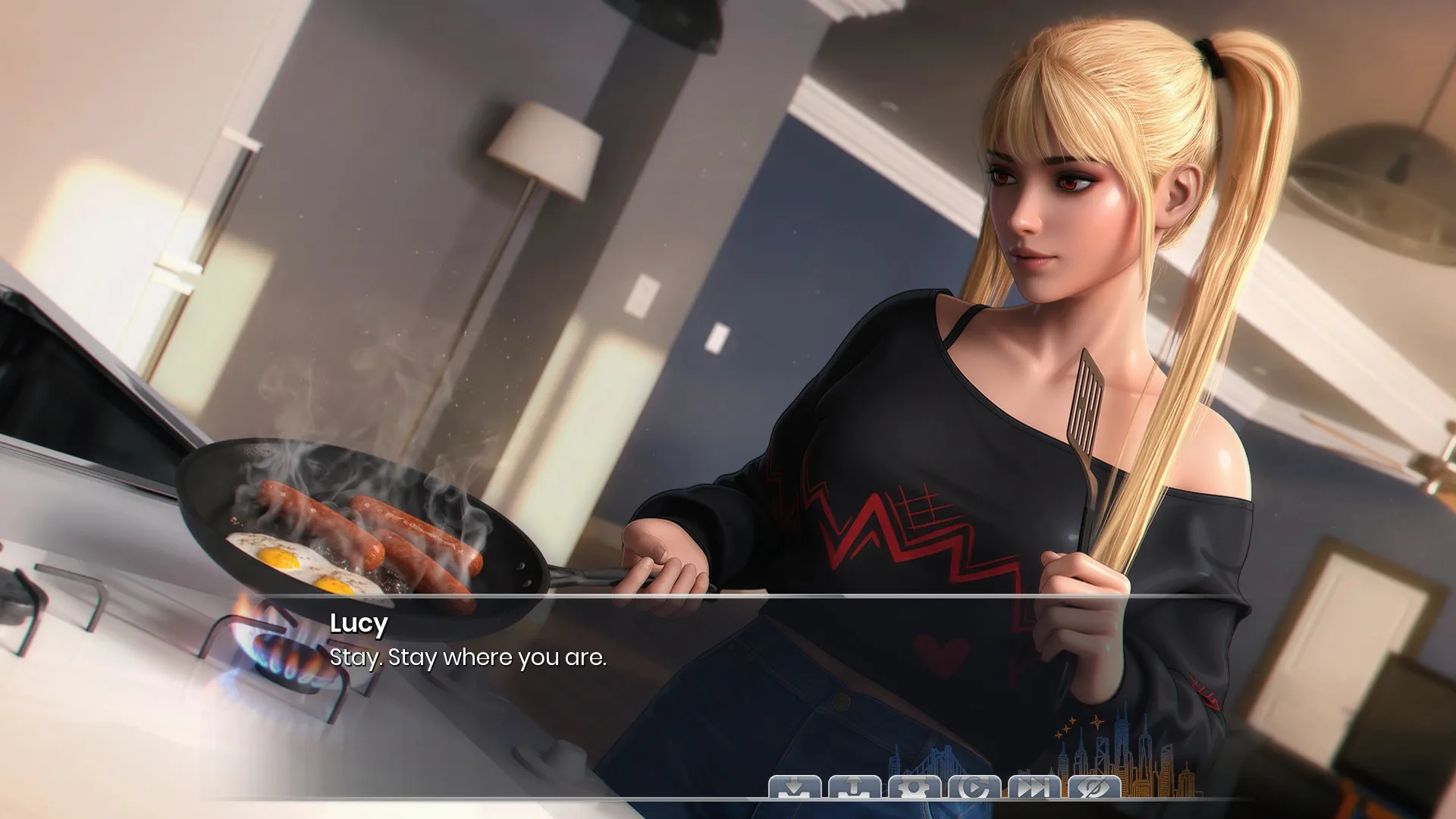
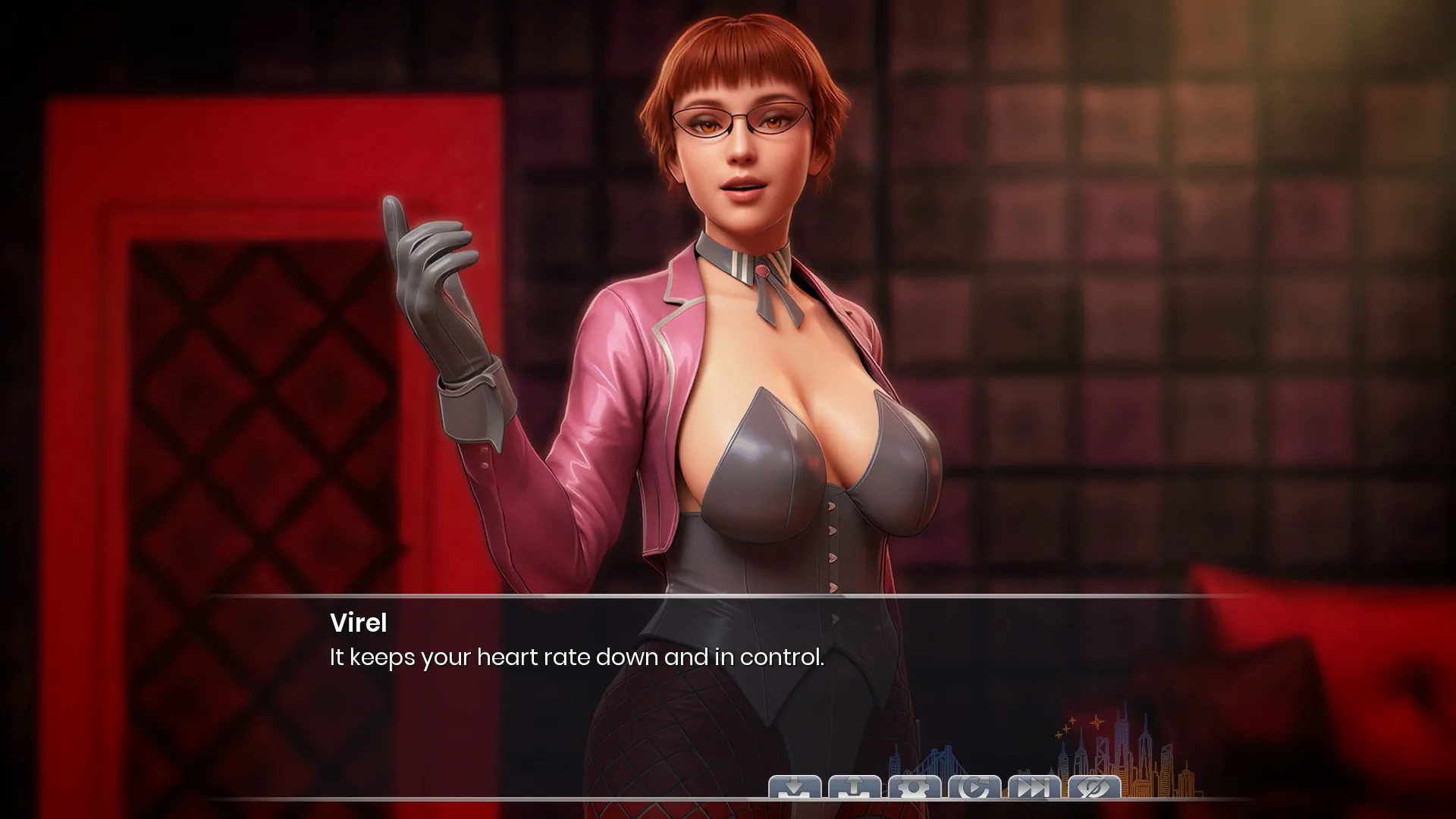
In the island city of Sorein, digging up other people’s secrets is part of the job. As a reporter for the local gossip publication Midnight Ink, your days are spent chasing scandals, investigating suspicious encounters, and looking for stories worth publishing. But things get more personal when your childhood friend Lucy moves in with you and joins the hunt for juicy gossip.

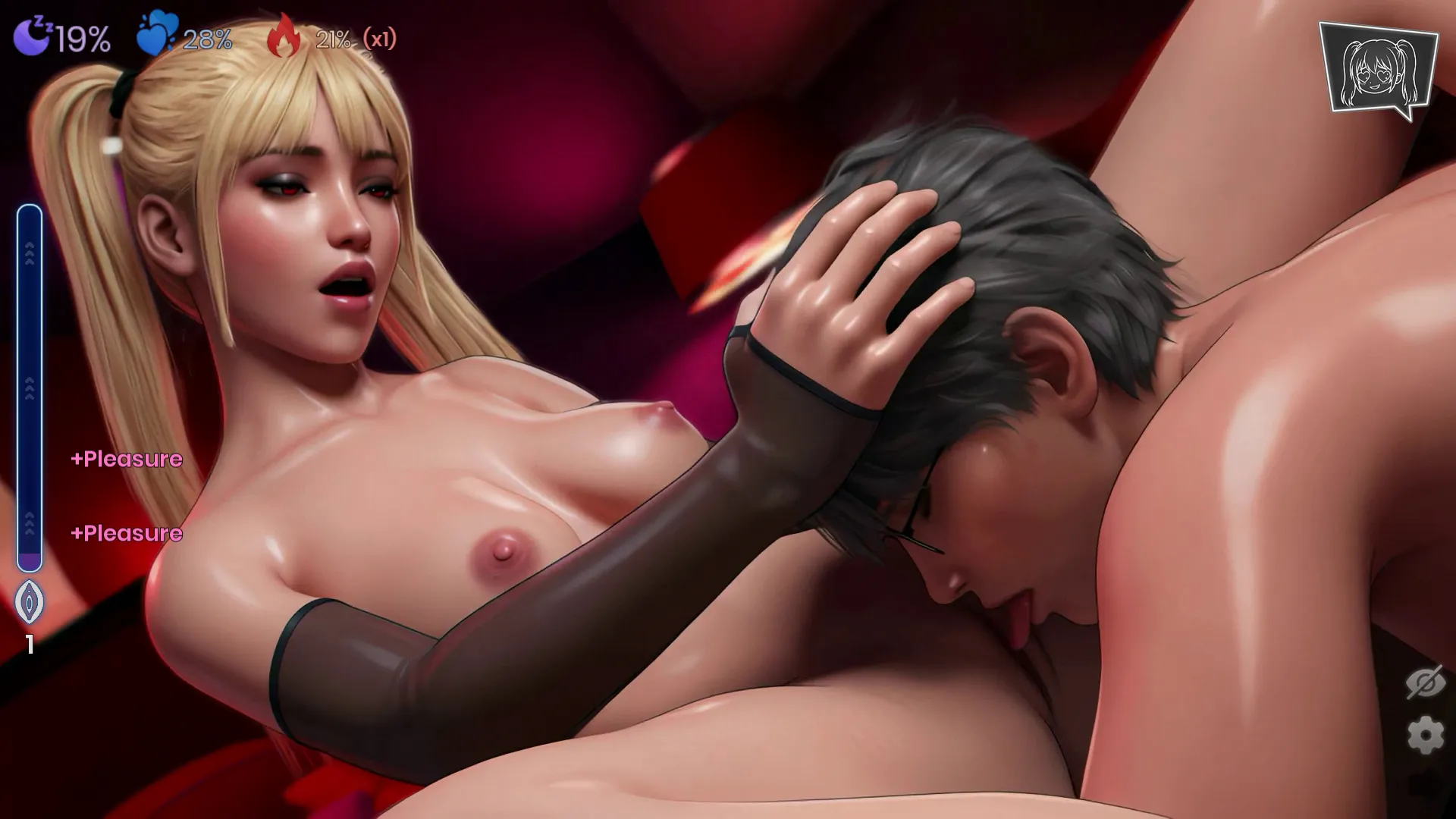
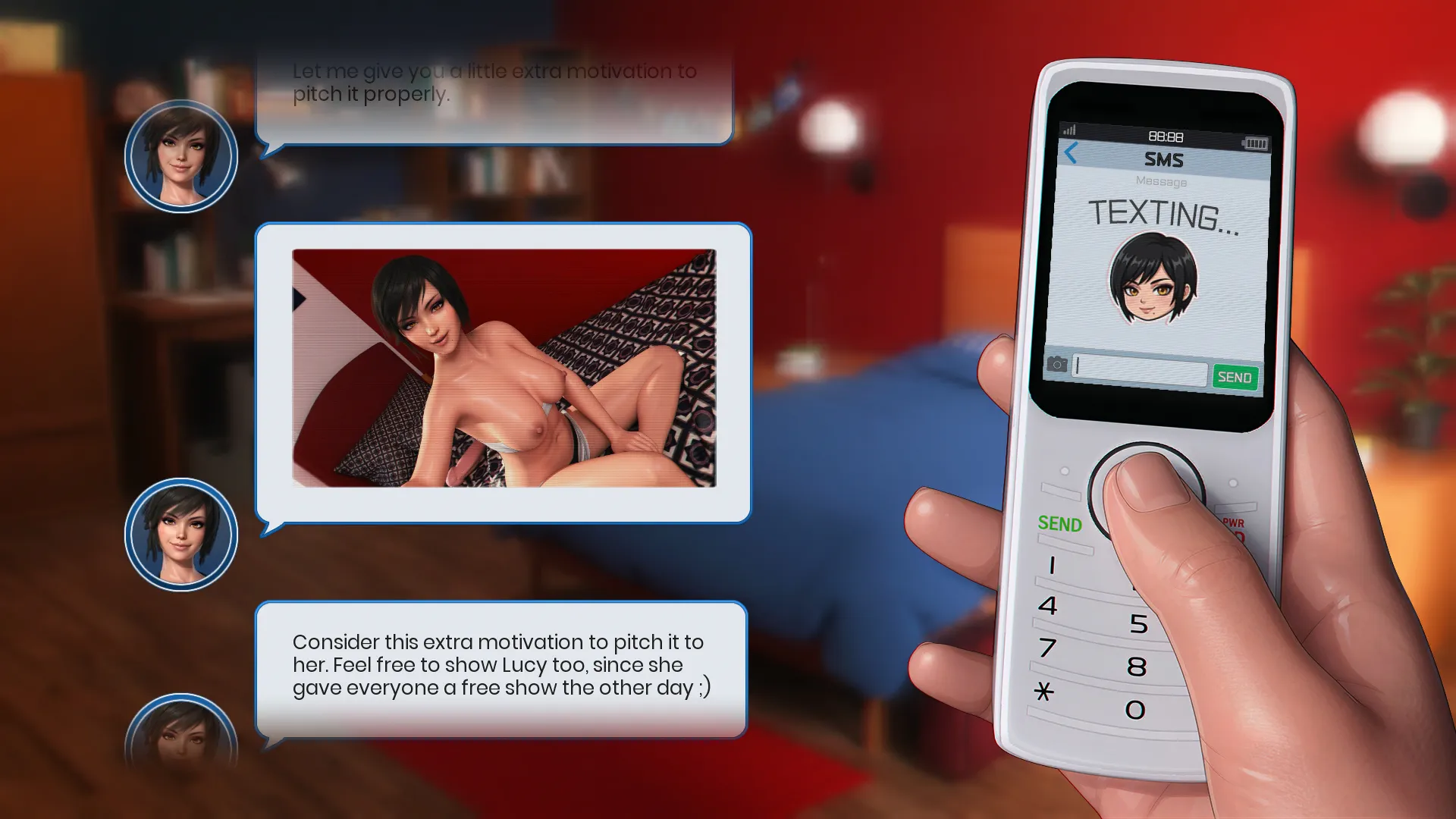
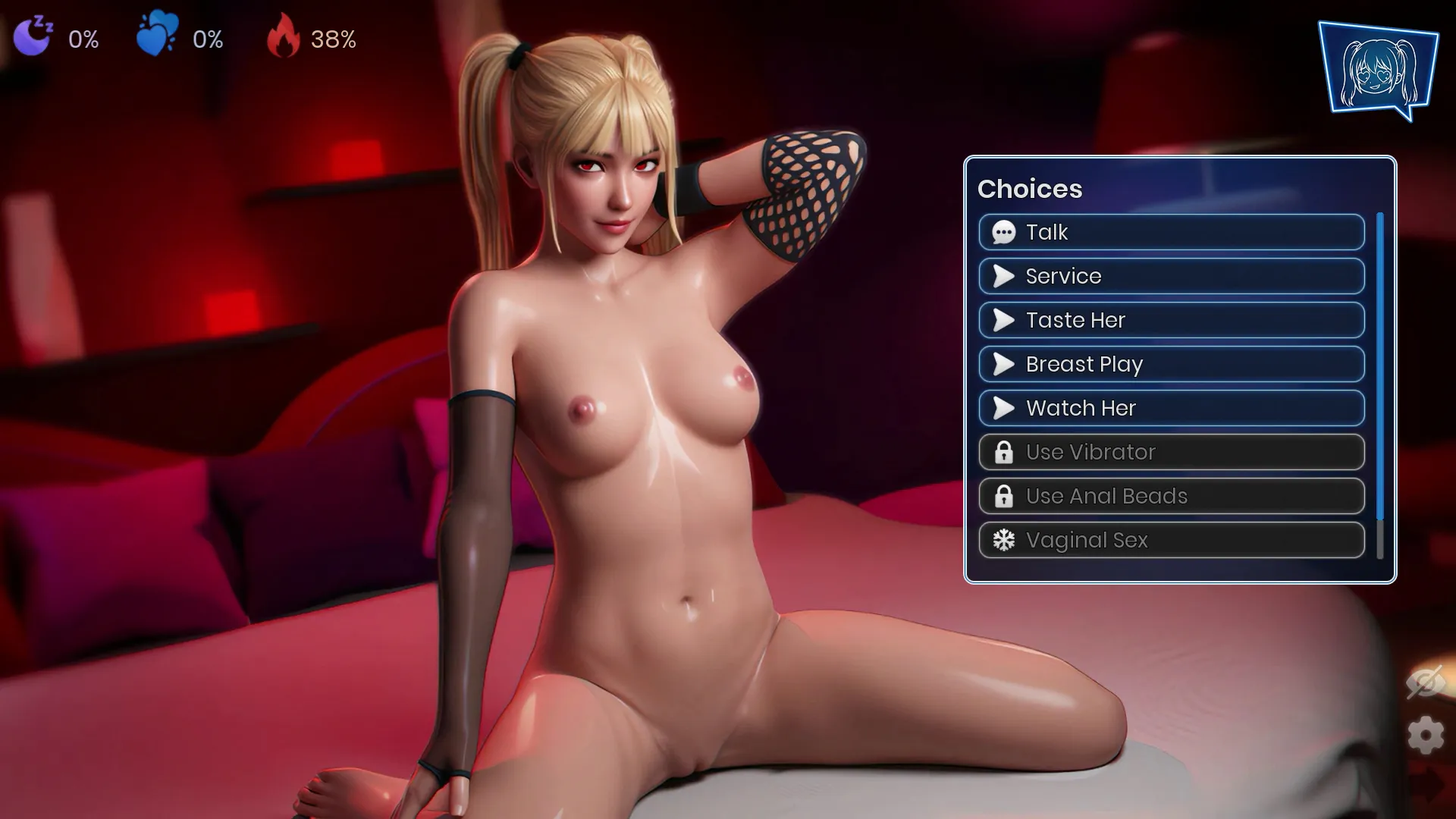
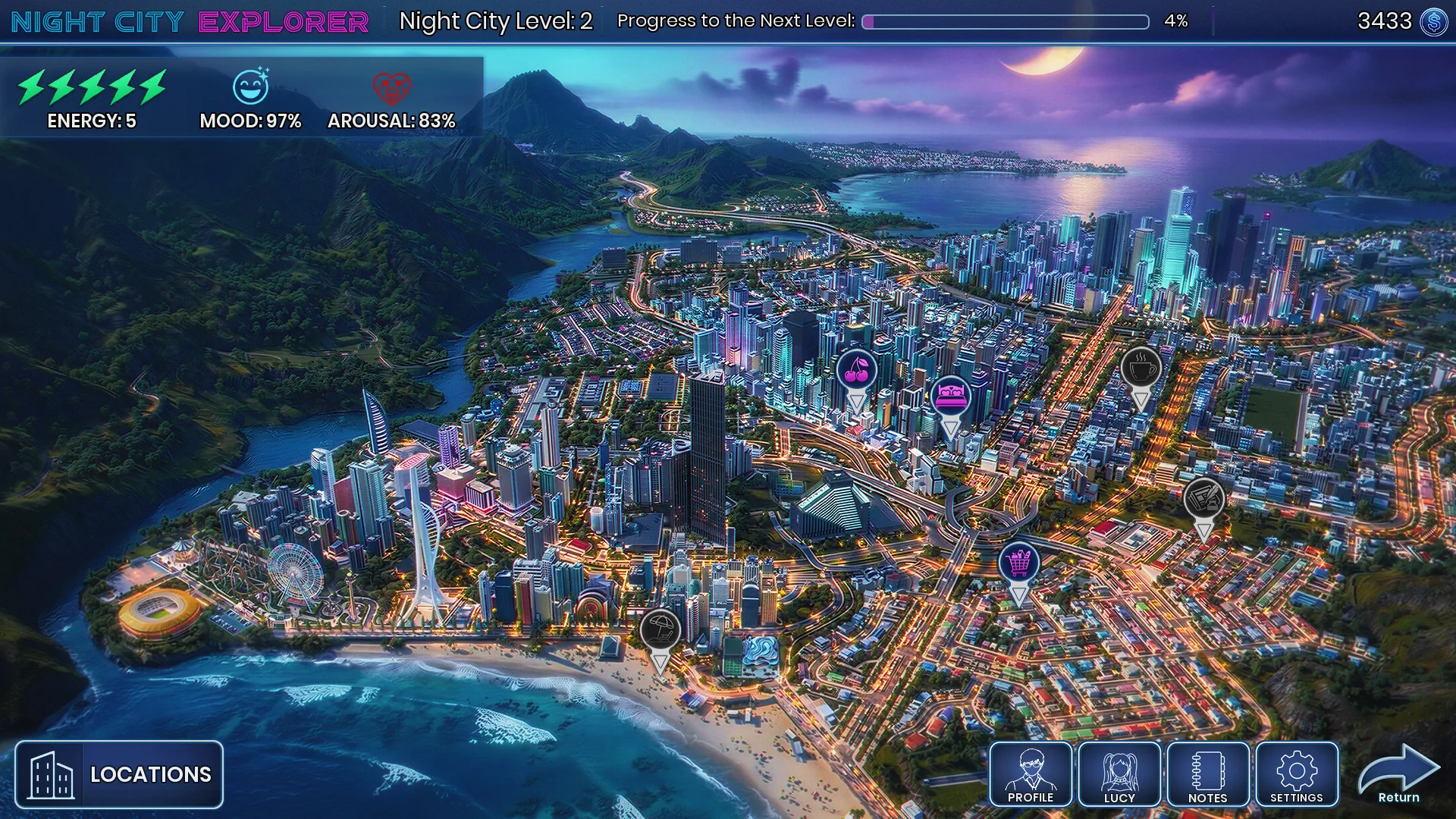
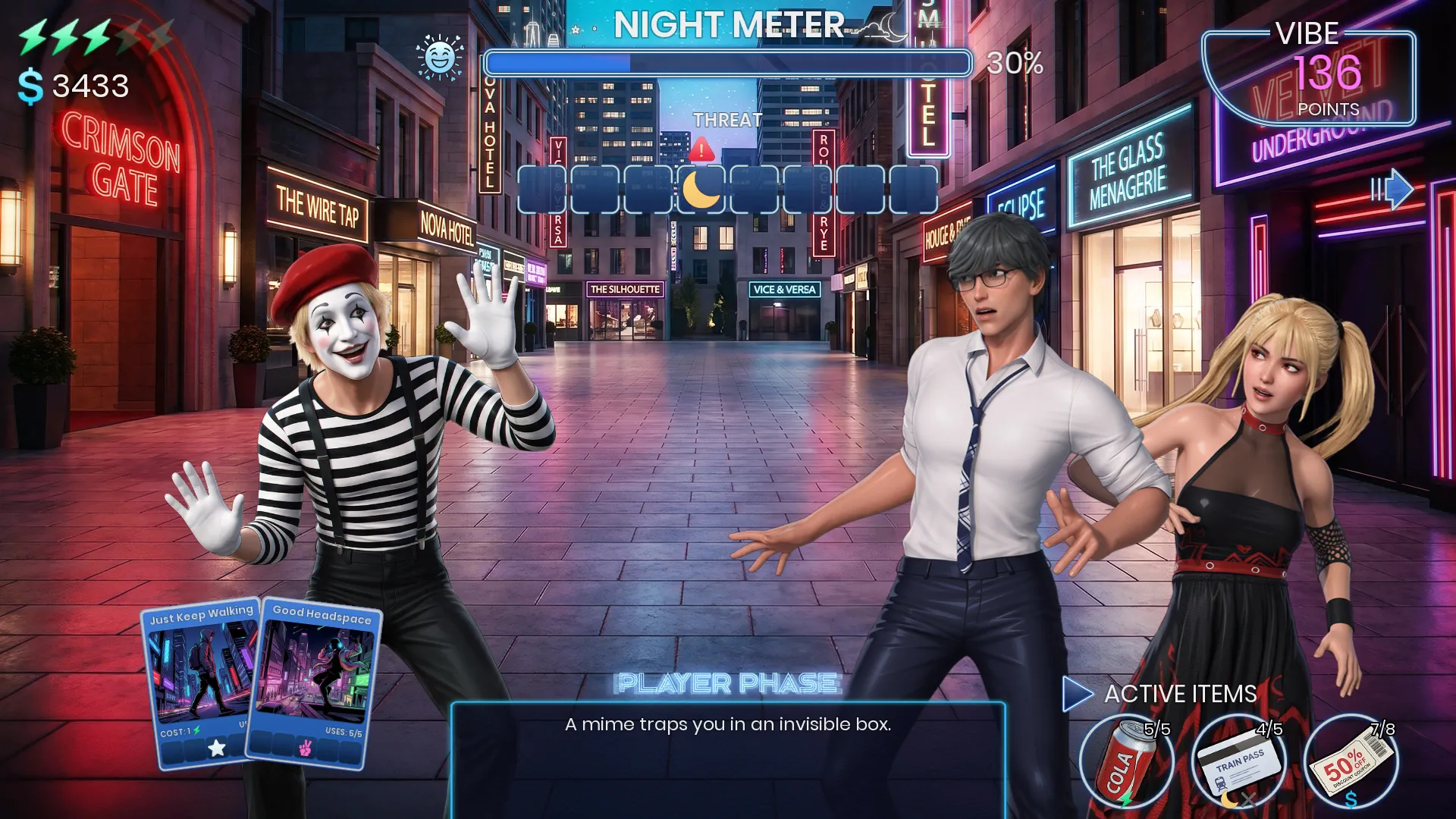
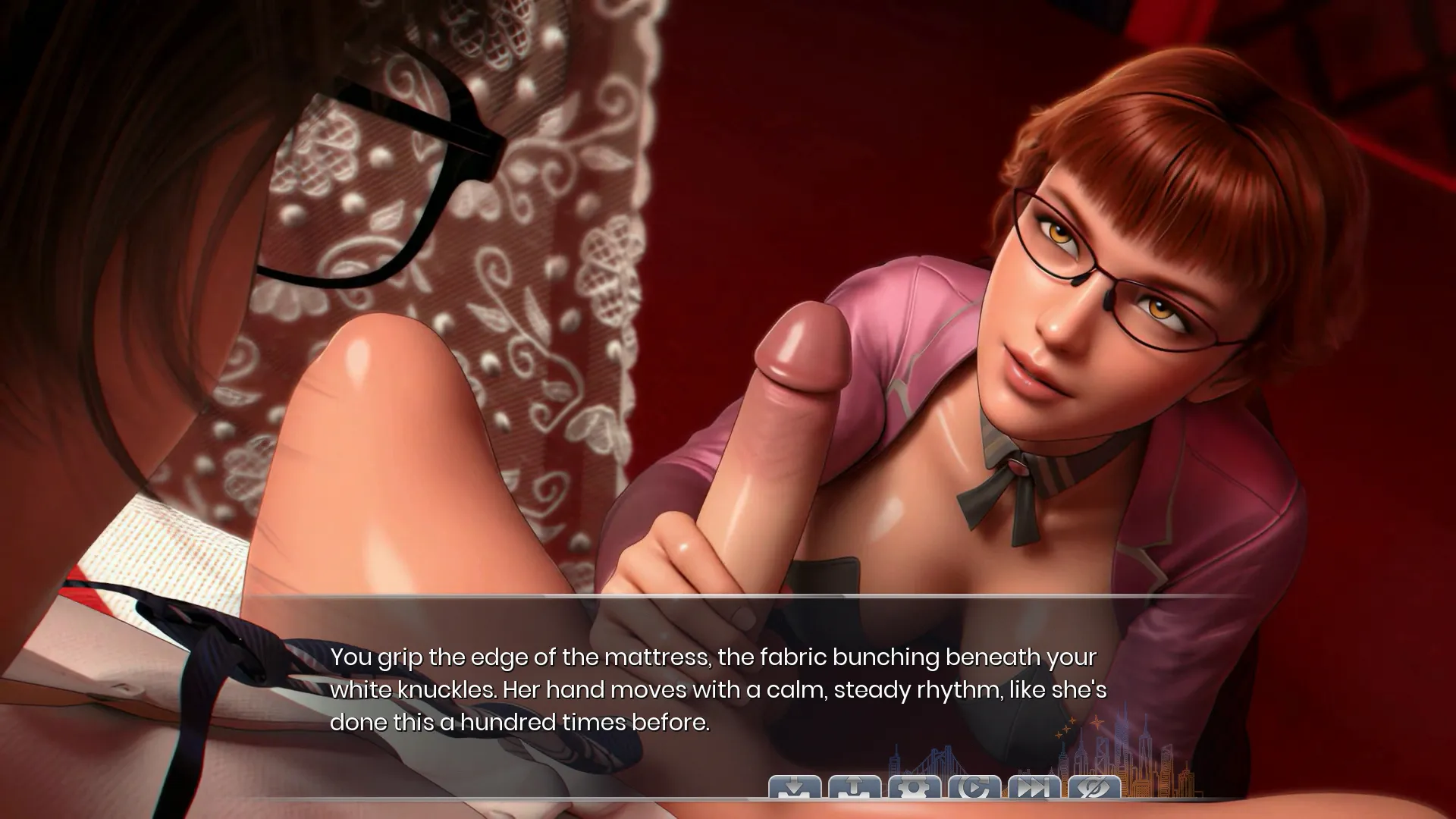
Neon Sins: Temptations of the Night combines city exploration with sandbox management and relationship progression. You can discover different locations around Sorein, investigate its residents, take Lucy on dates, send her to work, manage your finances, and help her develop new interests through Naughty Play training. How you divide your time and approach your growing relationship determines where the story goes, with fully animated scenes bringing its more intimate moments to life.

Game Status:
Protagonist (MC):
Engine:
Creator:
Last Update: 2026-11-27
Added to Website: 2026-11-27
Censored: No

v0.3.1

Fixed Save/Load Stat Resets: Resolved an issue where character stats and stat changes made through menus would revert to default values upon loading a saved game.
Phone Chat Fast-Forward: Added skip support (holding Ctrl / Skip) to the phone chat screen to quickly advance through messages.
Story Progression & Fatigue Locks: Refined fatigue gating so the 75% fatigue requirement applies strictly to Scene 2’s initial story visit, locked unavailable future/non-story choices, and updated locked choice tooltips to clearly reflect story progression requirements.

Neon Sins: Temptations of the Night

Some Android games come with both an .apk file and one or more .rpa files. Here’s how to install them correctly:

  1. Install the APK file

    • Tap on the .apk file and follow the prompts to install the game on your Android device.

    • Make sure “Install from unknown sources” is enabled in your device settings.

  2. Place the RPA file(s)

    • After installing the APK, don’t launch the game yet.

    • Use a file manager app and go to:
      Android > data > [game folder] > files > game

    • If the game folder doesn’t exist, create it manually.

    • Copy or move all .rpa files into this game folder.

  3. Launch the game

    • Now open the game. The extra content (like images, sounds, mods, etc.) from the RPA files will be loaded.


⚠️ Notes:

  • If the game crashes or doesn’t open, double-check that the .rpa files are placed in the correct folder.

  • Do not unzip .rpa files — they should remain exactly as downloaded.

  • For best results, use a reliable file manager like ZArchiver or Solid Explorer.

When you install a game downloaded from outside the Google Play Store, Android may display a security warning. This is a standard system alert for “unknown sources” and doesn’t necessarily mean the file is harmful.

Our team does its best to gather and share games from trusted and well-known sources. However, since these games are created and distributed by independent developers, We are not responsible for the content or behavior of the game itself. Use your discretion and only install games from developers or sources you feel comfortable with.

Modded games are modified versions of the original games that offer extra features, unlocked content, or changes not present in the official release. These modifications are usually made by independent developers or fans and are designed to enhance gameplay or remove limitations.


⚠️ Please Note:

  • Modded games are not created by the original developers.

  • Some mods may not work on all devices or may crash unexpectedly.

  • Always use caution and install modded games from trusted sources.

Walkthrough Mod:
A Walkthrough Mod adds helpful tips, highlights, or guides inside the game to show the best choices, routes, or scenes. It helps players get the best results without guessing.

Cheat Mod:
A Cheat Mod enables features like unlimited money, points, or energy. It lets you skip grinding and enjoy the full game faster — but it may reduce the challenge.

Multi Mod:
A Multi Mod combines multiple mods (e.g. walkthrough + cheats + gallery unlocker + Custom Settings …) into one package. 

Unlock Mod:
An Unlock Mod gives you access to features that are locked in the original game, such as premium scenes, full galleries, or choices that are normally restricted.

An Incest Patch restores or enables family-related content that was removed or censored in the public version of the game due to platform rules.

⚠️ Always check local laws and age restrictions before using such patches

Report broken download links
Please note that our download links are not direct. You will be redirected through external pages that may contain advertisements. These ads are not affiliated with us.
Only report a link if the file is truly unavailable — for example, if you encounter a 404 error or the download page does not work at all.

Request Game Update
Use this form to request an update for the current version of the game.
Before submitting a request, please make sure that a newer version has been officially released by the developer (e.g., on Patreon, Steam, itch.io, etc.).
Keep in mind that it usually takes a short time after the developer’s release for the new version to appear on our website.

Your Rating For This Post

Average rating [4] out of 5 | Vote: 1

No votes so far! Be first

4.0

● Help make this game page more complete!  If you notice any missing tags, forgotten details, required patches, or any other important information, please let us know in the comments.
Your contributions help improve the page for everyone. Thank you!

guest
0 Comments