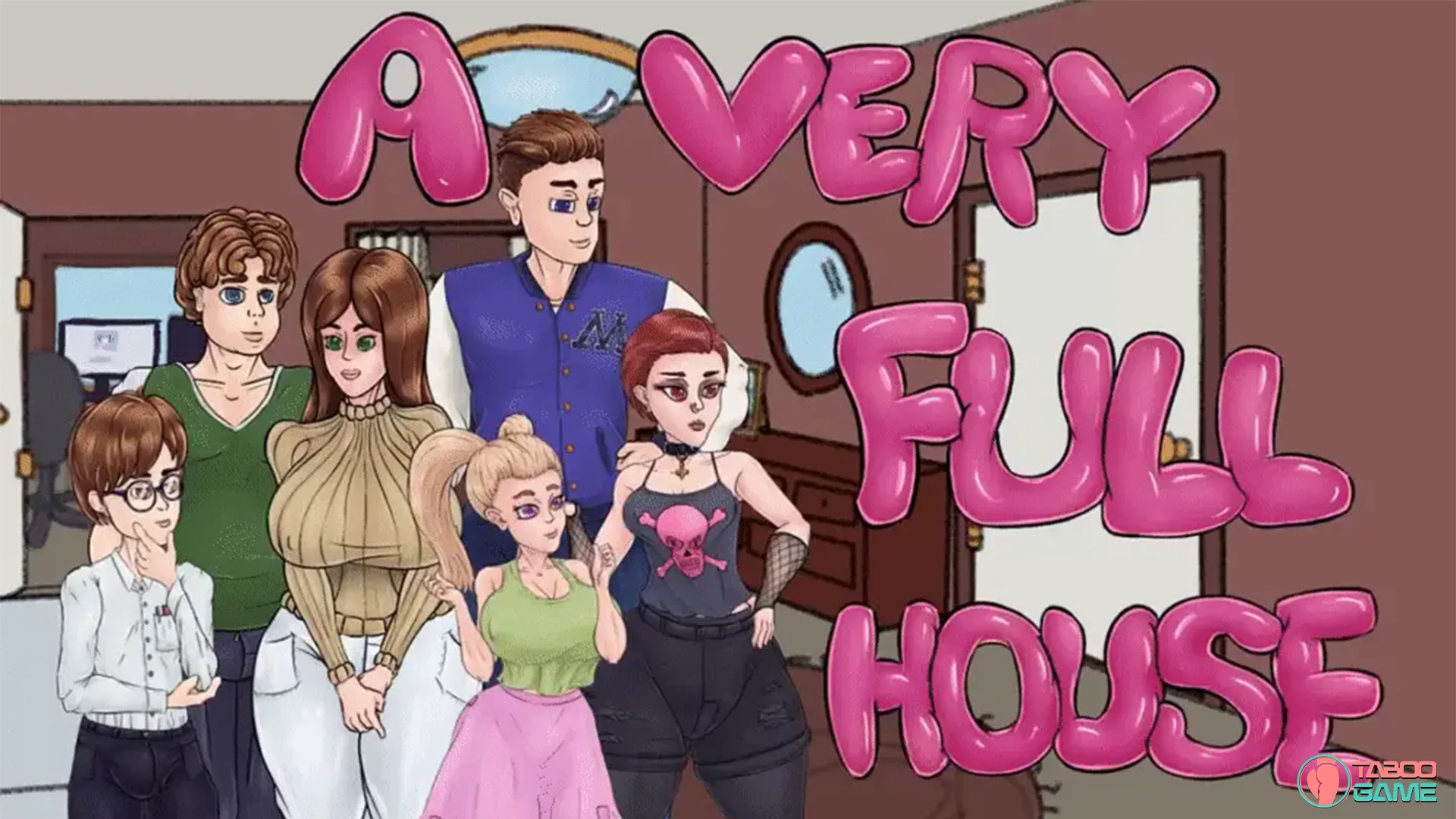
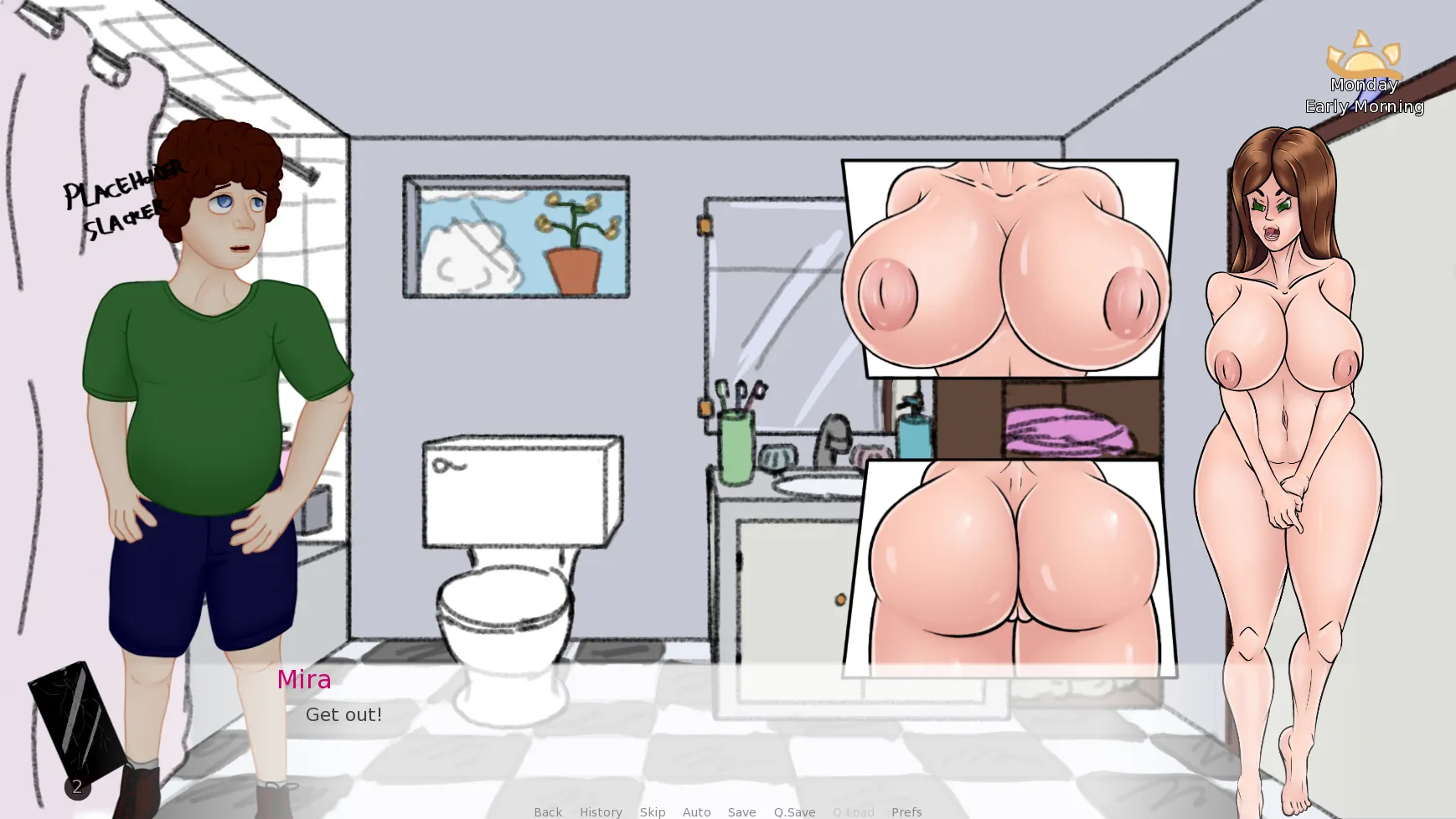
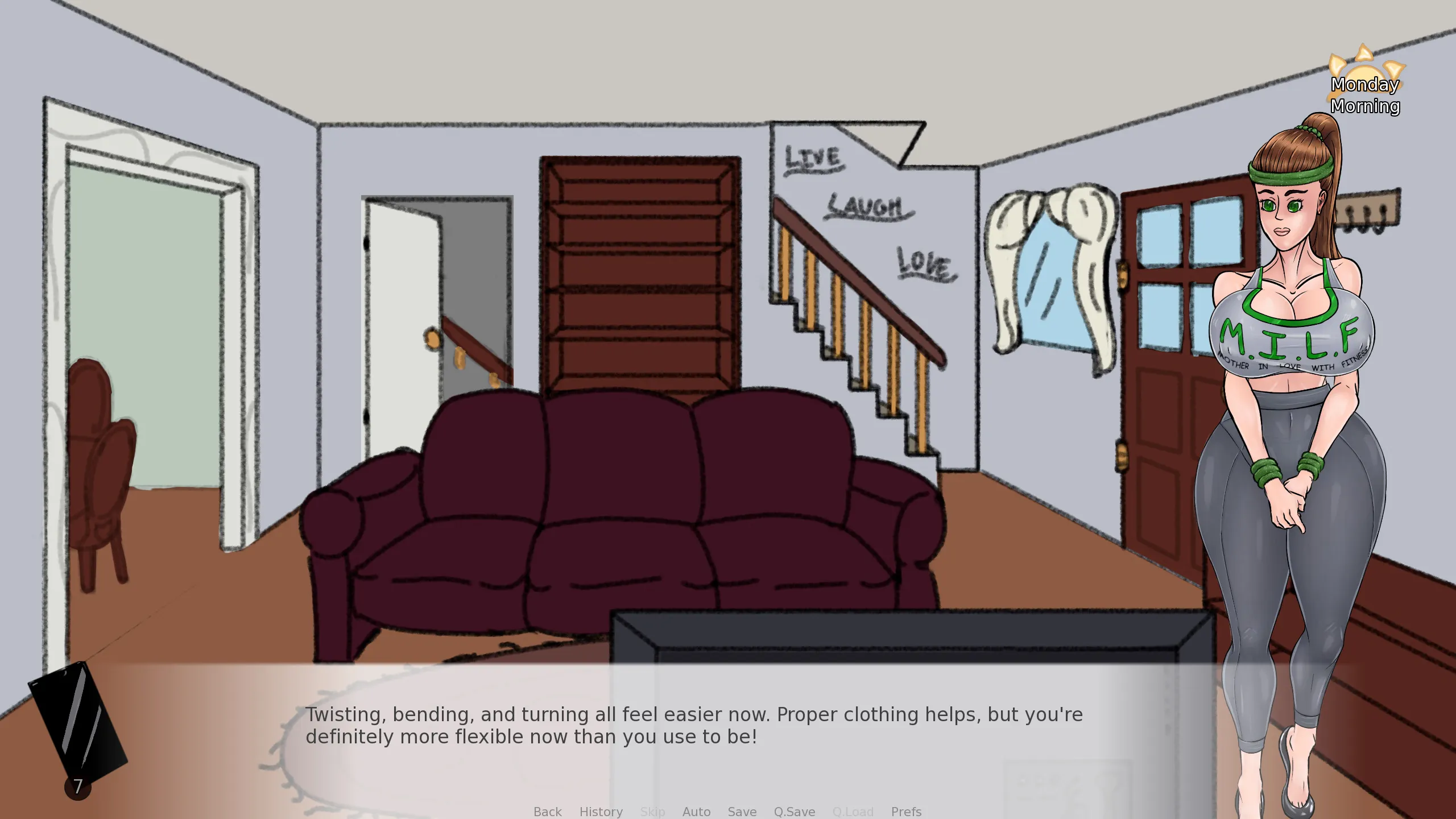
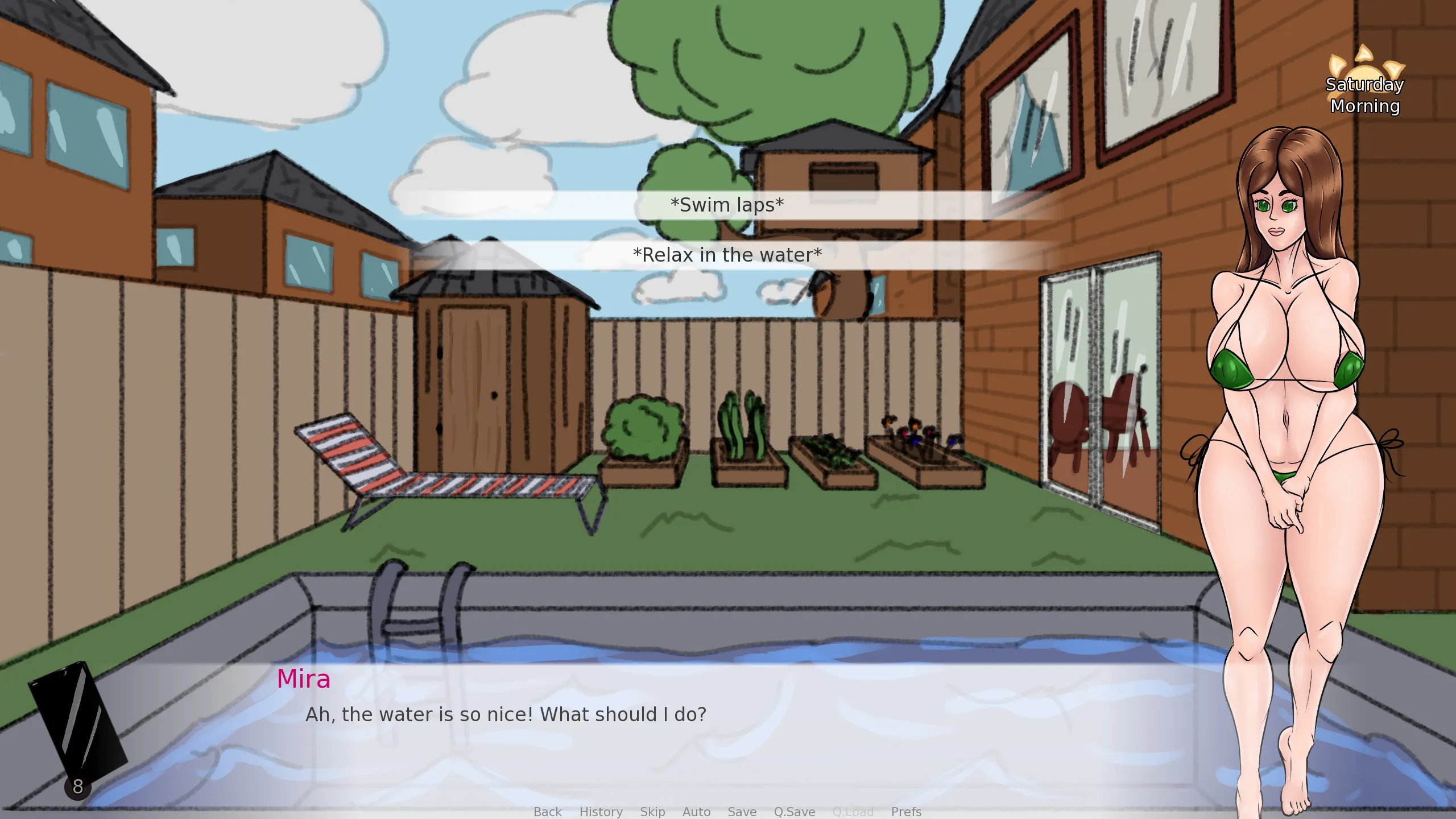
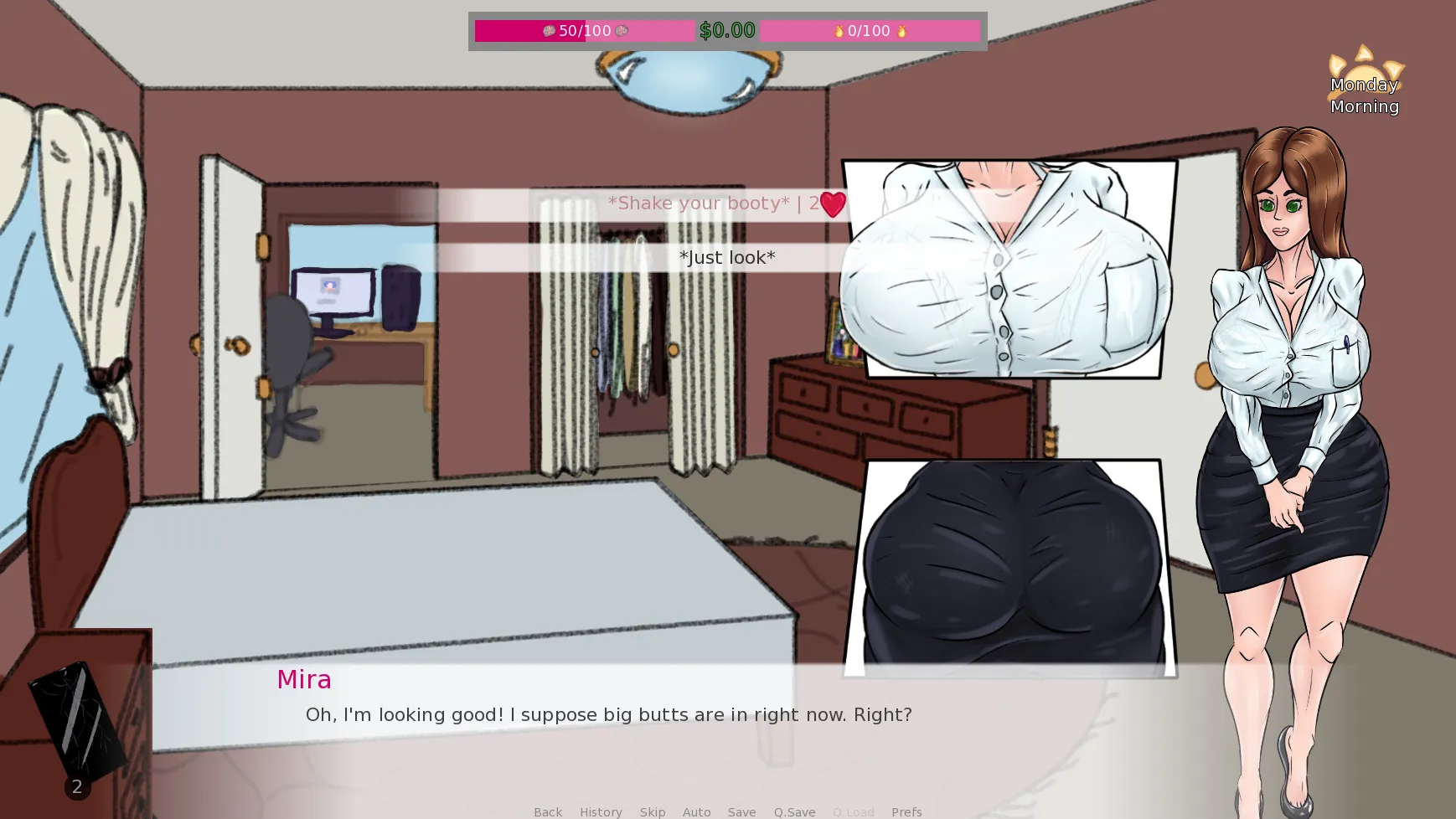
A Very Full House [v0.36.6] [MetaMira]

3.4
(9)

Story Overview

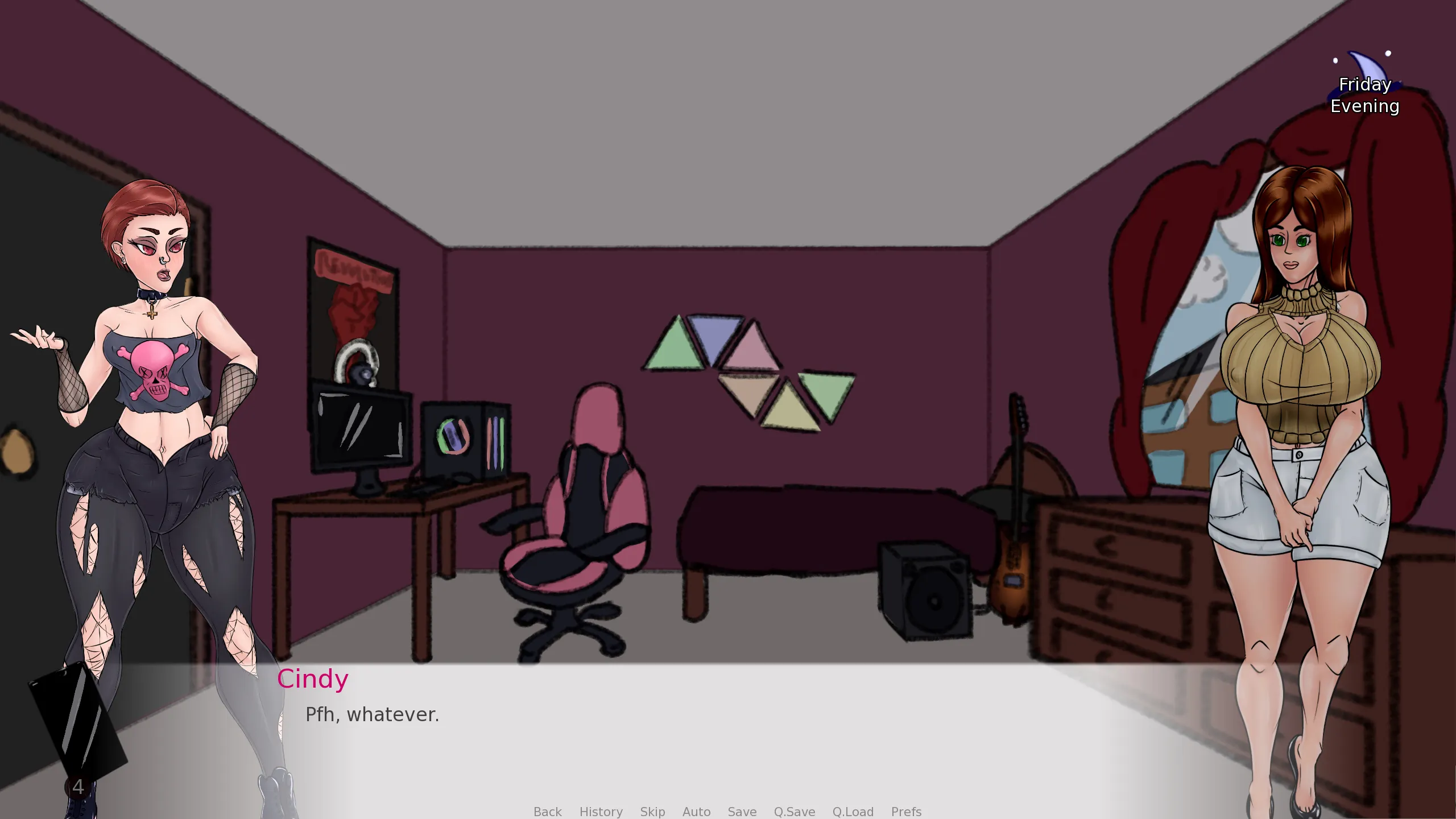
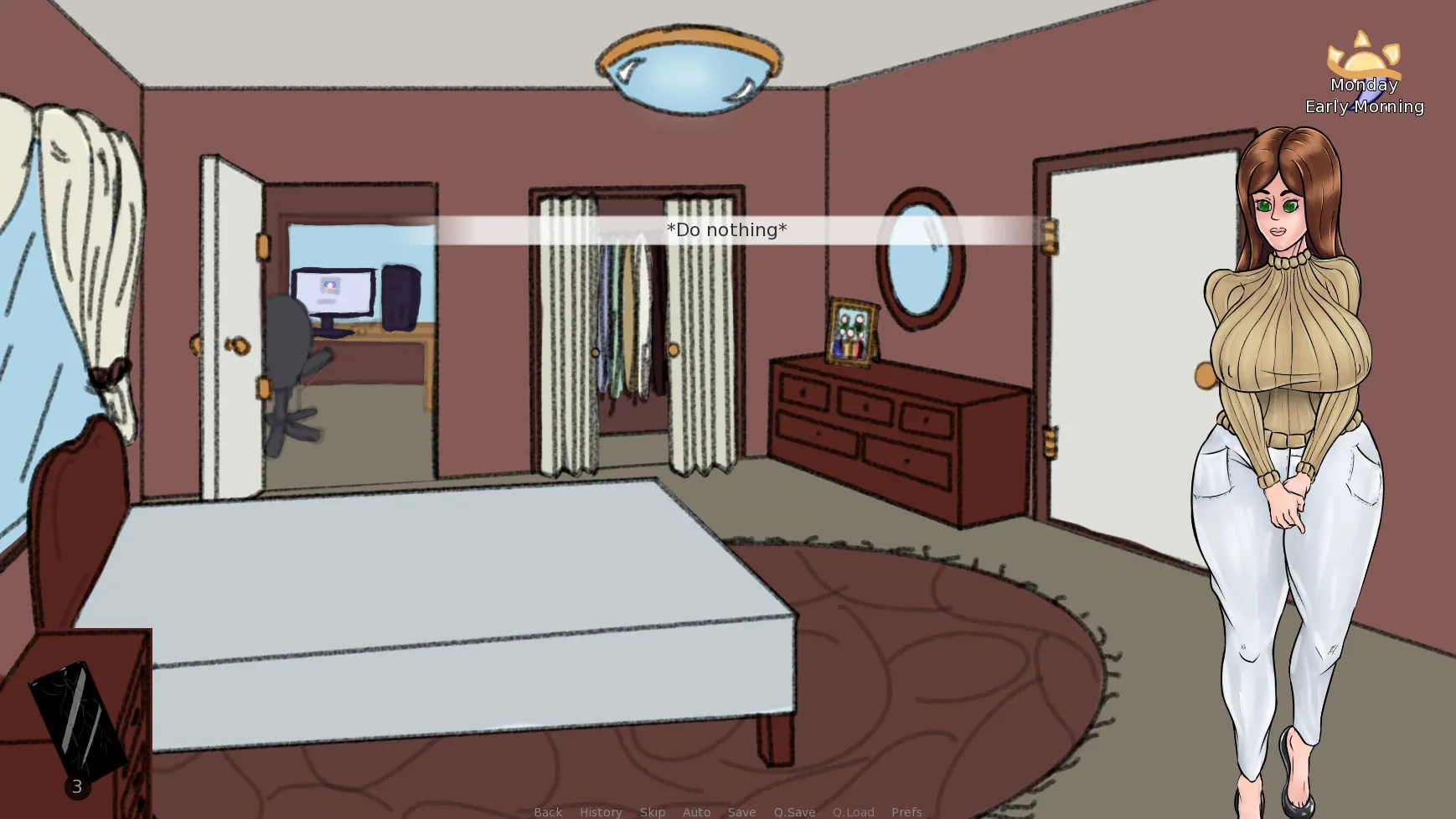
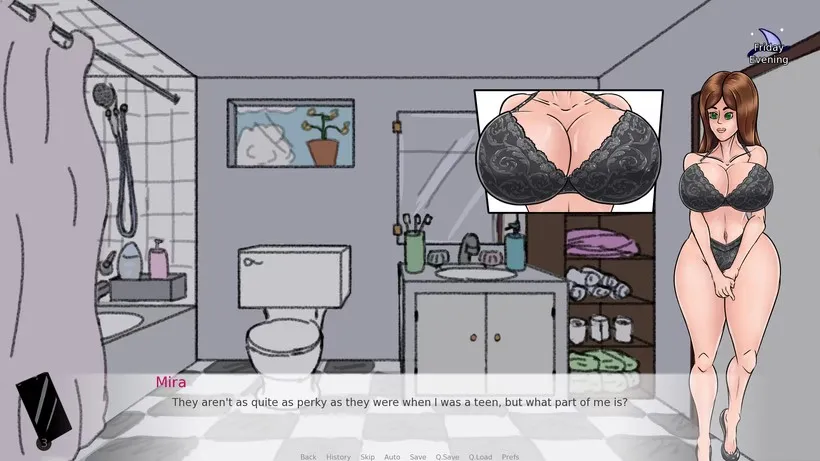
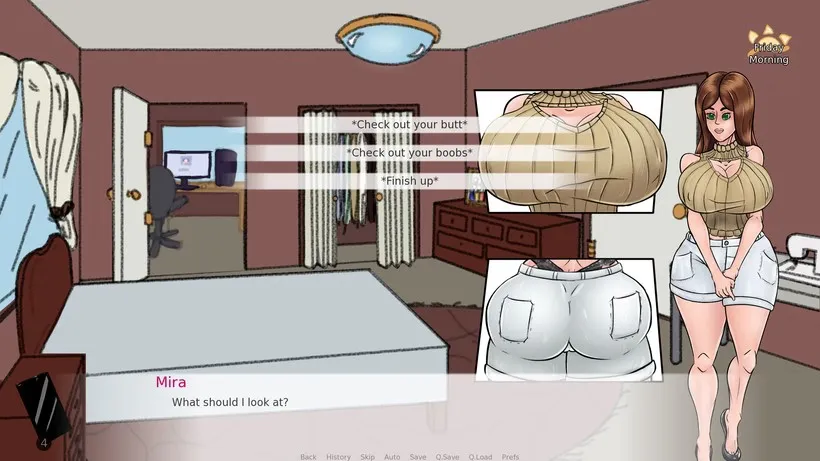
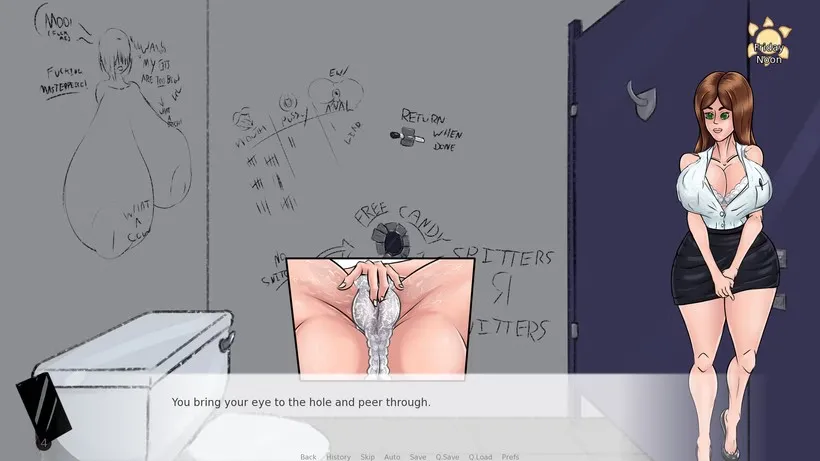
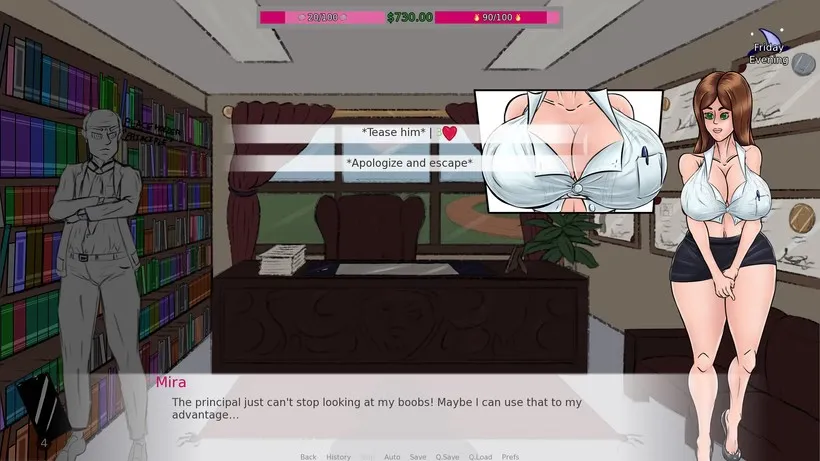
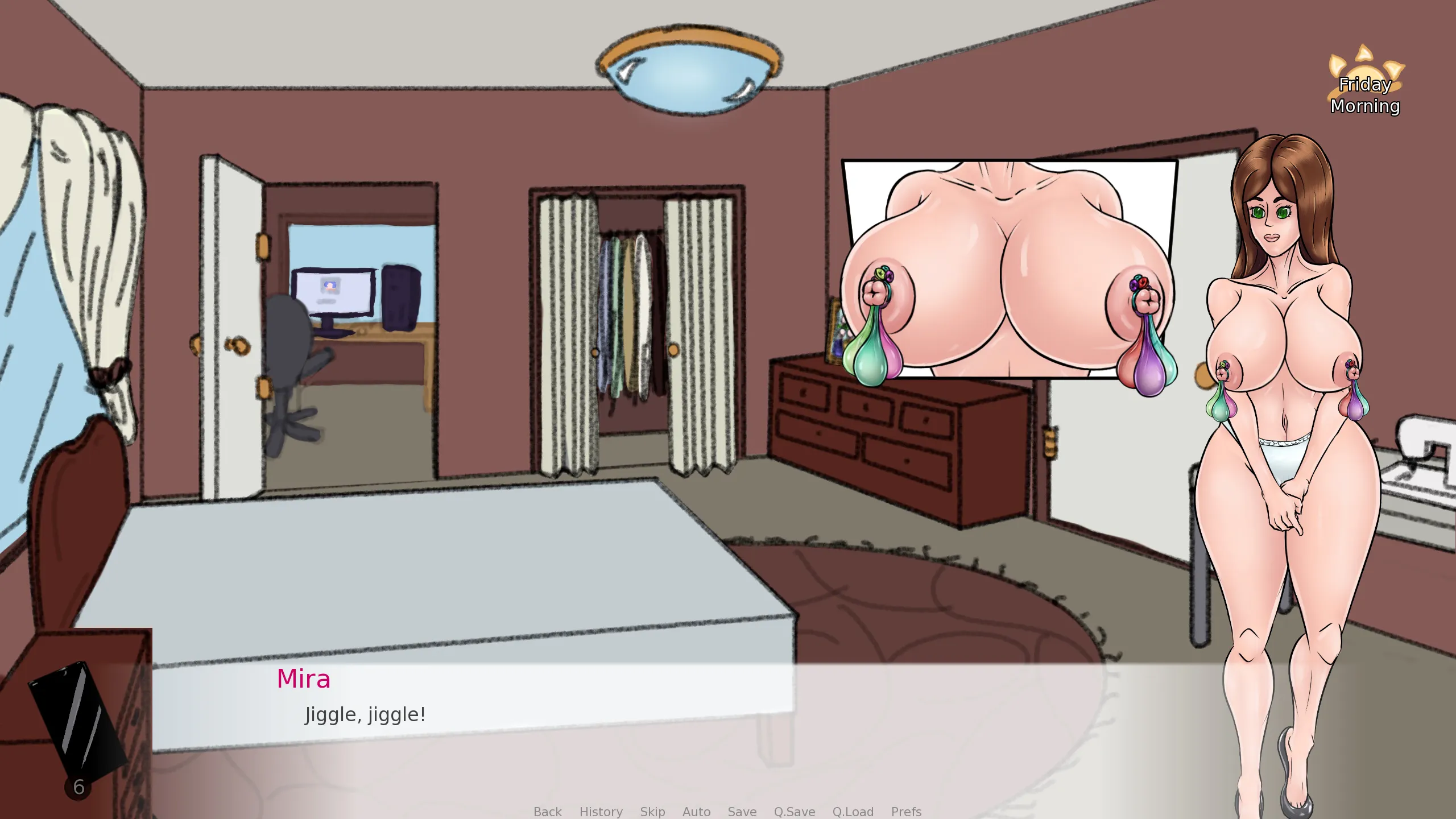
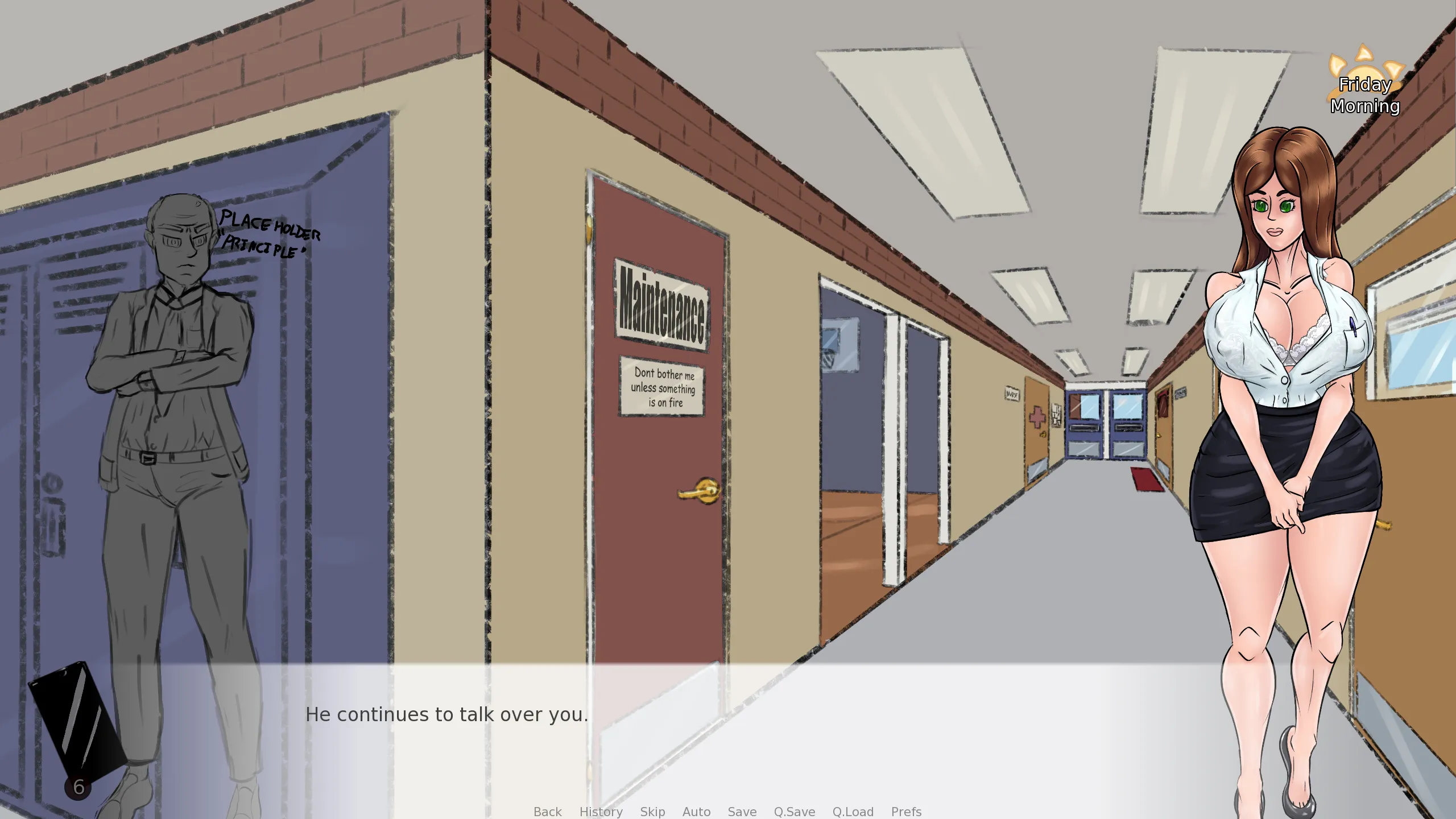
A Very Full House is a provocative sandbox game that blends love, seduction, and corruption with strategic household management. You step into the shoes of a charismatic MILF protagonist, tasked with keeping your home and family life under control while navigating a web of temptation, secrets, and personal desires. Every choice you make—from casual teasing to more daring interactions—shapes the dynamics within your household and determines how far you can maintain order or indulge in chaos. With a mix of humor, tension, and erotic intrigue, this game challenges you to balance authority and desire in a fully interactive environment.

Why Download “A Very Full House”?

🏠 Household Management: Take charge of your home, make decisions that affect everyone, and maintain control in a world of temptation.
😈 Seduction & Corruption: Engage in teasing, manipulation, and intimate encounters to influence those around you.
🖱️ Interactive Gameplay: Point-and-click mechanics offer freedom to explore, experiment, and craft your own story.
🎓 School & Family Dynamics: Navigate the challenges of domestic life while balancing school and social scenarios.

Game Status :
Protagonist (MC) :
Genre:
Engine :
Creator : Meta Mira
Last Update : 3 months ago
Release Date : September 2, 2025
Censored : No

v0.36.6
Updated to Renpy 8.4.1
Nerd is now asleep during the Morning time slot after his ‘Caves of Grothnar’ raid. House stability decrease only triggers if he isn’t woken up in the Early Morning or Morning.
Tweaked tootlip fade in timing.
Refactored choice menu to eliminate some redundant Fixed displayables.
Properly centered menu options.
Refactored choice menu buttons to avoid costly interaction restarts. Menu buttons now always have a hidden tooltip that is revealed when hovered.
Menu buttons now properly place hotkey buttons underneath the foreground image (no visual difference atm, but might matter eventually).
Added MiraMenuRequirement class. Subclasses of this class are used to handle button requirements. Includes pass/fail logic as well as display control. Note: These are static classes, they are not instanced.
Mods can now add their own menu requirements. See ‘Classes/Display_Classes/MiraMenuRequirement.rpy’ for more information on how this is done.
Updated MiraMenuOption to use MiraMenuRequirement structure.
MiraMenuRequirement returns a set of results that can be modified by subclasses. Currently used return values are ‘enabled’, ‘slug’, ‘npc_requirement’.
Added {arousal} text tag to quickly insert an arousal icon into text. Also includes an {alt} tag wrap to describe the image for any functionality that uses it.
Added {corrupt} text tag to quickly insert a corruption heart icon into text. Also includes alt text.
Added {stress} text tag to quickly insert a stress icon into text. Also includes alt text.
Added {control} text tag to quickly insert a control icon into text. Also includes alt text.
MiraMenuRequirement _pass_slug and _fail_slug functions can return a ‘string’, a tuple of (‘text’, ‘colour_code’), or a list comprised of either of those. Tuples allow colouring parts of the text.
Menu button argument ‘tag_requirement’ now only checks chore_list for tags. Updated a couple of events to use new requirement keywords.
Menu button argument ‘corruption_tag_requirement’ added. Checks the MCILF for the given corruption tags. Can be given a string, a tuple (displays the second element, optional third on pass), or a list (iterates through previous).
Menu button argument ‘npc_arousal_max’ added, mirroring the existing ‘arousal_max’ requirement for the MCILF, but for whatever NPC is set with ‘npc_requirement’
Made subscript text 65% of base font size, up from 50%.
Added warning notifications when starting a test build or loading a game in a test build. The warning can be suppressed by adding a file ‘ignore_test_warning.txt’ to the game file.
Made the version number more prominent. Added some simple animations the version number if playing on a test build.
Did a better job making sure characters finish sliding in when starting conversations.
Added an aesthetic fade to black when loading saves.
Fixed path scry failing on nodes that lacked parameters or keywords.
Fixed path scry failing when attempting to get character stats.
Prevented the MCILF from napping on the very first morning and missing the early shower scene. Should help direct new players without overwhelming them with options.
Prevented the MCILF from skipping time with her phone on the very first morning and missing the early shower scene.
Fixed some improperly named animation calls for the MCILF that resulted in her boobs being less jiggly than they should be.
Updated art for Jock’s weight set.
Improved Jock bedroom base art.
Added boob lift animation for new Jock event.
Added new Jock event when getting groceries.
Added late night workout event for Jock. Multiple paths through the event, including six different sex/tease options and a ton of cumshot options!
Added ‘First Fuck’ corruption tag for the MCILF, Jock, Slacker, and Nerd. Added in any event that triggers the ‘Person.gave_vaginal’ sex stat event.
Added two new corruption points for the Jock and one new corruption point for the MCILF, all added inside of his workout event.
Added ‘Brotein Powder’ quest. After picking up Brotein Powder the first time you’ll be able to stock up on it any time he’s low and you go grocery shopping.
Added a ‘female_climax_threhsold’ to the common values list, equal to 80 arousal. Updated some events to reference this instead of having a magic number.
Added colour to Caves of Grothnar location art.
ChoreList.check_tag_time_remaining() now takes an optional ‘default_value’ parameter. If the tag is not present the default value is returned (default is None).
Thought and speech bubbles now animate at 60fps, reducing jitteryness on high refresh displays.
Nerd is no longer summonable when he is raiding late at night (currently no difference; might matter for future events).
All bed NPC images no longer hide when interacted with.
Fixed the kitchen table being off by one pixel.
Fixed lifted boobs being shaped strangely inside of the boob frame.
Speech bubbles for NPCs not currently displayed are now displayed even further to the left, as if coming from off screen.
Fixed one Firebrand chat->tease branch giving Control instead of Arousal (if only it was that easy!)
Mirrored condom and climax animations for men in many events. Should ensure condom state is properly displayed. I have plans for updating the animation and frame system to make this more streamlined.
Updated Jock, Slacker, and Nerd Live2D models to properly display condom cum bulges. Improved condom cum bulge transitions.
Fixed several events that weren’t setting the ‘is_hard’ flag for Nerd, Slacker, and Jock.
Fixed bathroom door having two door knobs.
Fixed MCILF minified work outfit not respecting underwear set rules (like lifted boobs) when trying it on for the first time.
Person.apply_outfit(new_outfit, new_underwear) now automatically applies the person’s current underwear if new_outfit is defined but new_underwear isn’t. Hand new_underwear = False to explicitly not include underwear.
Updated some outfits to have ignore_underwear_tags, unlikely to change anything major.
Fixed some tan effect layering issues that was resulting in swimsuit tans being applied over some pieces of clothing.
Fixed some similar tan errors in the pussy, boob, and butt frames.
Fixed blowjob frame using wrong parameter name for tan effect, resulting in no tan being applied.
Fixed Cheerleader’s masturbation help button using the expected Control cost instead of the Arousal cost.
Fixed some incorrect variable comparisons in Caves of Grothnar code.
Removed redundant scene statement from change_location label.
Fixed Nerd being displayed behind the bathroom door when peeking through it.

Some Android games come with both an .apk file and one or more .rpa files. Here’s how to install them correctly:

  1. Install the APK file

    • Tap on the .apk file and follow the prompts to install the game on your Android device.

    • Make sure “Install from unknown sources” is enabled in your device settings.

  2. Place the RPA file(s)

    • After installing the APK, don’t launch the game yet.

    • Use a file manager app and go to:
      Android > data > [game folder] > files > game

    • If the game folder doesn’t exist, create it manually.

    • Copy or move all .rpa files into this game folder.

  3. Launch the game

    • Now open the game. The extra content (like images, sounds, mods, etc.) from the RPA files will be loaded.


⚠️ Notes:

  • If the game crashes or doesn’t open, double-check that the .rpa files are placed in the correct folder.

  • Do not unzip .rpa files — they should remain exactly as downloaded.

  • For best results, use a reliable file manager like ZArchiver or Solid Explorer.

When you install a game downloaded from outside the Google Play Store, Android may display a security warning. This is a standard system alert for unknown sources and doesn’t necessarily mean the file is harmful.

Our team does its best to gather and share games from trusted and well-known sources. However, since these games are created and distributed by independent developers, We are not responsible for the content or behavior of the game itself. Use your discretion and only install games from developers or sources you feel comfortable with.

Modded games are modified versions of the original games that offer extra features, unlocked content, or changes not present in the official release. These modifications are usually made by independent developers or fans and are designed to enhance gameplay or remove limitations.


⚠️ Please Note:

  • Modded games are not created by the original developers.

  • Some mods may not work on all devices or may crash unexpectedly.

  • Always use caution and install modded games from trusted sources.

Walkthrough Mod:
A Walkthrough Mod adds helpful tips, highlights, or guides inside the game to show the best choices, routes, or scenes. It helps players get the best results without guessing.

Cheat Mod:
A Cheat Mod enables features like unlimited money, points, or energy. It lets you skip grinding and enjoy the full game faster — but it may reduce the challenge.

Multi Mod:
A Multi Mod combines multiple mods (e.g. walkthrough + cheats + gallery unlocker + Custom Settings …) into one package. 

Unlock Mod:
An Unlock Mod gives you access to features that are locked in the original game, such as premium scenes, full galleries, or choices that are normally restricted.

An Incest Patch restores or enables family-related content that was removed or censored in the public version of the game due to platform rules.

⚠️ Always check local laws and age restrictions before using such patches

Report broken download links
Please note that our download links are not direct. You will be redirected through external pages that may contain advertisements. These ads are not affiliated with us.
Only report a link if the file is truly unavailable — for example, if you encounter a 404 error or the download page does not work at all.

Request Game Update
Use this form to request an update for the current version of the game.
Before submitting a request, please make sure that a newer version has been officially released by the developer (e.g., on Patreon, Steam, itch.io, etc.).
Keep in mind that it usually takes a short time after the developer’s release for the new version to appear on our website.

Your Rating For This Post

Average rating [3.4] out of 5 | Vote: 9

No votes so far! Be first

3.4
guest

0 Comments
Inline Feedbacks
View all comments