Altered Destiny [v0.16.2b] [ICCreations]

4.1
(23)

Story Overview

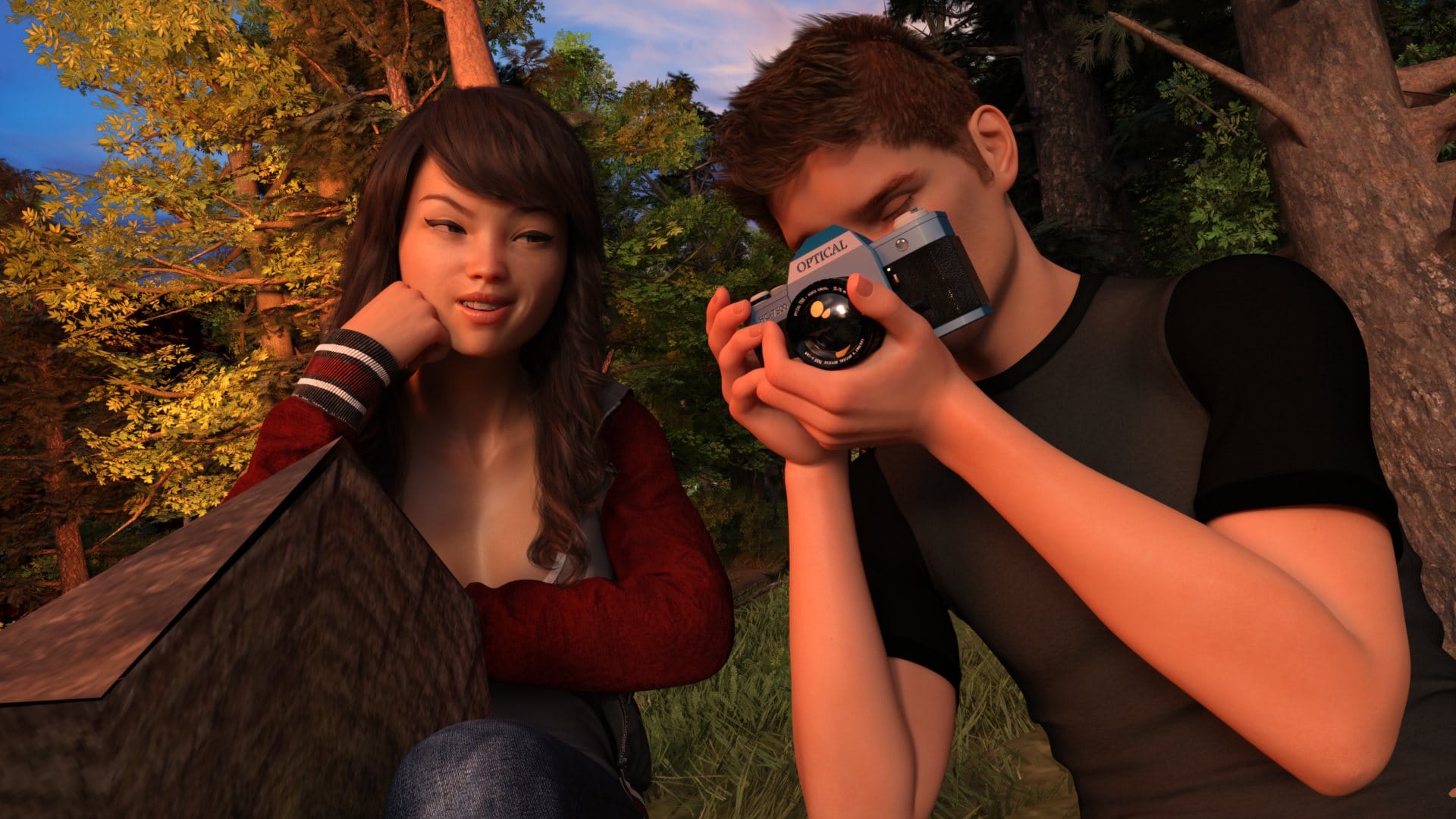
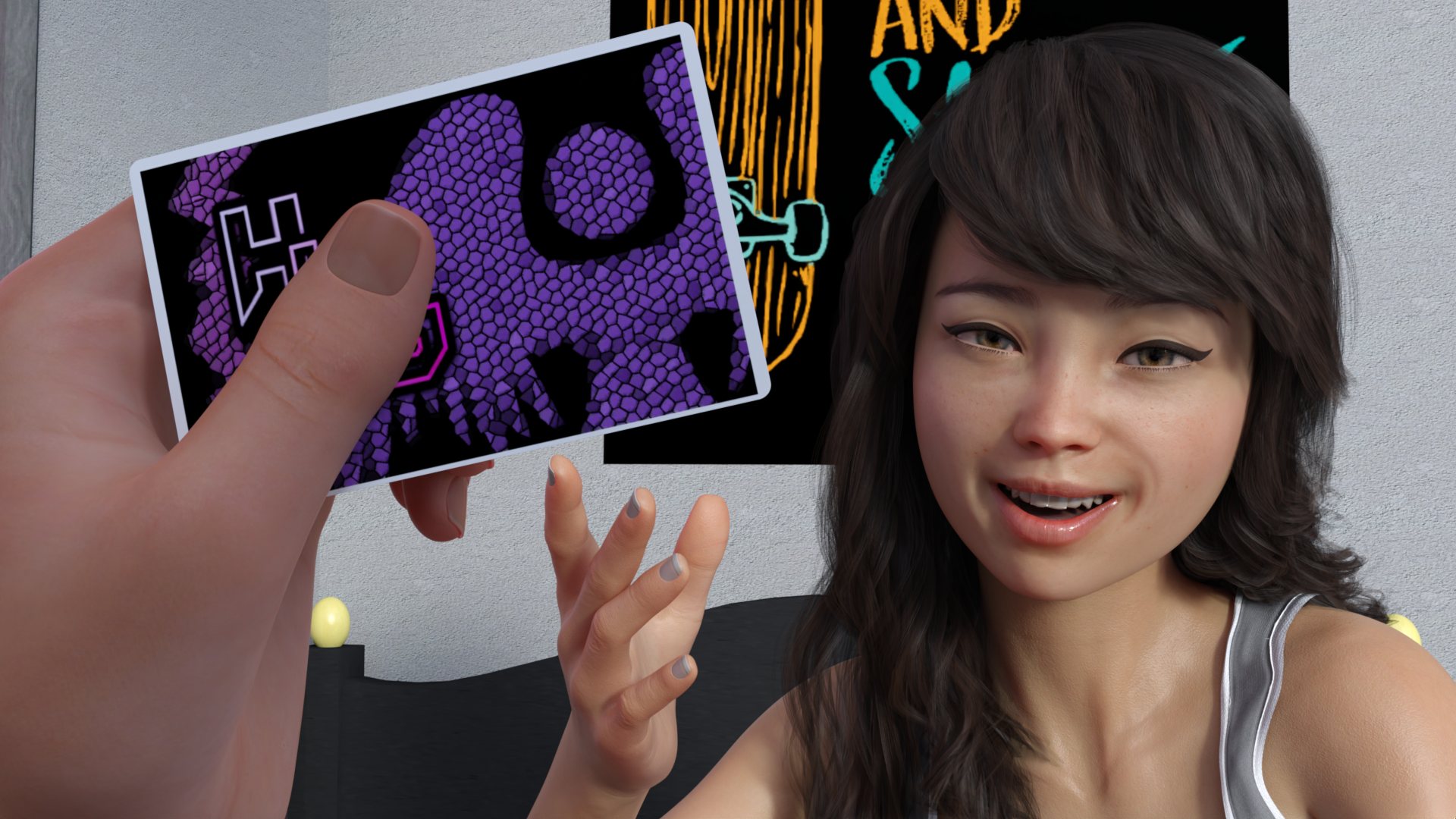
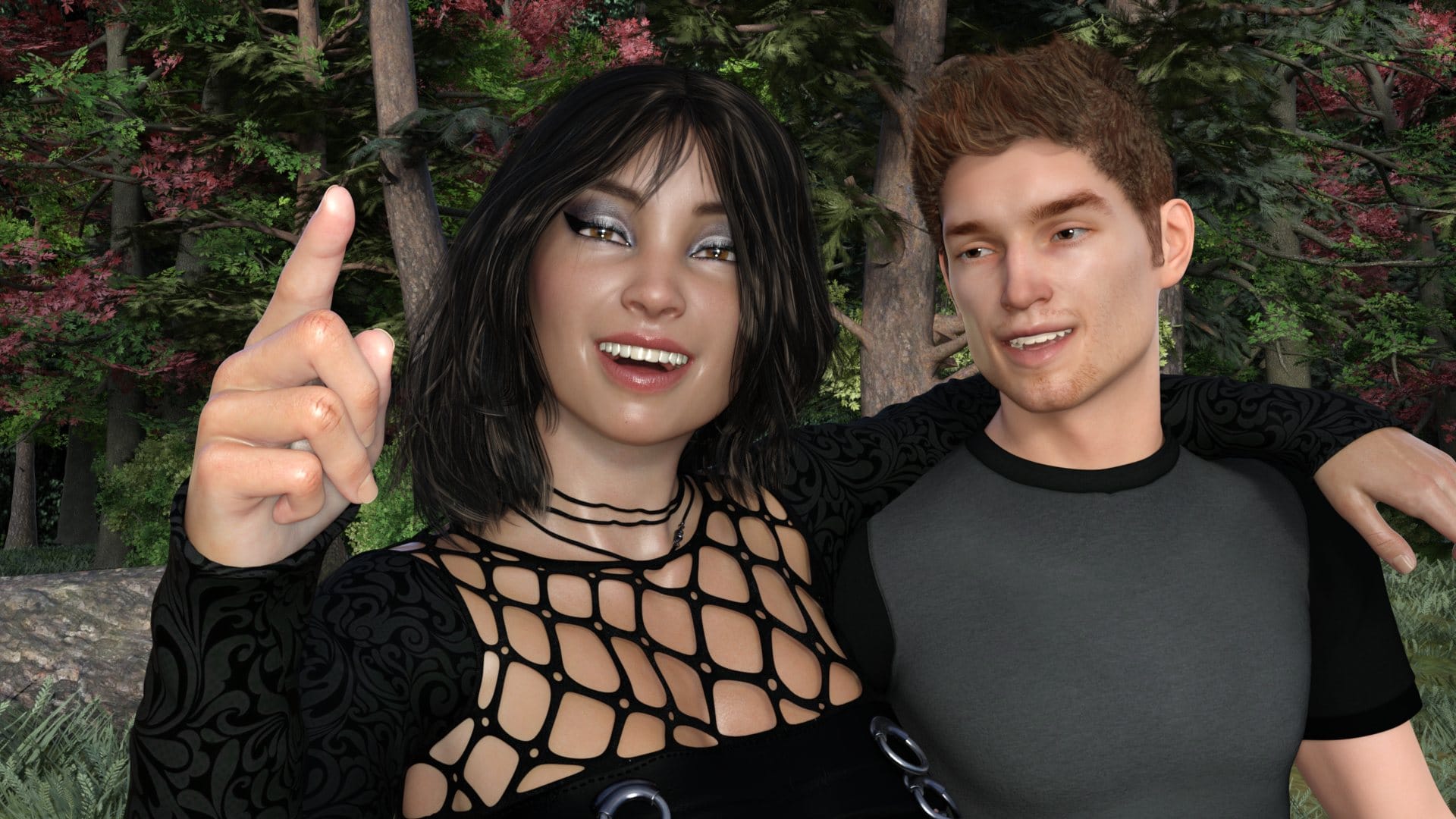
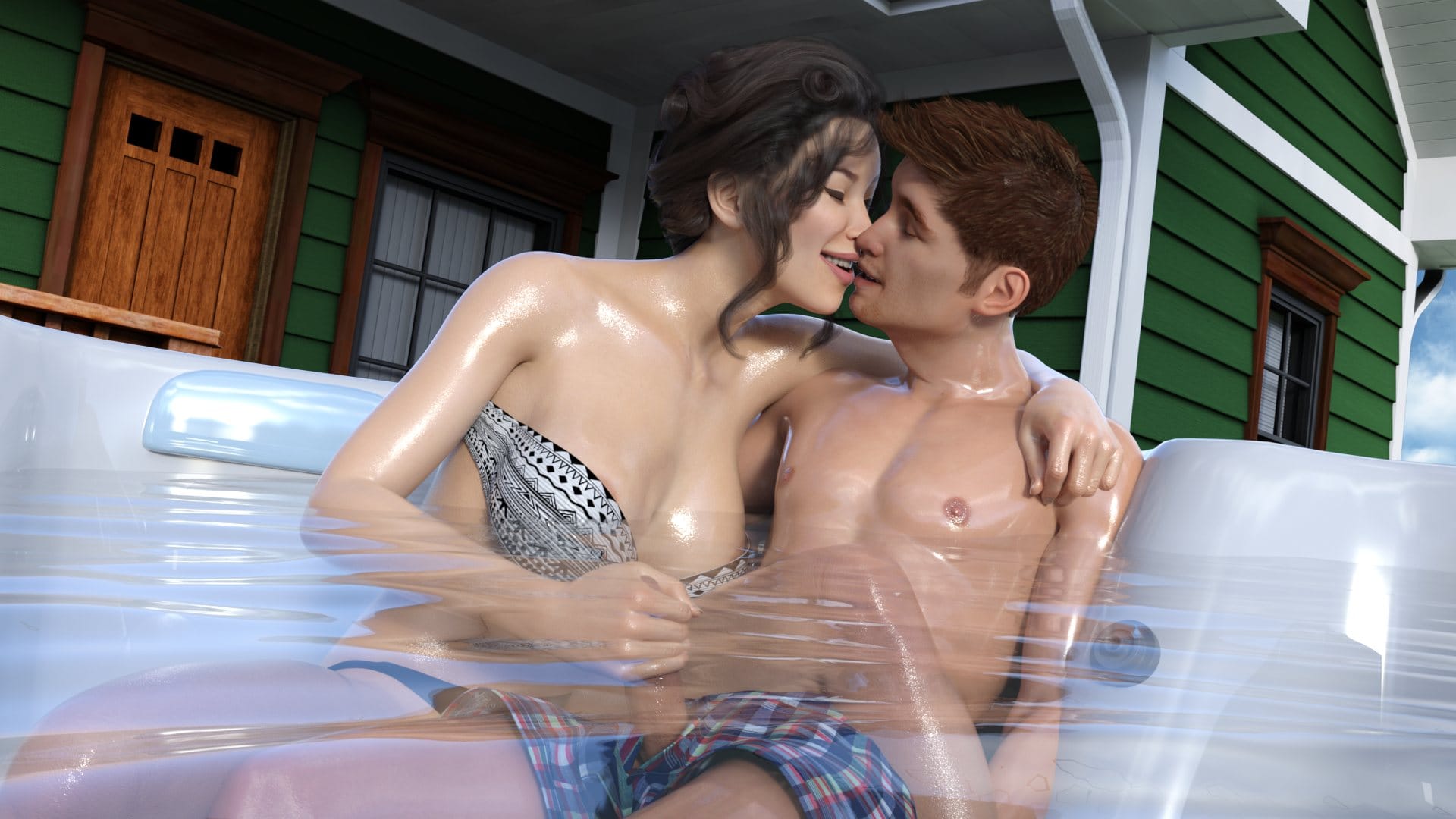
In “Altered Destiny“ porn game, you take on the role of a young man whose life changes forever after a chance encounter with an ancient, mysterious artifact. Alongside your best friend Kimberly, you’re pulled into a surreal journey across time traveling freely between two overworld hubs: the present day and nearly two decades into the past. As the lines between timelines blur, you realize that your actions in one era directly affect the other, and a devastating future event looms on the horizon.

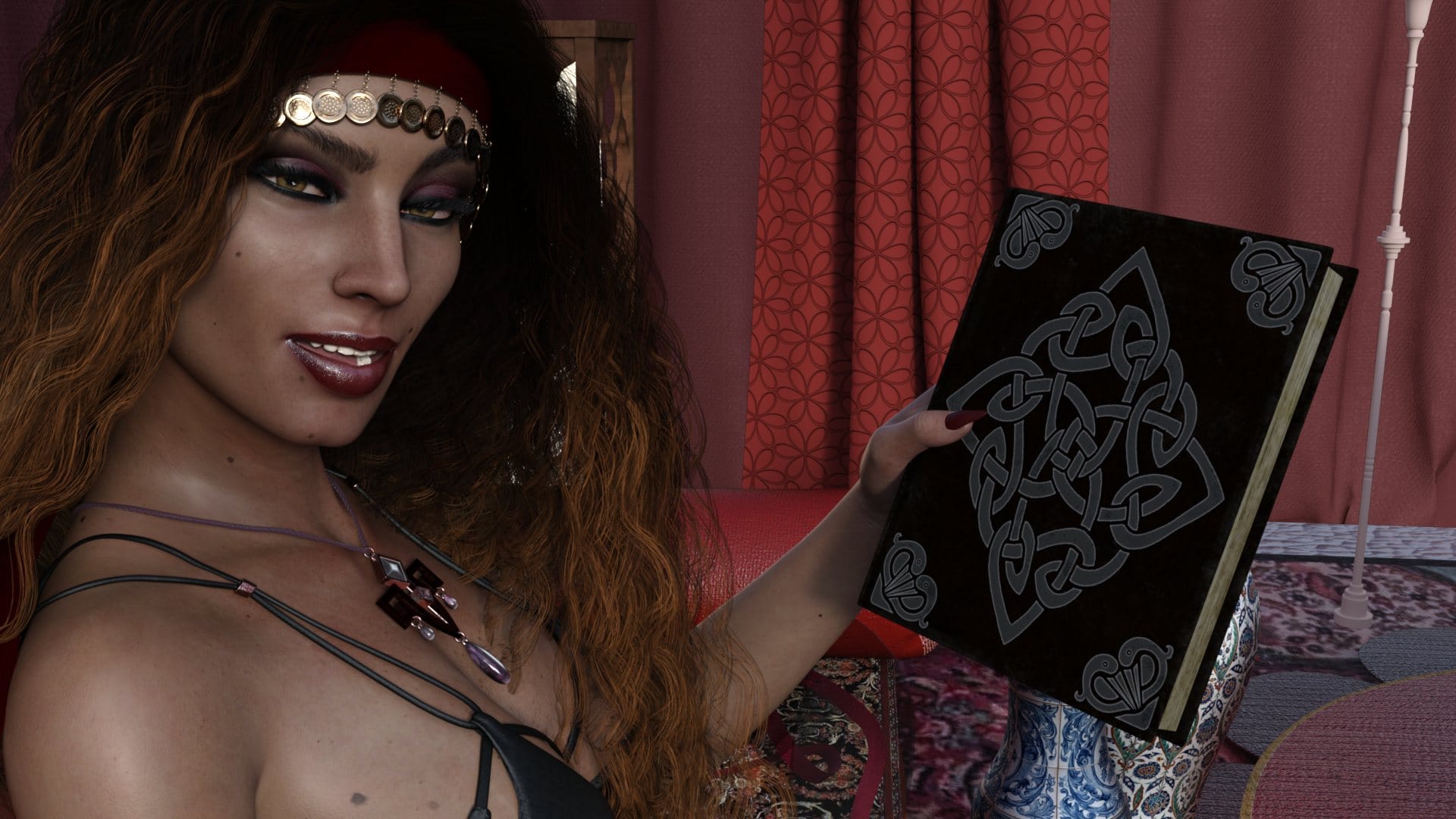
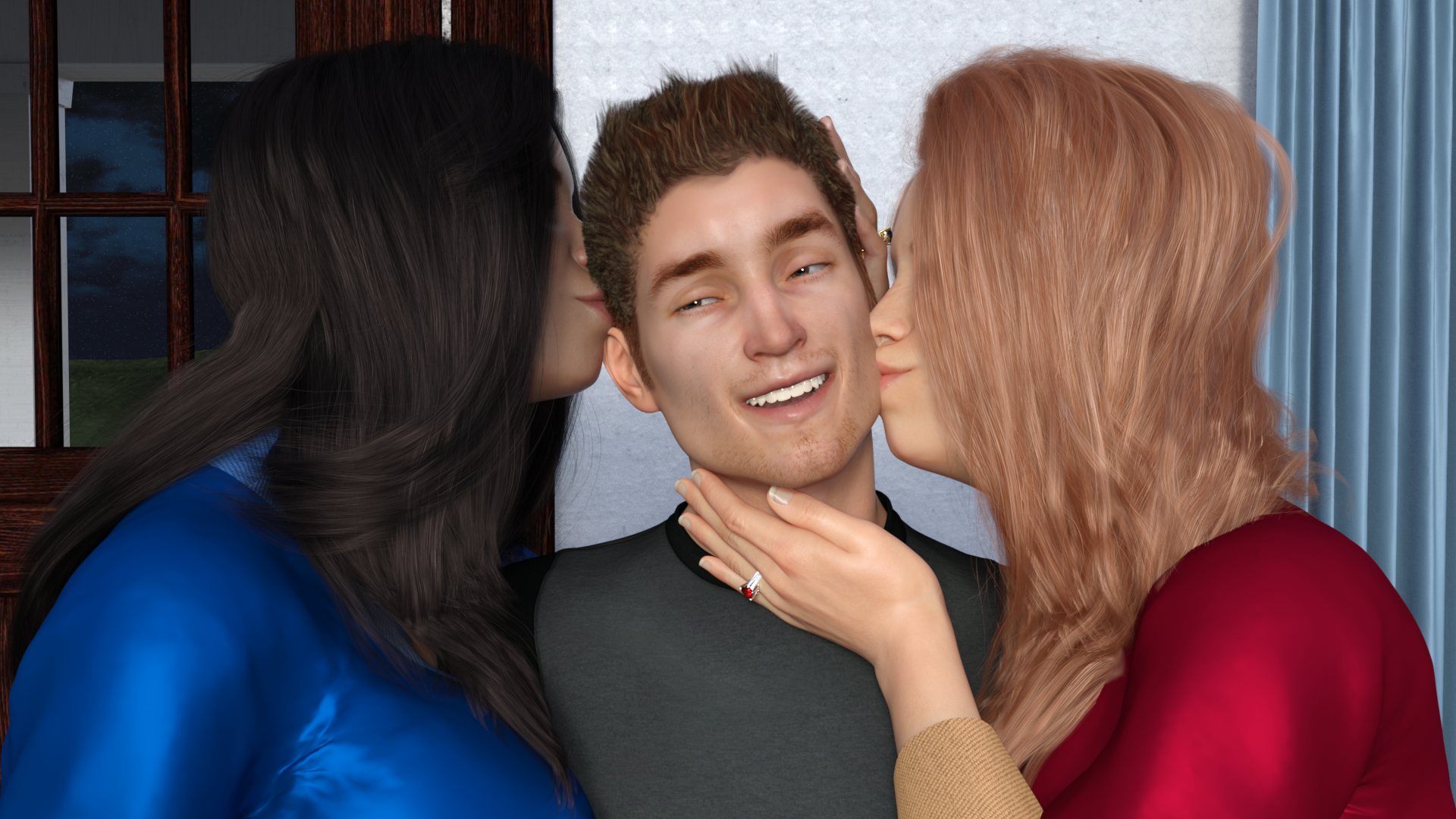
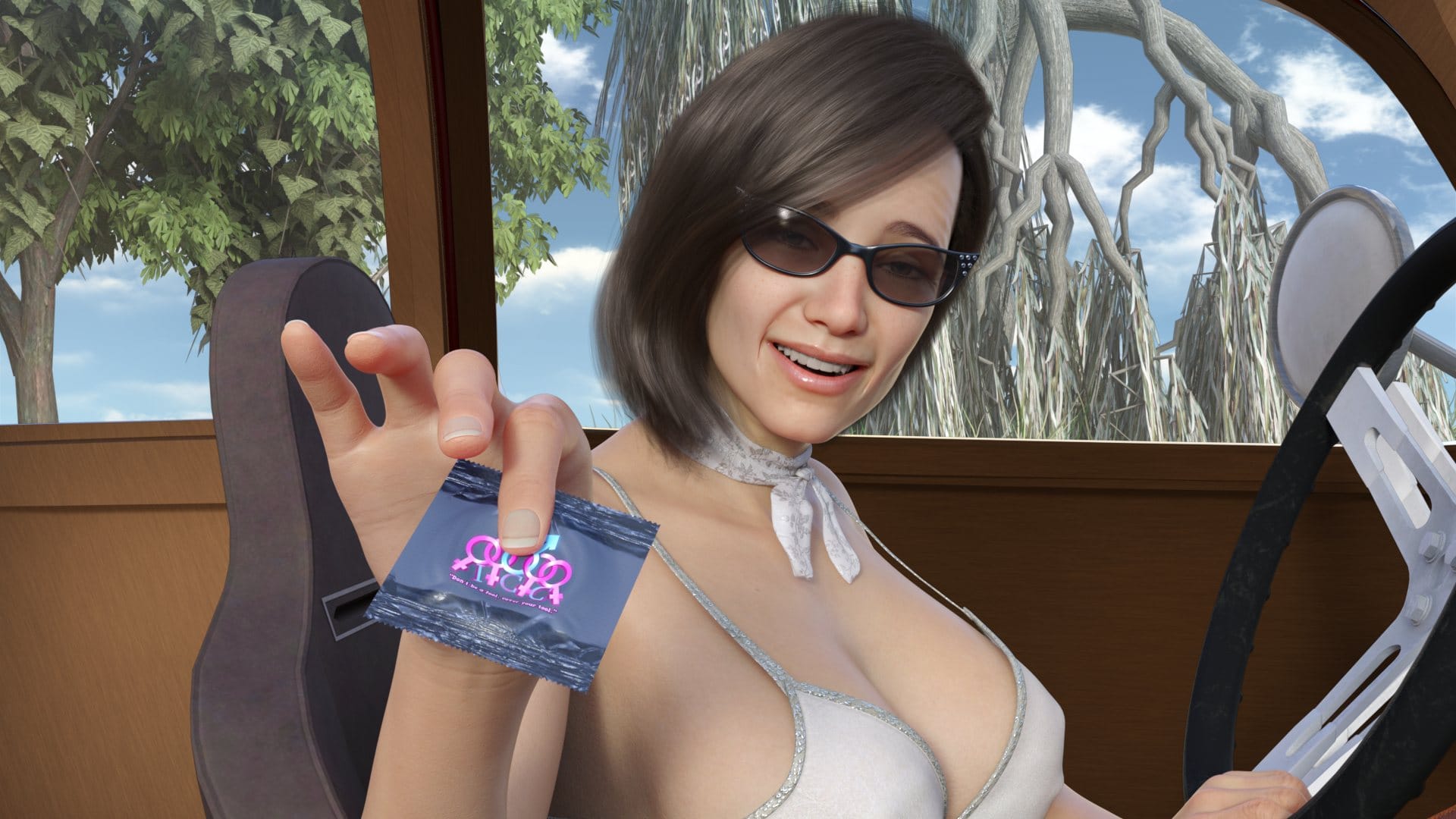
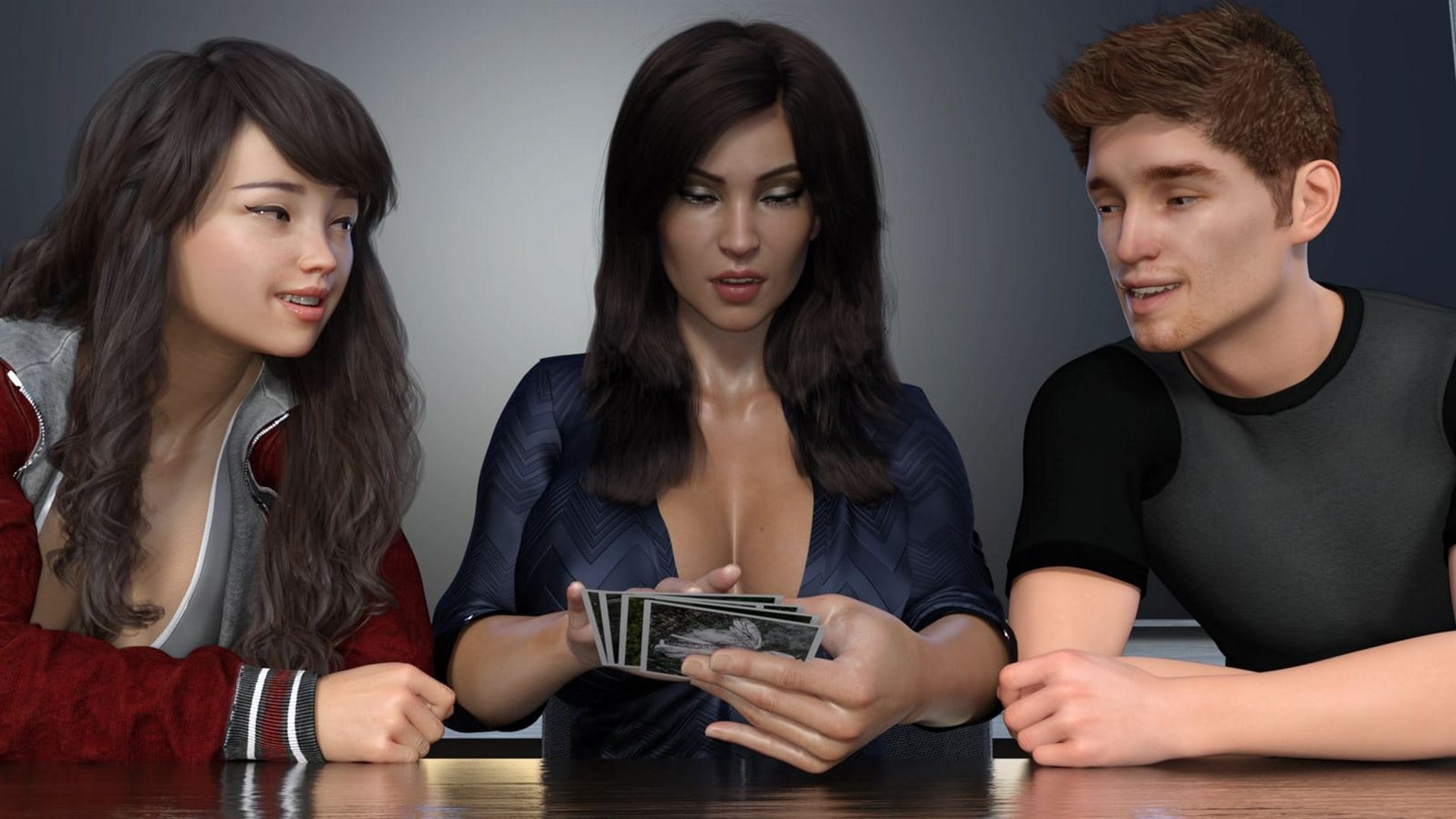
Navigating both timelines, you’ll meet a colorful cast of new characters some familiar from ICCreations’ previous titles and face critical decisions that shape the course of destiny. With supernatural elements, romance, time-travel mystery, and intense sexual encounters, Altered Destiny offers a unique blend of adult fantasy and rich storytelling.

Why download “Altered Destiny”?

🏠 Incest – Relationship with mom and sister/Patch added to the game.
🕰 Time-Travel Mechanic – Switch between past and present timelines at will to uncover secrets and rewrite fate.
✨ Supernatural & Fantasy Themes – Ancient artifacts, magical visions, and a destiny-altering journey.
👥 Character Depth – Each character is carefully crafted with unique personalities, dialogue, and relationships.
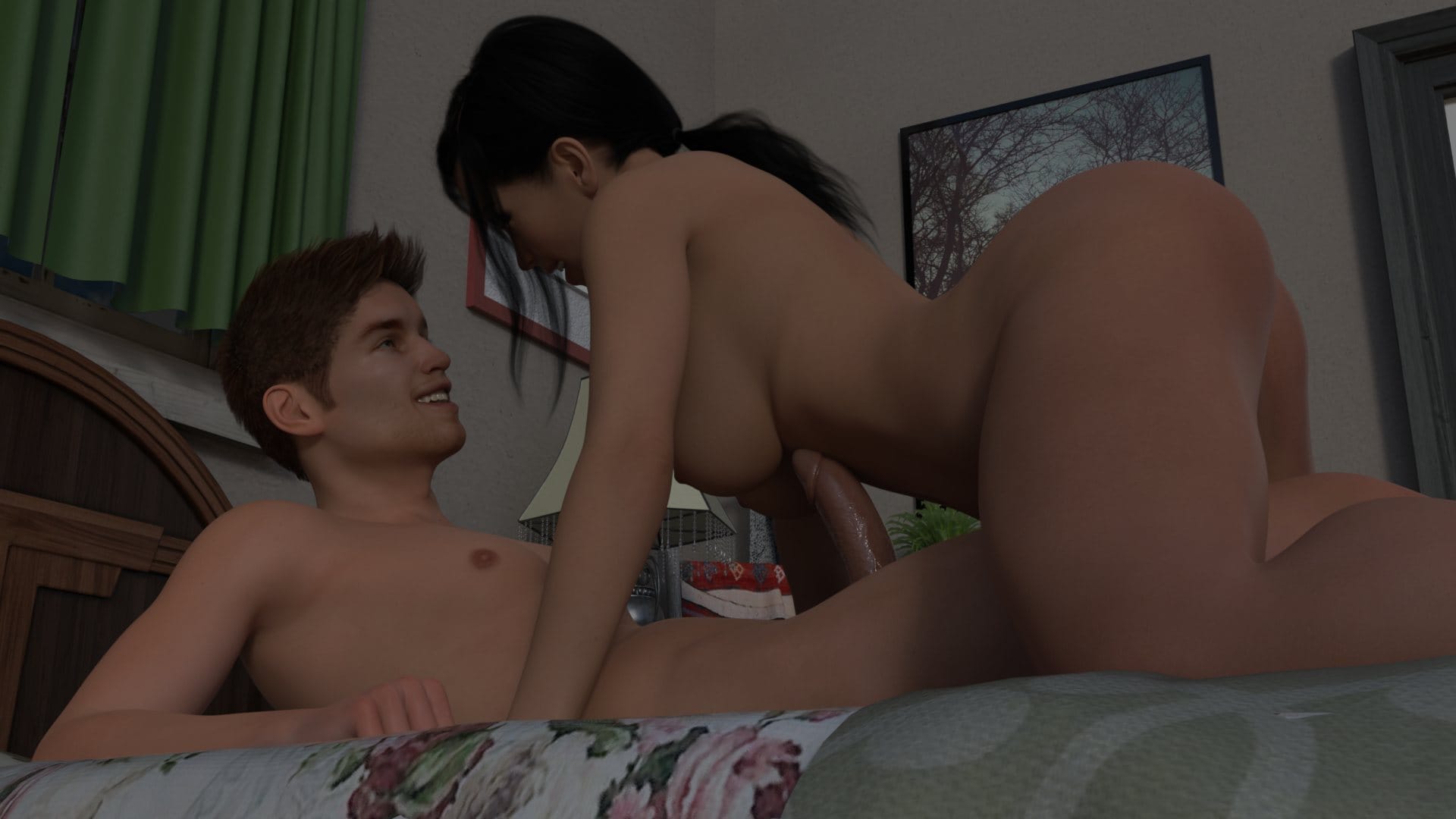
🖼 HD Visuals – 1920×1080 resolution for all images and animations, upgraded from previous games like FILF.
🔮 Guided Exploration – A mysterious Fortune Teller gives you subtle hints to guide your progress.
🎮 Sandbox Gameplay – Enjoy the freedom to explore and interact at your own pace (note: contains some grind).
📜 Story-Driven Experience – Heavy emphasis on narrative, consequences, and replayability.


Incest Content:
Game Status:
Protagonist (MC):
Genre:
Engine:
Last Update: 2026-08-29
Release Date: 2025-01-01
Censored: No

v0.16.2b

  • A continuation of Kimberly’s romance path. Leading up to the scenario that has her big moment.
  • Three new ‘Lewd Moments’ added
  • 285 New, unique renders
  • 52 New Animations
  • Changed a conversation at the very end of the beach scene with Kimberly to fit the narrative better
  • Spelling/Grammar fixes
Altered Destiny [v0.16.1b]+[Incest]
Altered Destiny [v0.16.2b]
Altered Destiny [v0.16.1b]+[Incest]
Altered Destiny [v0.16.2b]
Altered Destiny [v0.16.1b]+[Incest]
Altered Destiny [v0.16.2b]

Some Android games come with both an .apk file and one or more .rpa files. Here’s how to install them correctly:

  1. Install the APK file

    • Tap on the .apk file and follow the prompts to install the game on your Android device.

    • Make sure “Install from unknown sources” is enabled in your device settings.

  2. Place the RPA file(s)

    • After installing the APK, don’t launch the game yet.

    • Use a file manager app and go to:
      Android > data > [game folder] > files > game

    • If the game folder doesn’t exist, create it manually.

    • Copy or move all .rpa files into this game folder.

  3. Launch the game

    • Now open the game. The extra content (like images, sounds, mods, etc.) from the RPA files will be loaded.


⚠️ Notes:

  • If the game crashes or doesn’t open, double-check that the .rpa files are placed in the correct folder.

  • Do not unzip .rpa files — they should remain exactly as downloaded.

  • For best results, use a reliable file manager like ZArchiver or Solid Explorer.

When you install a game downloaded from outside the Google Play Store, Android may display a security warning. This is a standard system alert for “unknown sources” and doesn’t necessarily mean the file is harmful.

Our team does its best to gather and share games from trusted and well-known sources. However, since these games are created and distributed by independent developers, We are not responsible for the content or behavior of the game itself. Use your discretion and only install games from developers or sources you feel comfortable with.

Modded games are modified versions of the original games that offer extra features, unlocked content, or changes not present in the official release. These modifications are usually made by independent developers or fans and are designed to enhance gameplay or remove limitations.


⚠️ Please Note:

  • Modded games are not created by the original developers.

  • Some mods may not work on all devices or may crash unexpectedly.

  • Always use caution and install modded games from trusted sources.

Walkthrough Mod:
A Walkthrough Mod adds helpful tips, highlights, or guides inside the game to show the best choices, routes, or scenes. It helps players get the best results without guessing.

Cheat Mod:
A Cheat Mod enables features like unlimited money, points, or energy. It lets you skip grinding and enjoy the full game faster — but it may reduce the challenge.

Multi Mod:
A Multi Mod combines multiple mods (e.g. walkthrough + cheats + gallery unlocker + Custom Settings …) into one package. 

Unlock Mod:
An Unlock Mod gives you access to features that are locked in the original game, such as premium scenes, full galleries, or choices that are normally restricted.

An Incest Patch restores or enables family-related content that was removed or censored in the public version of the game due to platform rules.

⚠️ Always check local laws and age restrictions before using such patches

Report broken download links
Please note that our download links are not direct. You will be redirected through external pages that may contain advertisements. These ads are not affiliated with us.
Only report a link if the file is truly unavailable — for example, if you encounter a 404 error or the download page does not work at all.

Request Game Update
Use this form to request an update for the current version of the game.
Before submitting a request, please make sure that a newer version has been officially released by the developer (e.g., on Patreon, Steam, itch.io, etc.).
Keep in mind that it usually takes a short time after the developer’s release for the new version to appear on our website.

Your Rating For This Post

Average rating [4.1] out of 5 | Vote: 23

No votes so far! Be first

4.1

● Help make this game page more complete!  If you notice any missing tags, forgotten details, required patches, or any other important information, please let us know in the comments.
Your contributions help improve the page for everyone. Thank you!

guest
9 Comments
Andrea75
Andrea75
4 months ago
Who the fuck gives a shit about "kimberly"!!!
This new update is absolute shit, it's just junk just to fill the game. Not only does this son of a bitch developer make you wait so many months for an update, but he's even taking the piss out of the community. This update is ridiculous!!!!
You son of a bitch, I wish I had you in front of me so I could punch your shitty face. Finish this game once and for all, it's lasted far too long!!! We can't stand your bullshit anymore. BASTARD!!!!
Xes
Xes
2 months ago

What’s the cheats code?

Mad Max
Editor
Mad Max
2 months ago
Reply to  Xes

“You can unlock the gallery from MC computer by entering “unlockgallery” in the cheat option. You can also turn things off by entering the code a second time. For scenes that have been removed you can use code “retired” to see the ones removed.”

Mad Max
Editor
Mad Max
2 months ago
Reply to  Mad Max

I don’t know if it works or not
comment image

Xes
Xes
2 months ago
Reply to  Mad Max

I download Incest version but Doesn’t work

Mad Max
Editor
Mad Max
2 months ago
Reply to  Xes

Patches may conflict with each other.

Gio63
Gio63
1 month ago
You’re just the same old useless, shitty, cheap-ass developer; you’ve been a fucking pain in the ass with your shitty game for years—when the fuck do you plan on actually finishing it???
You son of a bitch!!!
I’m sick of your shit, you bastard!!! How much money have you stolen from all the naive suckers who supported you??
You bastard!!!!
Get a different job, you bastard—you and those shitty faggots on Patreon!!! I feel like shooting you in the face... you shitty scammer!!!
coder
coder
1 month ago

If you get the Kimberly Gallery error:
Go to your game’s game folder and find script.rpy.Right-click script.rpy → Open with Notepad++.Search for this line:default gallery_kimlily = 0
Add this line directly underneath it:
default gallery_kimwbeach = 0
So it should look like:

default gallery_kimlily = 0
default gallery_kimwbeach = 0
default gallery_kimdildobuy = 0
Save the file and restart the game.Don’t edit the .rpyc file. You only need to change script.rpy.

Last edited 1 month ago by coder
Mad Max
Editor
Mad Max
1 month ago
Reply to  coder

comment image