
Back Again [Rework v0.21] [BigBoy Projects]

2.8
(6)

Story Overview

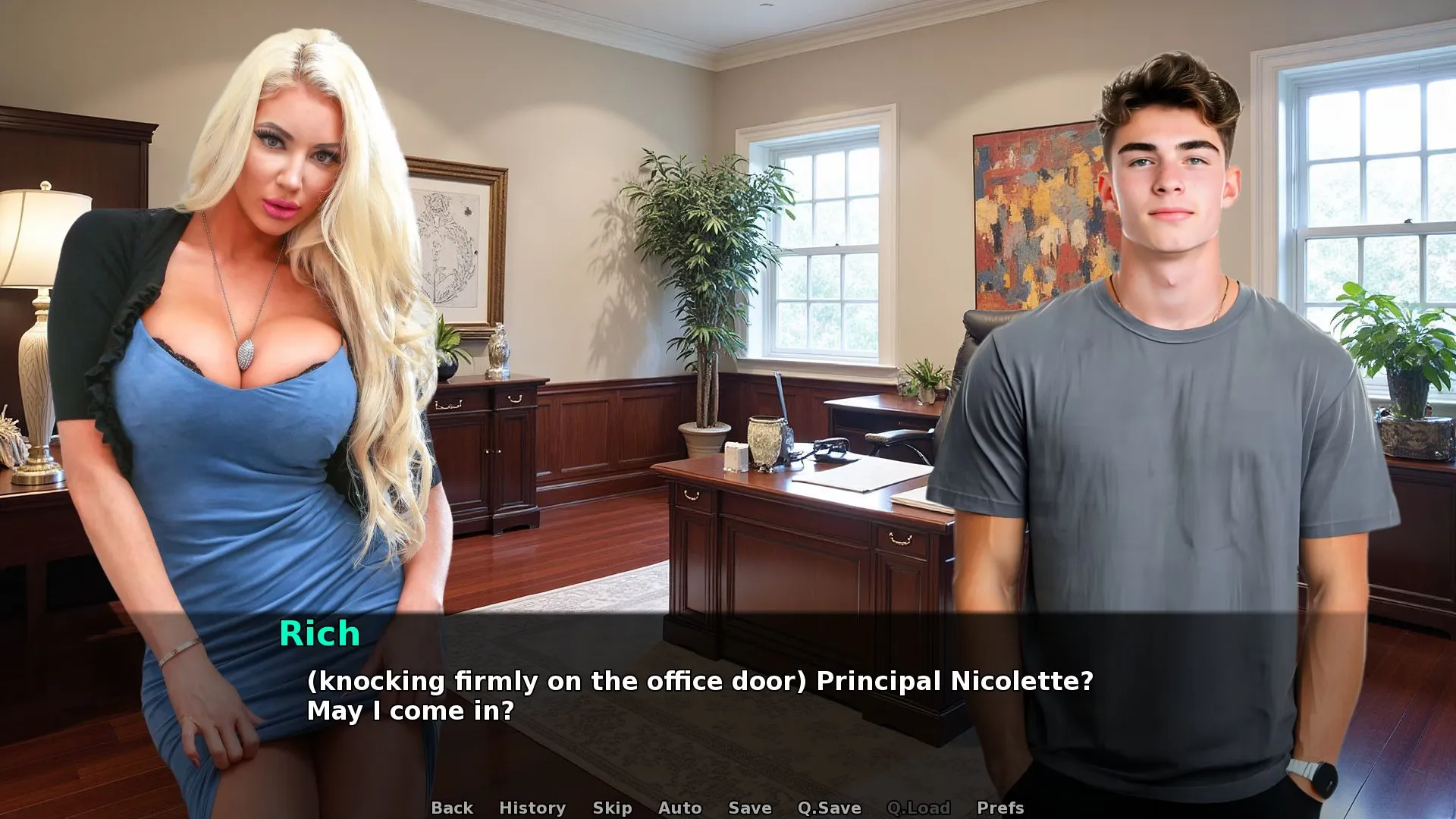
Back Again lets you step into the shoes of a young man given a rare chance to relive his early life. Armed with hindsight, he navigates an open world full of opportunities, locations, and characters. Choices are entirely yours—whether to chase desires, indulge in romance, or manipulate relationships, every action can reshape the course of your second chance at life.

Why Download “Back Again”?

🌆 Open World Exploration — Freely roam a city filled with interactive characters and multiple locations.
💔 Cheating & Corruption — Shape your story through morally flexible choices and personal indulgence.
🔄 NTR & Romance Dynamics — Experience intense relationship twists and love triangle scenarios.
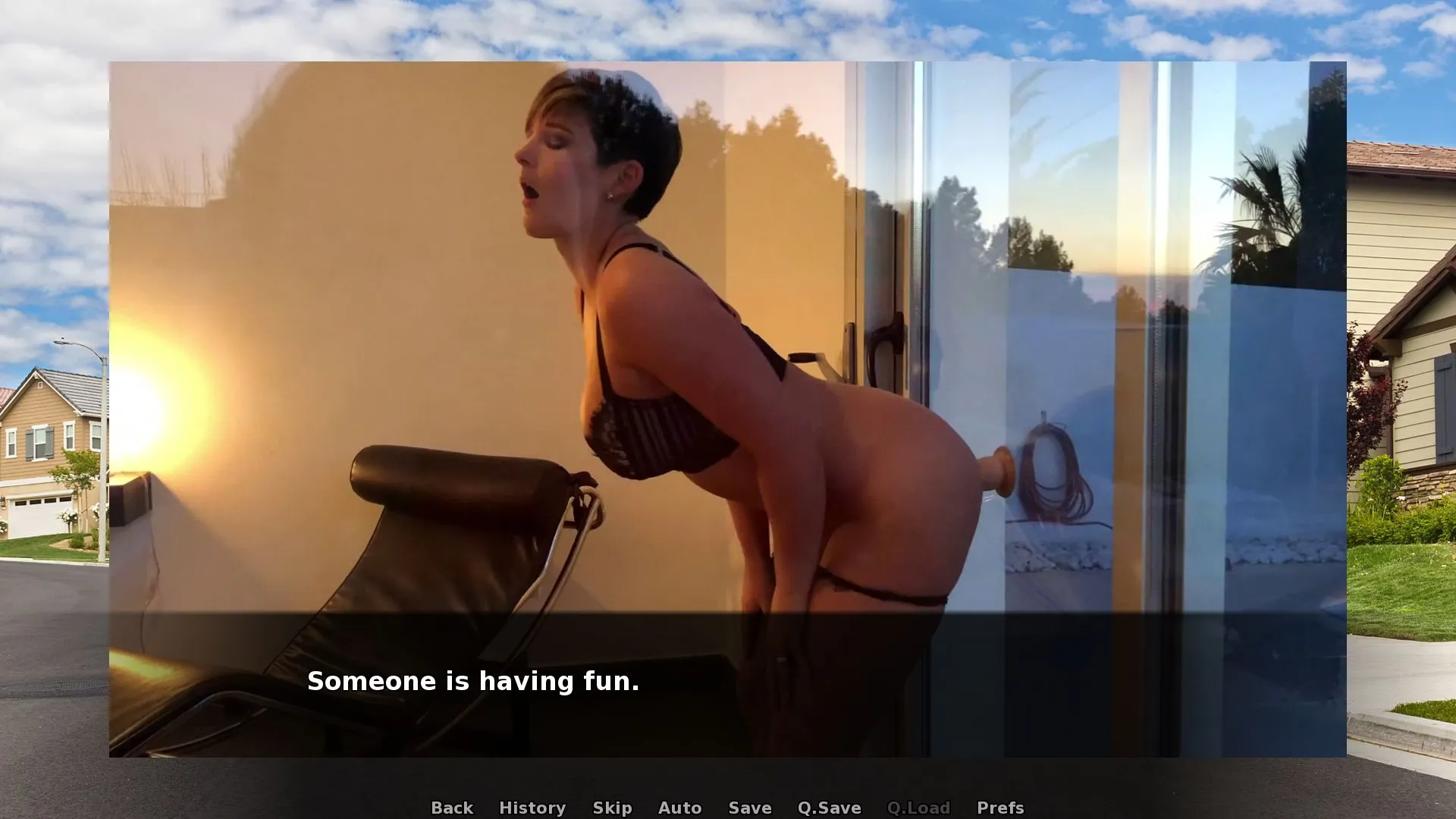
🍑 Realistic Adult Content — Fully explicit, story-driven sexual interactions.
🎮 Sandbox Gameplay — Create your own experiences, discover hidden events, and interact with the city in unique ways.

Incest Content:
Game Status:
Protagonist (MC):
Genre:
Engine:
Last Update: 2026-07-10
Release Date: 2025-11-26
Censored: No

Android Installation Guide:

1. Required
—————————————————-
– Game.apk → The game installer
– images.zip → All game visuals (images + videos)
—————————————————-
2. Step-by-Step Installation
—————————————————-STEP 1 – Download the Package
——————————
Download APK & images.zip
Save it somewhere on your device (e.g., Downloads folder).STEP 2 – Install the Game
————————–
Tap Game.apk and install it.
If your phone asks, enable “Install from unknown sources” in your settings.STEP 3 – Extract the images.zip File
————————————-
Extract images.zip (do NOT just place the zip file into the folder — it must be uncompressed).
You will now have a folder named:
imagesSTEP 4 – Place the images Folder in the Game Directory
——————————————————-
Launch the game till the main menu. Then exit right away. This creates the right folder structure.Using your file manager, navigate to:
/Android/data/com.example.game/files/game/

If there is no “game” folder inside /files/, create one.
Move the “images” folder into /game/.

Final Path Example:
/Android/data/com.example.game/files/game/images/

—————————————————-
3. Important Notes
—————————————————-
– Do NOT keep images.zip compressed — the folder must be fully extracted.
– If the images folder is in the wrong location, the game will not load visuals.
– If you cannot access /Android/data/, use a file manager that supports Android 11+ restrictions, such as X-plore.
– The game will show black screens if the images folder is missing or misplaced.
—————————————————-
4. Extra Help
—————————————————-
– If you don’t understand English, use Google Translate or ChatGPT to translate these instructions.
– If something goes wrong, double-check the folder structure.
– The images folder must always be directly inside /game/ — not inside another subfolder.


Main Features:

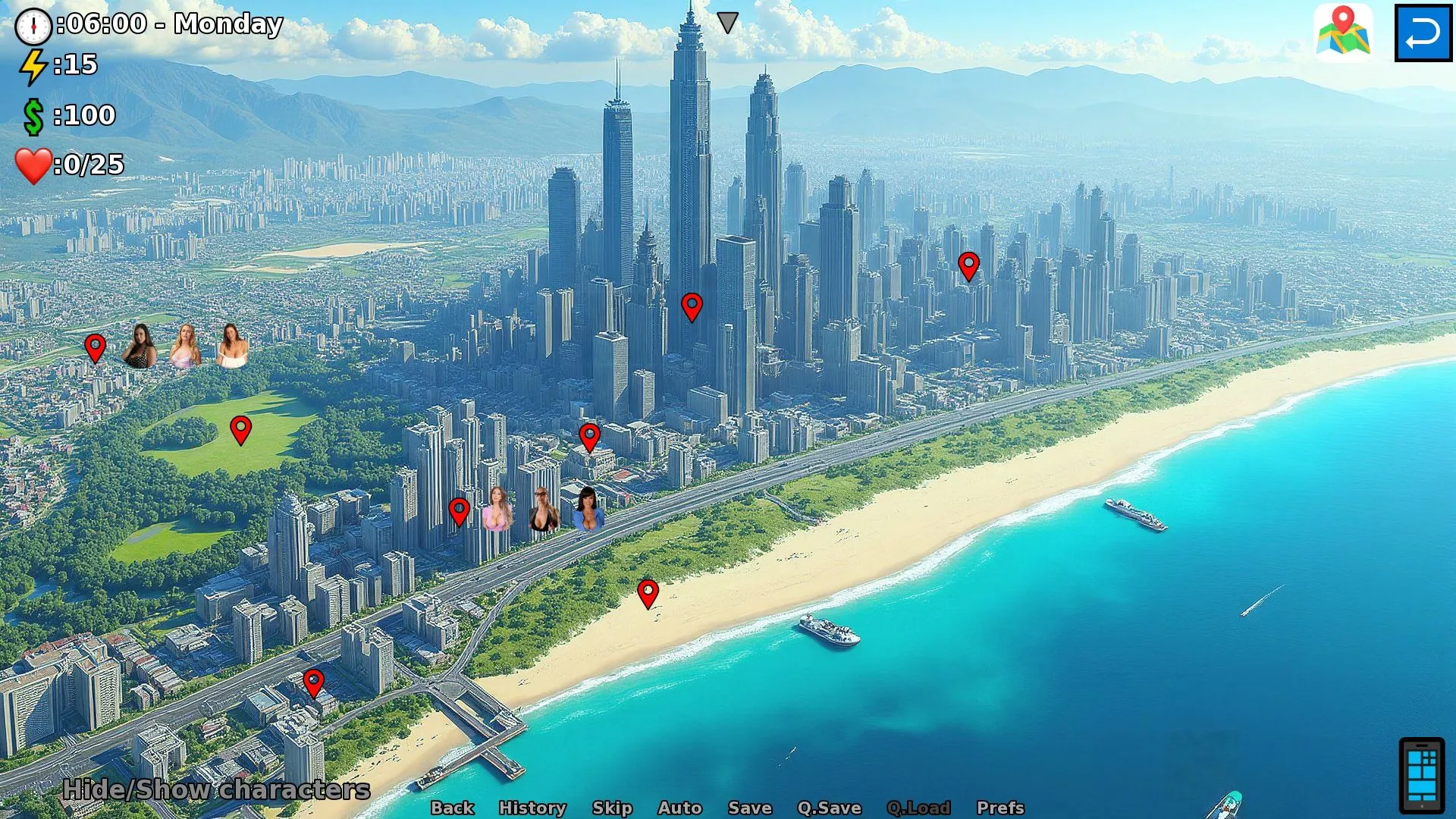
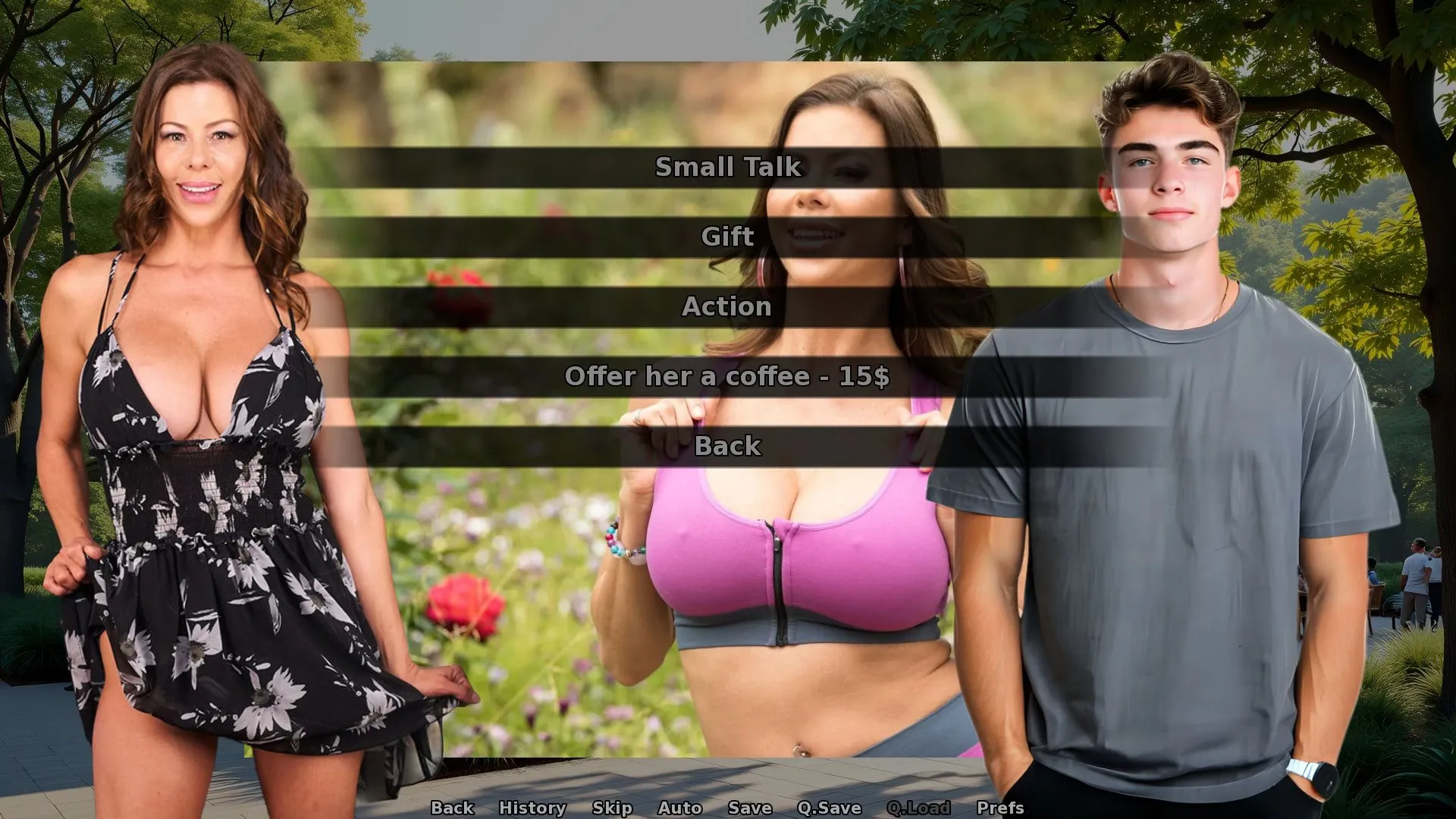
  • Daily Random Skins
    Each character receives a new randomized skin every day, visible during dialogues.
  • Dynamic Character Locations
    Characters now roam freely with randomized locations across the map.
  • Improved UI
    • Top Left: Main stats (Money, Arousal, Energy)
    • Top Right: Back button (return to previous location) + Action buttons (e.g., Shop, Brothel)
    • Bottom Left: Toggle character visibility
    • Bottom Right: Access your phone
  • Redesigned Inventory
    Cleaner layout with usable items for the player.
  • Enhanced Quest System
    Choose your own path with a more flexible quest structure.
  • Reduced Grind
    Progression is smoother, while keeping the sandbox elements intact.
  • Updated Visuals
    New and improved map graphics.
  • Useful Skills
    A range of impactful skills have been added:

    • Charm: Boosts arousal through small talk (gain by talking to girls)
    • Money: Doubles income from all sources (gain by working as a taxi driver)
    • Energy: Lowers energy cost by 1 (gain through energy-draining activities)
    • Time: Removes time penalties after certain actions (gain by walking in the park, etc.)
    • Arousal: Adds +1 arousal and lowers its penalty (gain through arousal-related actions)
    • Luck: Increases lucky outcomes and reduces risk while peeping
  • Avoidable NTR
    Turn on/off in phone > settings

Some Android games come with both an .apk file and one or more .rpa files. Here’s how to install them correctly:

  1. Install the APK file

    • Tap on the .apk file and follow the prompts to install the game on your Android device.

    • Make sure “Install from unknown sources” is enabled in your device settings.

  2. Place the RPA file(s)

    • After installing the APK, don’t launch the game yet.

    • Use a file manager app and go to:
      Android > data > [game folder] > files > game

    • If the game folder doesn’t exist, create it manually.

    • Copy or move all .rpa files into this game folder.

  3. Launch the game

    • Now open the game. The extra content (like images, sounds, mods, etc.) from the RPA files will be loaded.


⚠️ Notes:

  • If the game crashes or doesn’t open, double-check that the .rpa files are placed in the correct folder.

  • Do not unzip .rpa files — they should remain exactly as downloaded.

  • For best results, use a reliable file manager like ZArchiver or Solid Explorer.

When you install a game downloaded from outside the Google Play Store, Android may display a security warning. This is a standard system alert for unknown sources and doesn’t necessarily mean the file is harmful.

Our team does its best to gather and share games from trusted and well-known sources. However, since these games are created and distributed by independent developers, We are not responsible for the content or behavior of the game itself. Use your discretion and only install games from developers or sources you feel comfortable with.

Modded games are modified versions of the original games that offer extra features, unlocked content, or changes not present in the official release. These modifications are usually made by independent developers or fans and are designed to enhance gameplay or remove limitations.


⚠️ Please Note:

  • Modded games are not created by the original developers.

  • Some mods may not work on all devices or may crash unexpectedly.

  • Always use caution and install modded games from trusted sources.

Walkthrough Mod:
A Walkthrough Mod adds helpful tips, highlights, or guides inside the game to show the best choices, routes, or scenes. It helps players get the best results without guessing.

Cheat Mod:
A Cheat Mod enables features like unlimited money, points, or energy. It lets you skip grinding and enjoy the full game faster — but it may reduce the challenge.

Multi Mod:
A Multi Mod combines multiple mods (e.g. walkthrough + cheats + gallery unlocker + Custom Settings …) into one package. 

Unlock Mod:
An Unlock Mod gives you access to features that are locked in the original game, such as premium scenes, full galleries, or choices that are normally restricted.

An Incest Patch restores or enables family-related content that was removed or censored in the public version of the game due to platform rules.

⚠️ Always check local laws and age restrictions before using such patches

Report broken download links
Please note that our download links are not direct. You will be redirected through external pages that may contain advertisements. These ads are not affiliated with us.
Only report a link if the file is truly unavailable — for example, if you encounter a 404 error or the download page does not work at all.

Request Game Update
Use this form to request an update for the current version of the game.
Before submitting a request, please make sure that a newer version has been officially released by the developer (e.g., on Patreon, Steam, itch.io, etc.).
Keep in mind that it usually takes a short time after the developer’s release for the new version to appear on our website.

Your Rating For This Post

Average rating [2.8] out of 5 | Vote: 6

No votes so far! Be first

2.8

● Help make this game page more complete!  If you notice any missing tags, forgotten details, required patches, or any other important information, please let us know in the comments.
Your contributions help improve the page for everyone. Thank you!

guest
2 Comments
Aegon
Aegon
3 months ago

where to instal rpa

Admin Helper
Admin Helper
3 months ago
Reply to  Aegon

Read “instruction” tab, there is full guide.