Best Mom [v0.12] [BigBoy Projects]

3.6
(5)

Story Overview

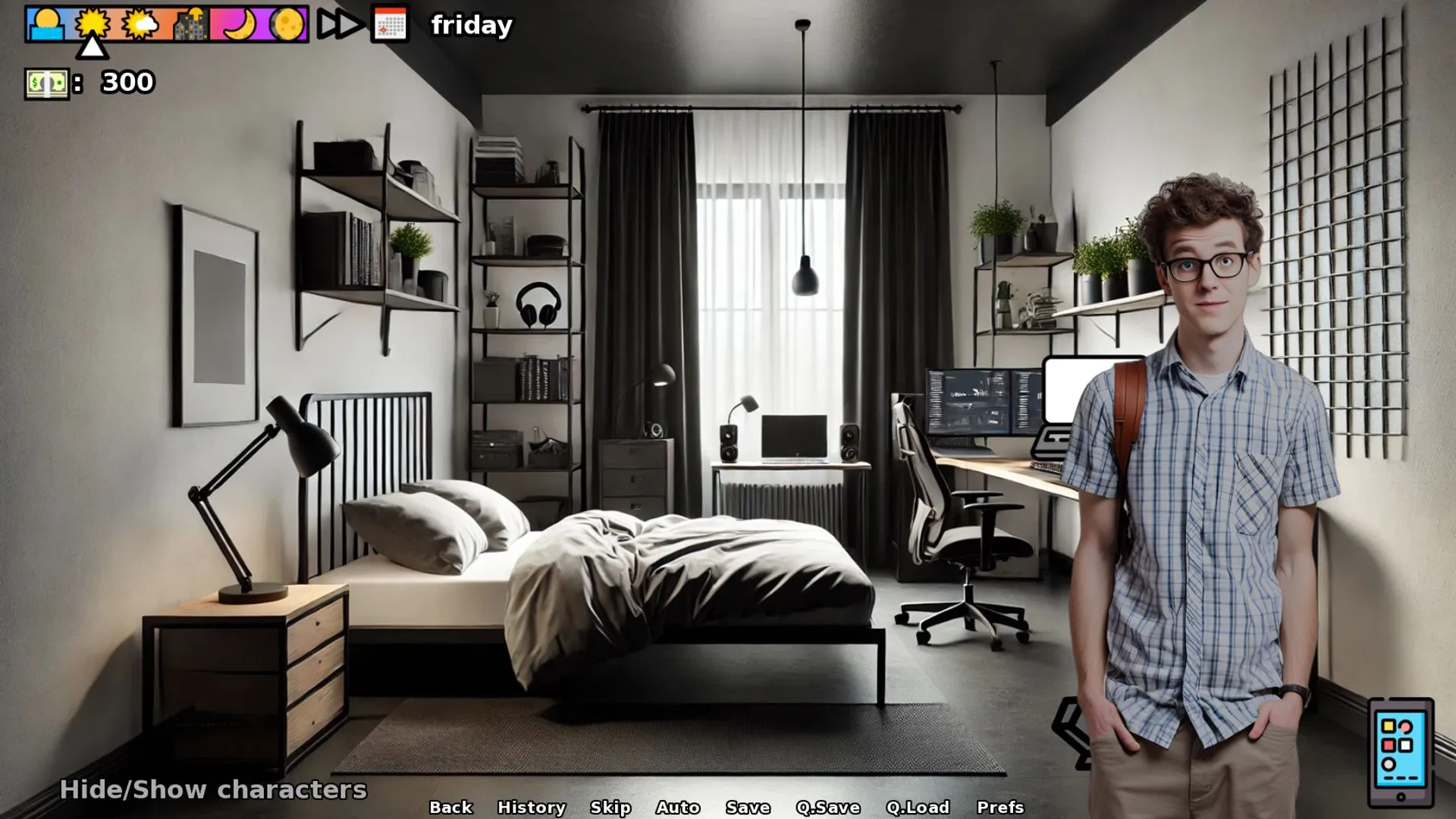
‘Best Mom’ porn game invites you into the world of a widowed mother struggling to raise her four children in a challenging environment. After losing her husband, she’s left to navigate the pressures of family life alone. But beyond the responsibilities and emotional strain lies a deeper, more provocative exploration of desire, taboo, and personal transformation.

As the story unfolds, the mother’s boundaries begin to blur. Influenced by temptation, manipulation, and the secret urges that rise in isolation, she faces choices that push her further into a world of seduction and corruption. This is a bold narrative that dares to explore controversial themes with a mix of emotional tension and erotic realism.

Why download “Best Mom”?

👩‍👧‍👦 Taboo Family Drama – Experience a story driven by loss, temptation, and unconventional love.
🎭 Emotional & Erotic Fusion – Balance heartfelt storytelling with raw, adult encounters.
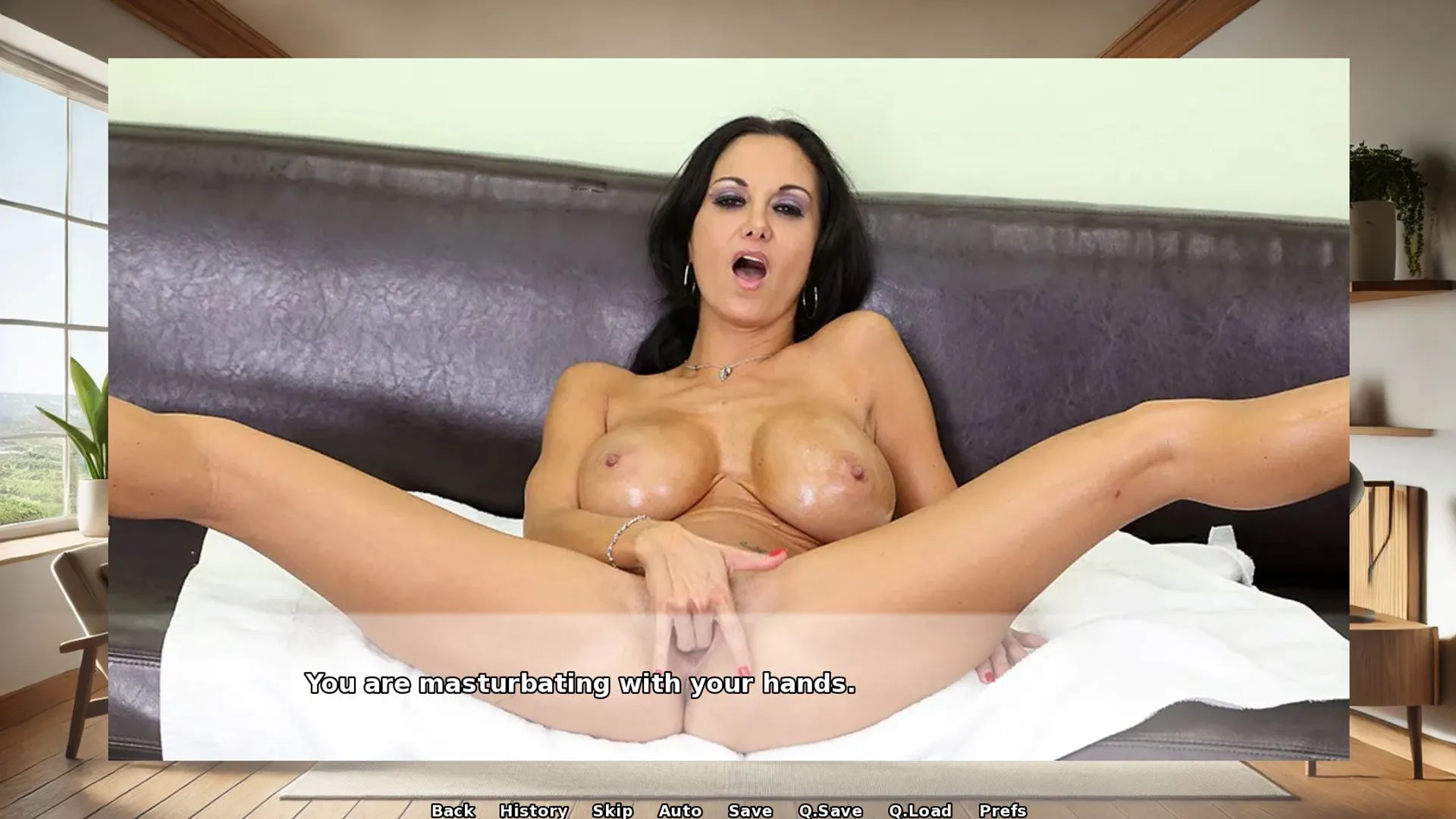
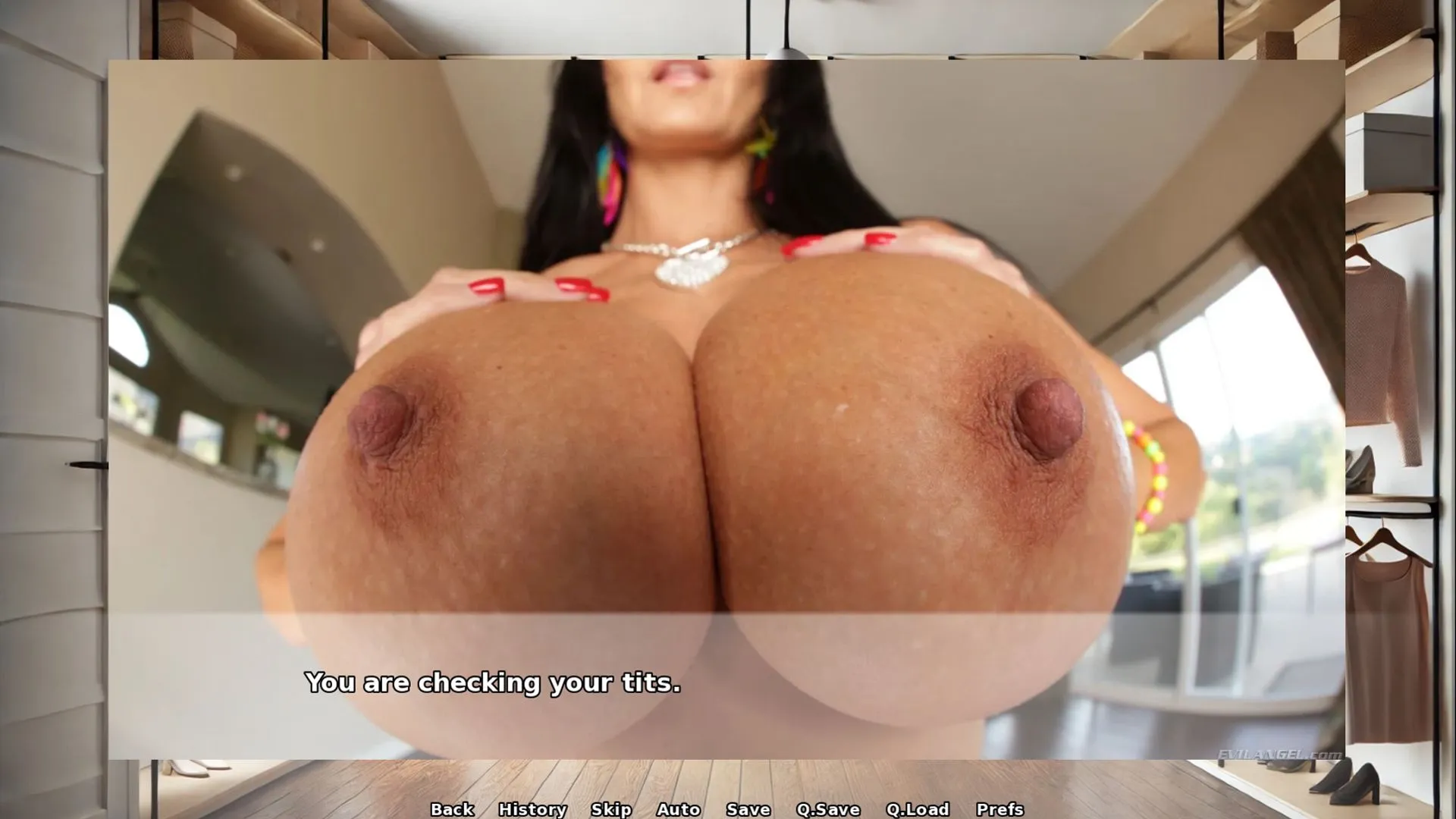
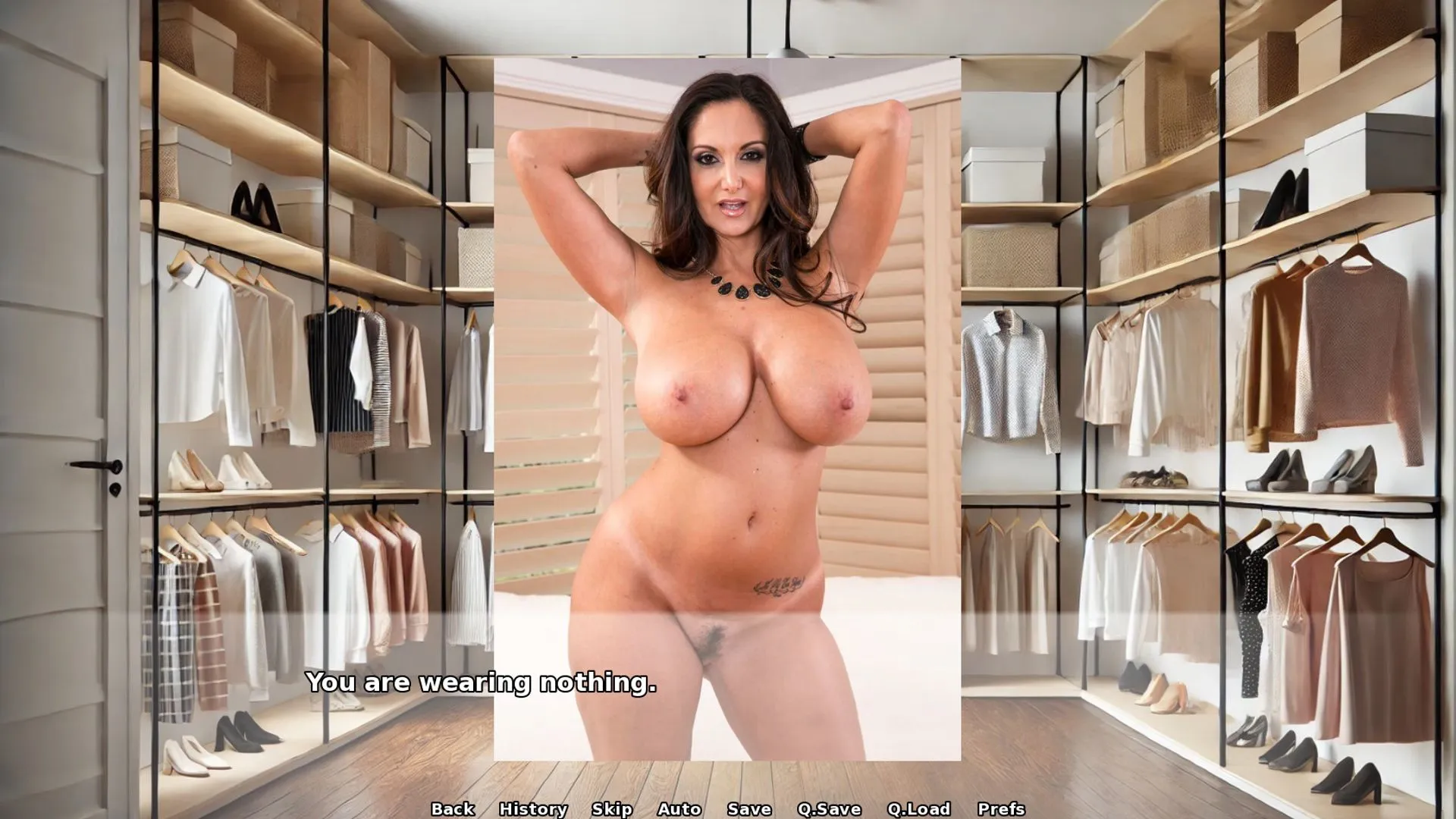
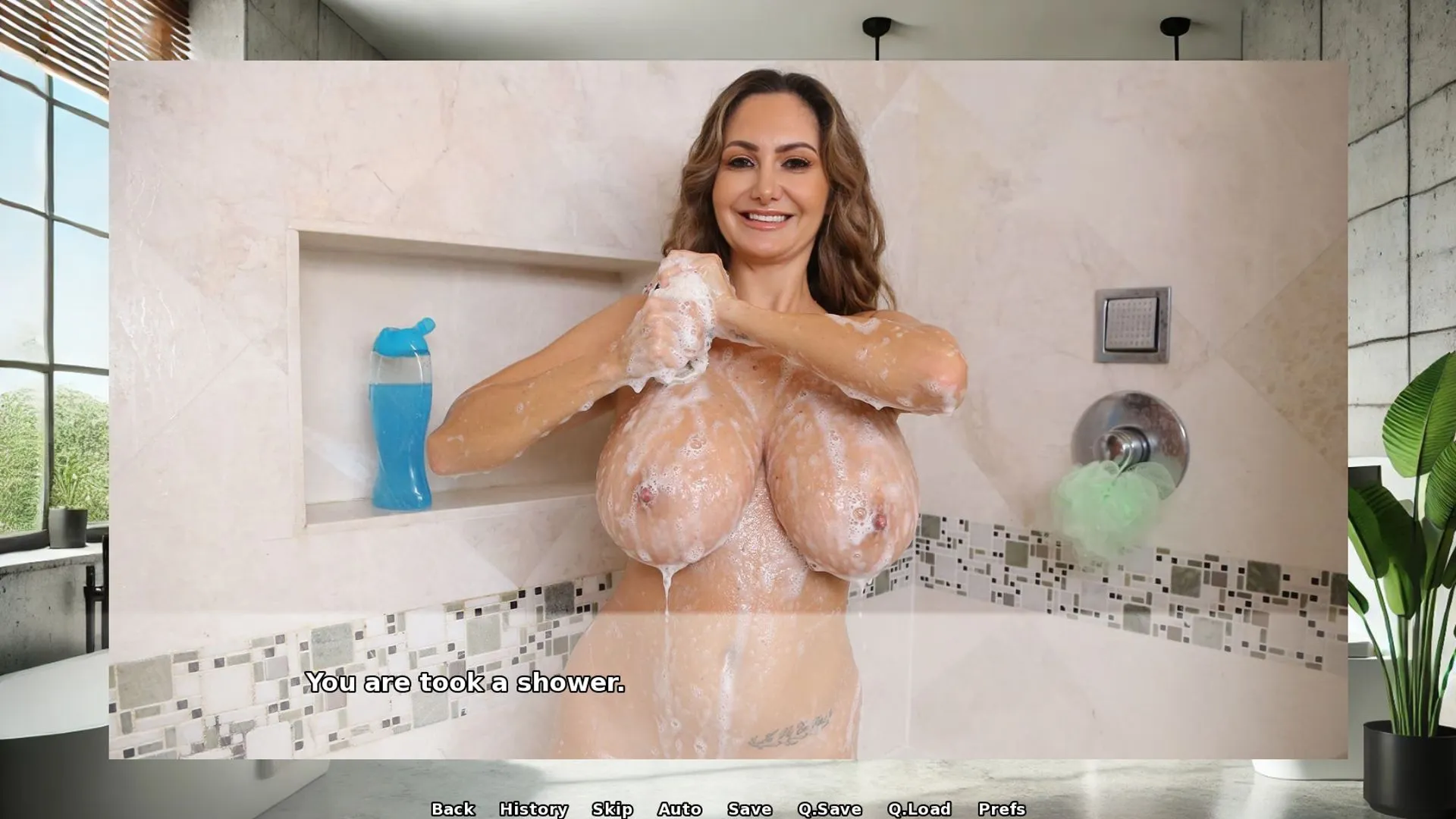
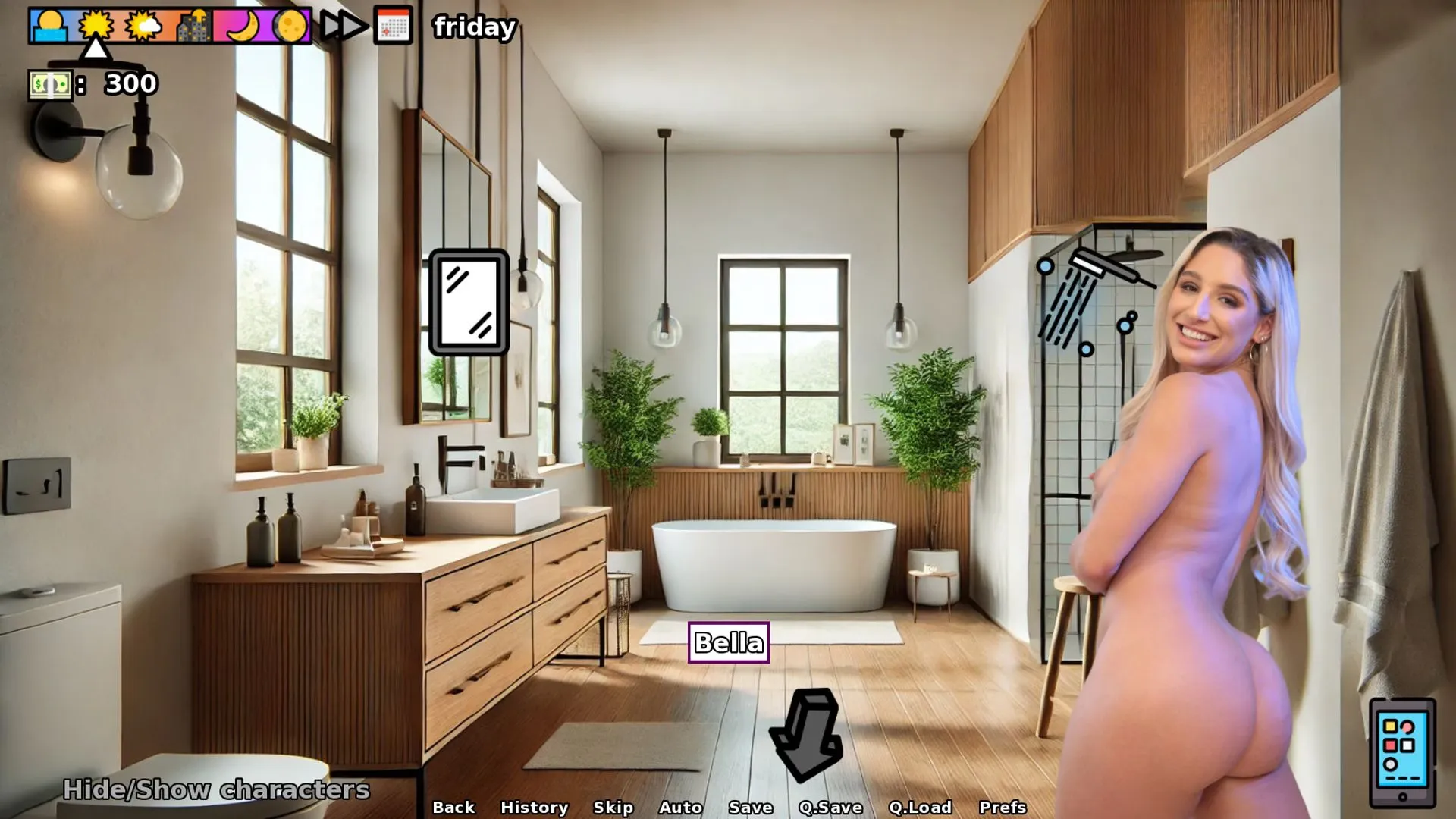
📱 Real Porn Visuals – Features real media for a more immersive, provocative experience.
🔥 Corruption & Teasing Themes – Watch characters evolve as morals erode and desires take over.
🕹️ Sandbox Gameplay – Explore freedom of choice with multiple scenarios and character interactions.

Game Status:
Protagonist (MC):
Genre:
Engine:
Last Update: 2026-04-08
Release Date: 2025-06-26
Censored: No

v0.12
– bar gloryhole only available after unlocking BJ with the boys
– minor bug fixes
– fixed bug with phone selfie
– added 21 pictures
– added clickable rooms on the map
– added chores and interactable object to the map
– downsized all characters by 10% on screen. now they wont consume all the available space in each room. diaalogues remain the same
– fixed bug where Player couldn’t earn money by working in the office
– minor bug fixes
– added 12 new quests to Tyler
– added 1 new sex scene in the school office (Ed,Tyler,Jasper)
– added 1 new sex scene to Rich
– added 20 new messenger nudes to Rich

Android Installation:

IMPORTANT:
This package contains both the game installer (APK) and all the image/video files needed to play. Follow these steps carefully, or the game will not work.

—————————————————-
1. What’s Inside This Package
—————————————————-
– Game.apk → The game installer
– images.zip → All game visuals (images + videos)
– README.txt → This guide

—————————————————-
2. Step-by-Step Installation
—————————————————-

STEP 1 – Download the Package
——————————
Download the entire game package from the server (APK + images.zip + README.txt).
Save it somewhere on your device (e.g., Downloads folder).

STEP 2 – Extract the Package
—————————–
Use a file manager or extraction app (e.g., RAR, ZArchiver, or X-plore)
to unpack the downloaded archive. (pro tipp: File Manager+ is a free and handy tool for that in Google Store)
After extraction, you should see:
– Game.apk
– images.zip
– README.txt

STEP 3 – Install the Game
————————–
Tap Game.apk and install it.
If your phone asks, enable “Install from unknown sources” in your settings.

STEP 4 – Extract the images.zip File
————————————-
Extract images.zip (do NOT just place the zip file into the folder — it must be uncompressed).
You will now have a folder named:
images

STEP 5 – Run the Game Once
————————–
Open the game normally from your app menu.
It will likely show black screens or errors — THIS IS NORMAL.
The purpose of this step is to let the game create its folder structure.
Once the main menu loads (even without images), close the game completely.

STEP 6 – Place the images Folder in the Game Directory
——————————————————-
Using your file manager, navigate to:
/Android/data/com.example.game/files/game/

If there is no “game” folder inside /files/, create one.
Move the “images” folder into /game/.

Final Path Example:
/Android/data/com.example.game/files/game/images/

—————————————————-
3. Important Notes
—————————————————-
– Do NOT keep images.zip compressed — the folder must be fully extracted.
– If the images folder is in the wrong location, the game will not load visuals.
– If you cannot access /Android/data/, use a file manager that supports Android 11+ restrictions, such as X-plore.
– The game will show black screens if the images folder is missing or misplaced.
—————————————————-
4. Extra Help
—————————————————-
– If you don’t understand English, use Google Translate or ChatGPT to translate these instructions.
– If something goes wrong, double-check the folder structure.
– The images folder must always be directly inside /game/ — not inside another subfolder.


🔘 ‘If you don’t want to start over, go to phone > setting > unlock all (lock icon), this unlocks the whole game till the very end.’

Some Android games come with both an .apk file and one or more .rpa files. Here’s how to install them correctly:

  1. Install the APK file

    • Tap on the .apk file and follow the prompts to install the game on your Android device.

    • Make sure “Install from unknown sources” is enabled in your device settings.

  2. Place the RPA file(s)

    • After installing the APK, don’t launch the game yet.

    • Use a file manager app and go to:
      Android > data > [game folder] > files > game

    • If the game folder doesn’t exist, create it manually.

    • Copy or move all .rpa files into this game folder.

  3. Launch the game

    • Now open the game. The extra content (like images, sounds, mods, etc.) from the RPA files will be loaded.


⚠️ Notes:

  • If the game crashes or doesn’t open, double-check that the .rpa files are placed in the correct folder.

  • Do not unzip .rpa files — they should remain exactly as downloaded.

  • For best results, use a reliable file manager like ZArchiver or Solid Explorer.

When you install a game downloaded from outside the Google Play Store, Android may display a security warning. This is a standard system alert for unknown sources and doesn’t necessarily mean the file is harmful.

Our team does its best to gather and share games from trusted and well-known sources. However, since these games are created and distributed by independent developers, We are not responsible for the content or behavior of the game itself. Use your discretion and only install games from developers or sources you feel comfortable with.

Modded games are modified versions of the original games that offer extra features, unlocked content, or changes not present in the official release. These modifications are usually made by independent developers or fans and are designed to enhance gameplay or remove limitations.


⚠️ Please Note:

  • Modded games are not created by the original developers.

  • Some mods may not work on all devices or may crash unexpectedly.

  • Always use caution and install modded games from trusted sources.

Walkthrough Mod:
A Walkthrough Mod adds helpful tips, highlights, or guides inside the game to show the best choices, routes, or scenes. It helps players get the best results without guessing.

Cheat Mod:
A Cheat Mod enables features like unlimited money, points, or energy. It lets you skip grinding and enjoy the full game faster — but it may reduce the challenge.

Multi Mod:
A Multi Mod combines multiple mods (e.g. walkthrough + cheats + gallery unlocker + Custom Settings …) into one package. 

Unlock Mod:
An Unlock Mod gives you access to features that are locked in the original game, such as premium scenes, full galleries, or choices that are normally restricted.

An Incest Patch restores or enables family-related content that was removed or censored in the public version of the game due to platform rules.

⚠️ Always check local laws and age restrictions before using such patches

Report broken download links
Please note that our download links are not direct. You will be redirected through external pages that may contain advertisements. These ads are not affiliated with us.
Only report a link if the file is truly unavailable — for example, if you encounter a 404 error or the download page does not work at all.

Request Game Update
Use this form to request an update for the current version of the game.
Before submitting a request, please make sure that a newer version has been officially released by the developer (e.g., on Patreon, Steam, itch.io, etc.).
Keep in mind that it usually takes a short time after the developer’s release for the new version to appear on our website.

Your Rating For This Post

Average rating [3.6] out of 5 | Vote: 5

No votes so far! Be first

3.6

● Help make this game page more complete!  If you notice any missing tags, forgotten details, required patches, or any other important information, please let us know in the comments.
Your contributions help improve the page for everyone. Thank you!

guest
1 Comment
Jhony
Jhony
5 months ago

Very sex game