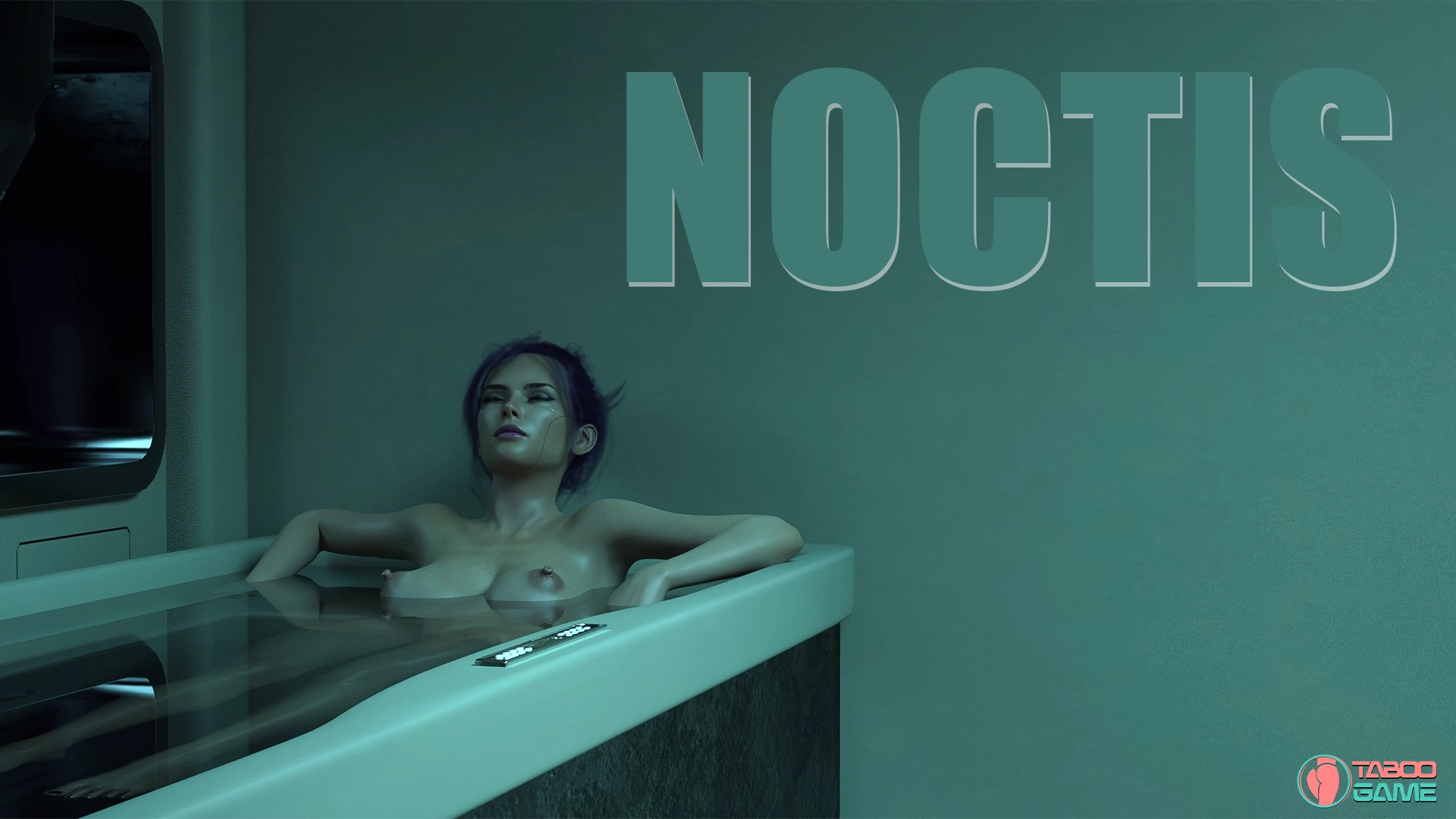
NOCTIS [v0.01.50a] [Studio Nox]

3
(3)

Story Overview

NOCTIS invites players into a rich cyberpunk world teetering on the edge of collapse a society where the boundary between human and machine is not just blurred, but shattered. As you navigate this dark, neon-lit dystopia, you’ll uncover ancient conspiracies, interact with androids and humans alike, and face choices that ripple across the fabric of reality.

You’re not just a wanderer in this sprawling mega-city you’re part of its evolution. Your journey will lead you through morally complex situations, seductive encounters with synthetic lovers, and high-stakes decisions that test your ideals and shape your future. Will you fight to preserve your humanity, or embrace the machine within?

Why Download NOCTIS?

🔍 Narrative-Driven Cyberpunk Mystery – Dive into a story rich with lore, philosophical dilemmas, and noir-style intrigue.
🤖 Robot & Sex-Machine Encounters – Form romantic and erotic relationships with androids and sentient machines.
💔 Deep Character Arcs – Every character has their secrets, desires, and agendas your choices will shape their paths.
🏙️ Sandbox Exploration – Roam the futuristic city, discover hidden locations, and unlock branching storylines.
🚀 Sci-Fi Meets Emotion – Explore what it means to be human in a world ruled by tech, surveillance, and artificial life.

Similar Games

Game TitleDeveloper
City of Broken DreamersPhillyGames
Artemisdigi.B
Sexbot II: RecalibratedLlamaMann Games
Game Status :
Protagonist (MC) :
Genre:
Engine :
Creator : Studio Nox
Last Update : 7 months ago
Release Date : April 13, 2025
Censored : No

v0.01.50a
Changelog:
• Violet’s questline expanded with new events and scenes
• Euphoria District added as a new area
• New character Bonny introduced
• Stellar’s villa added. A new spot.
• Sex scene control system implemented (speed, angle, climax control)
• “Skip Minigame” option added to the bar minigame
• New immersive billboard ads added across city areas
• Lighting adjustments made to improve visual consistency
• Fixed character portrait display issues during dialogues

Some Android games come with both an .apk file and one or more .rpa files. Here’s how to install them correctly:

  1. Install the APK file

    • Tap on the .apk file and follow the prompts to install the game on your Android device.

    • Make sure “Install from unknown sources” is enabled in your device settings.

  2. Place the RPA file(s)

    • After installing the APK, don’t launch the game yet.

    • Use a file manager app and go to:
      Android > data > [game folder] > files > game

    • If the game folder doesn’t exist, create it manually.

    • Copy or move all .rpa files into this game folder.

  3. Launch the game

    • Now open the game. The extra content (like images, sounds, mods, etc.) from the RPA files will be loaded.


⚠️ Notes:

  • If the game crashes or doesn’t open, double-check that the .rpa files are placed in the correct folder.

  • Do not unzip .rpa files — they should remain exactly as downloaded.

  • For best results, use a reliable file manager like ZArchiver or Solid Explorer.

When you install a game downloaded from outside the Google Play Store, Android may display a security warning. This is a standard system alert for unknown sources and doesn’t necessarily mean the file is harmful.

Our team does its best to gather and share games from trusted and well-known sources. However, since these games are created and distributed by independent developers, We are not responsible for the content or behavior of the game itself. Use your discretion and only install games from developers or sources you feel comfortable with.

Modded games are modified versions of the original games that offer extra features, unlocked content, or changes not present in the official release. These modifications are usually made by independent developers or fans and are designed to enhance gameplay or remove limitations.


⚠️ Please Note:

  • Modded games are not created by the original developers.

  • Some mods may not work on all devices or may crash unexpectedly.

  • Always use caution and install modded games from trusted sources.

Walkthrough Mod:
A Walkthrough Mod adds helpful tips, highlights, or guides inside the game to show the best choices, routes, or scenes. It helps players get the best results without guessing.

Cheat Mod:
A Cheat Mod enables features like unlimited money, points, or energy. It lets you skip grinding and enjoy the full game faster — but it may reduce the challenge.

Multi Mod:
A Multi Mod combines multiple mods (e.g. walkthrough + cheats + gallery unlocker + Custom Settings …) into one package. 

Unlock Mod:
An Unlock Mod gives you access to features that are locked in the original game, such as premium scenes, full galleries, or choices that are normally restricted.

An Incest Patch restores or enables family-related content that was removed or censored in the public version of the game due to platform rules.

⚠️ Always check local laws and age restrictions before using such patches

Report broken download links
Please note that our download links are not direct. You will be redirected through external pages that may contain advertisements. These ads are not affiliated with us.
Only report a link if the file is truly unavailable — for example, if you encounter a 404 error or the download page does not work at all.

Request Game Update
Use this form to request an update for the current version of the game.
Before submitting a request, please make sure that a newer version has been officially released by the developer (e.g., on Patreon, Steam, itch.io, etc.).
Keep in mind that it usually takes a short time after the developer’s release for the new version to appear on our website.

Your Rating For This Post

Average rating [3] out of 5 | Vote: 3

No votes so far! Be first

3
guest

0 Comments
Inline Feedbacks
View all comments