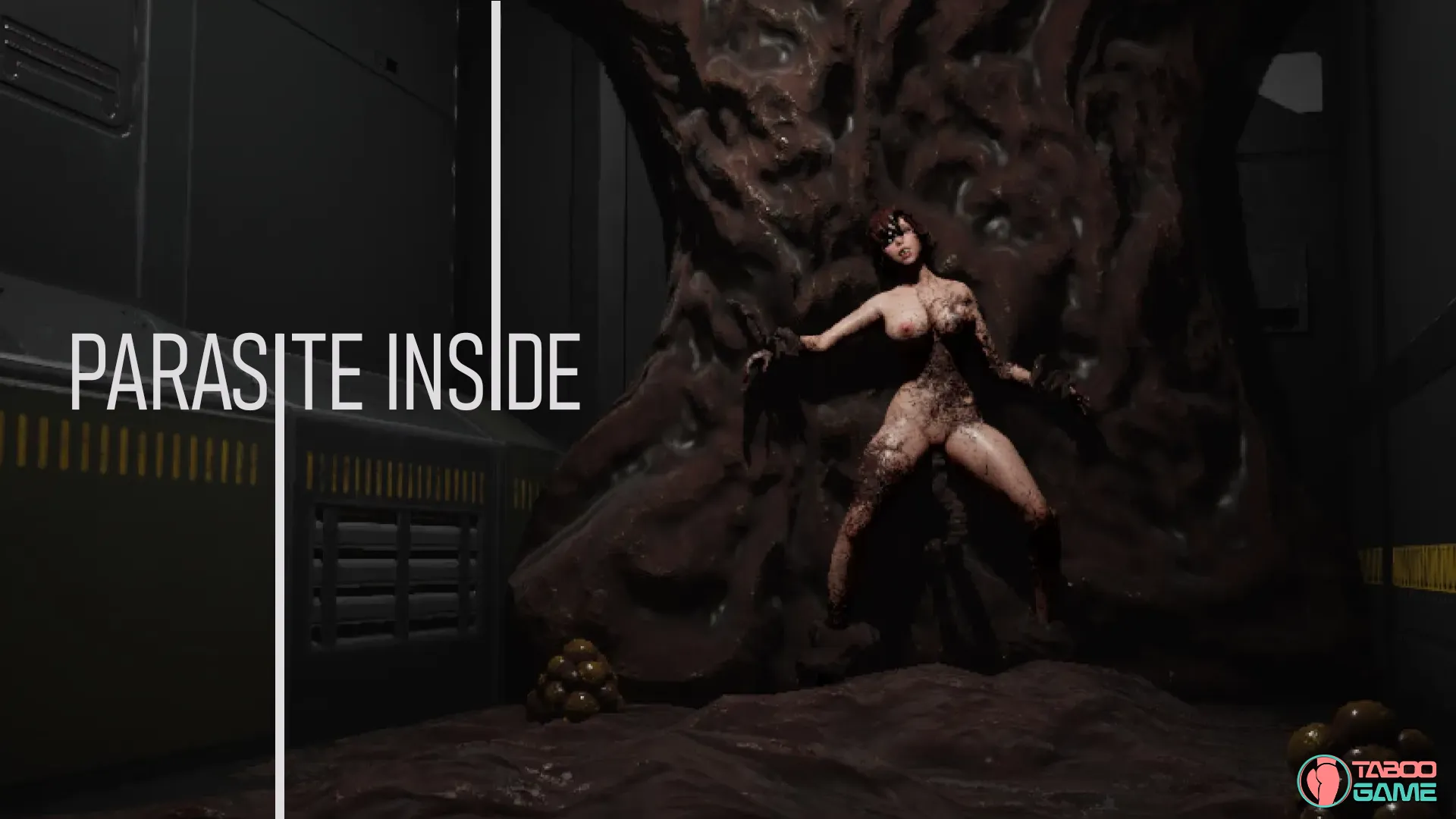
Parasite Inside [v0.4.5] [Kodman]

3
(1)

Story Overview

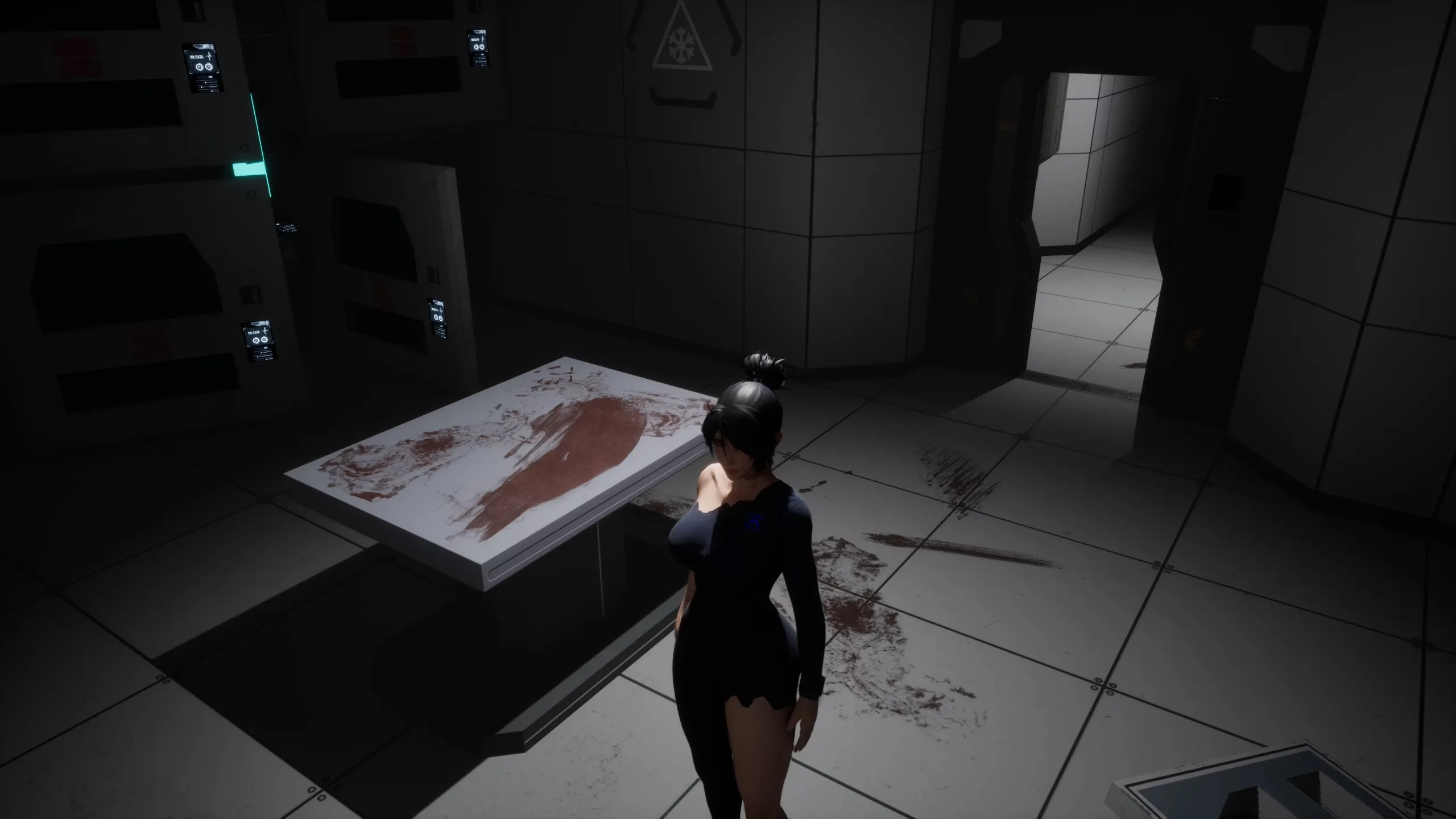
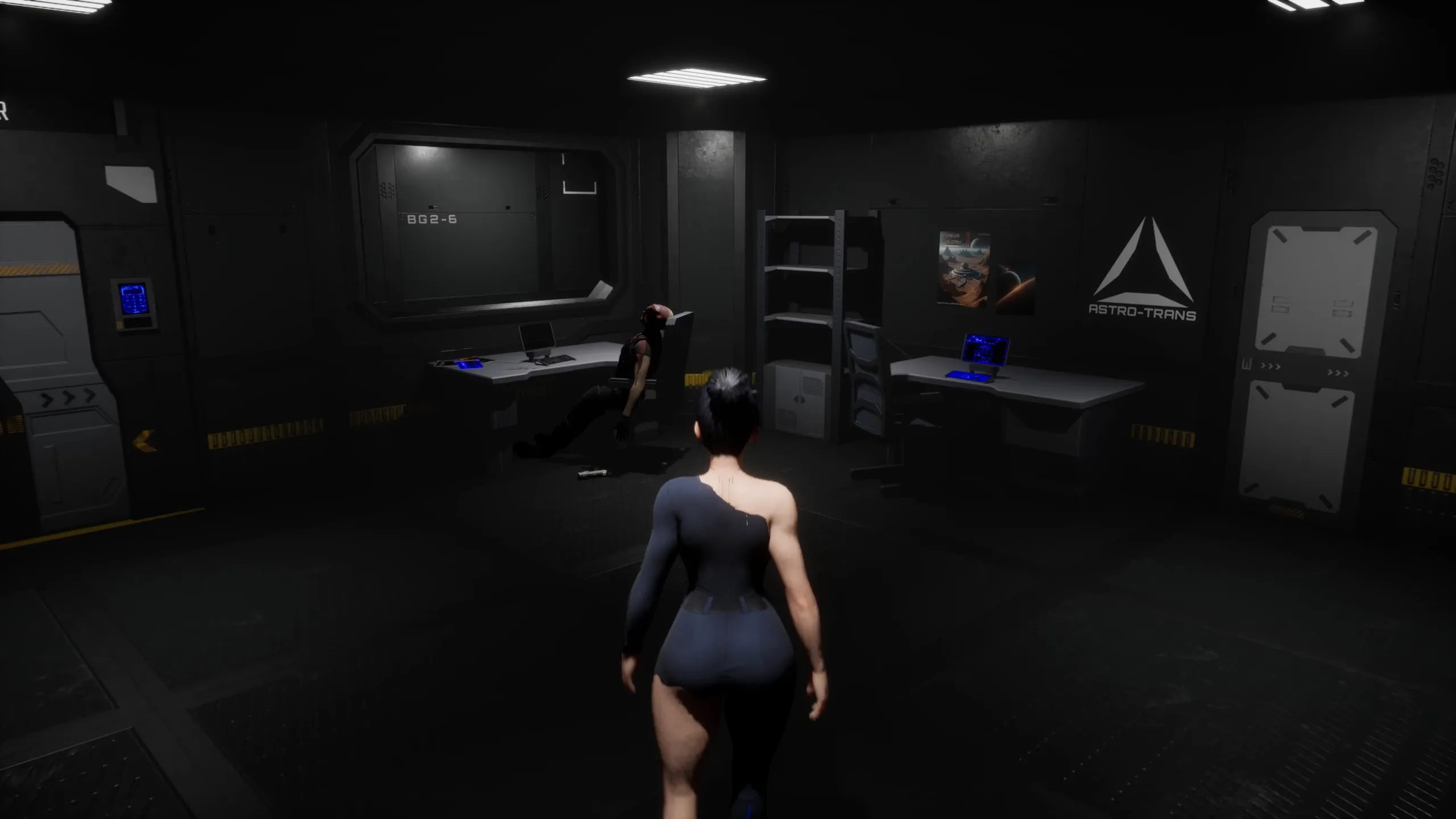
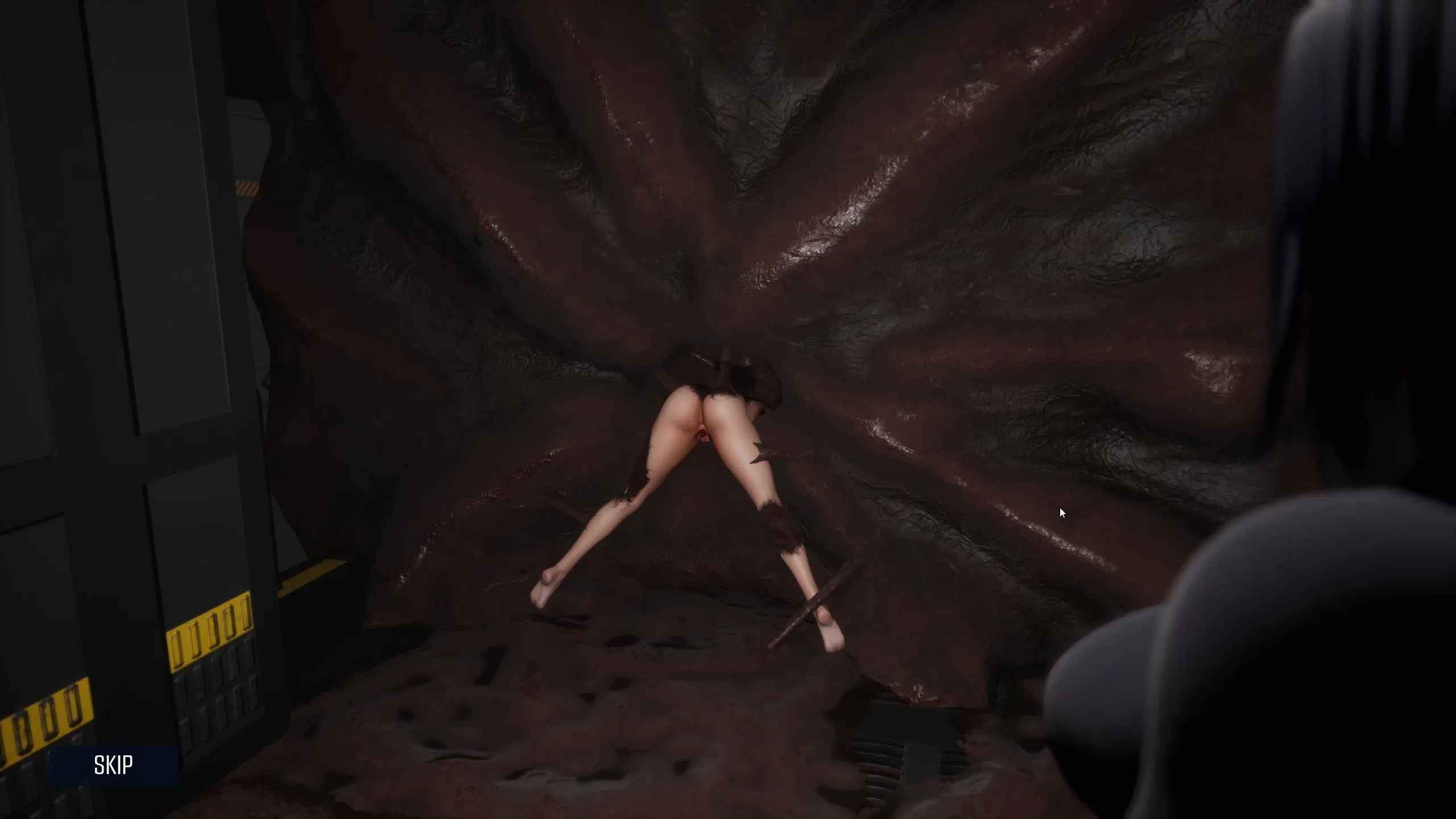
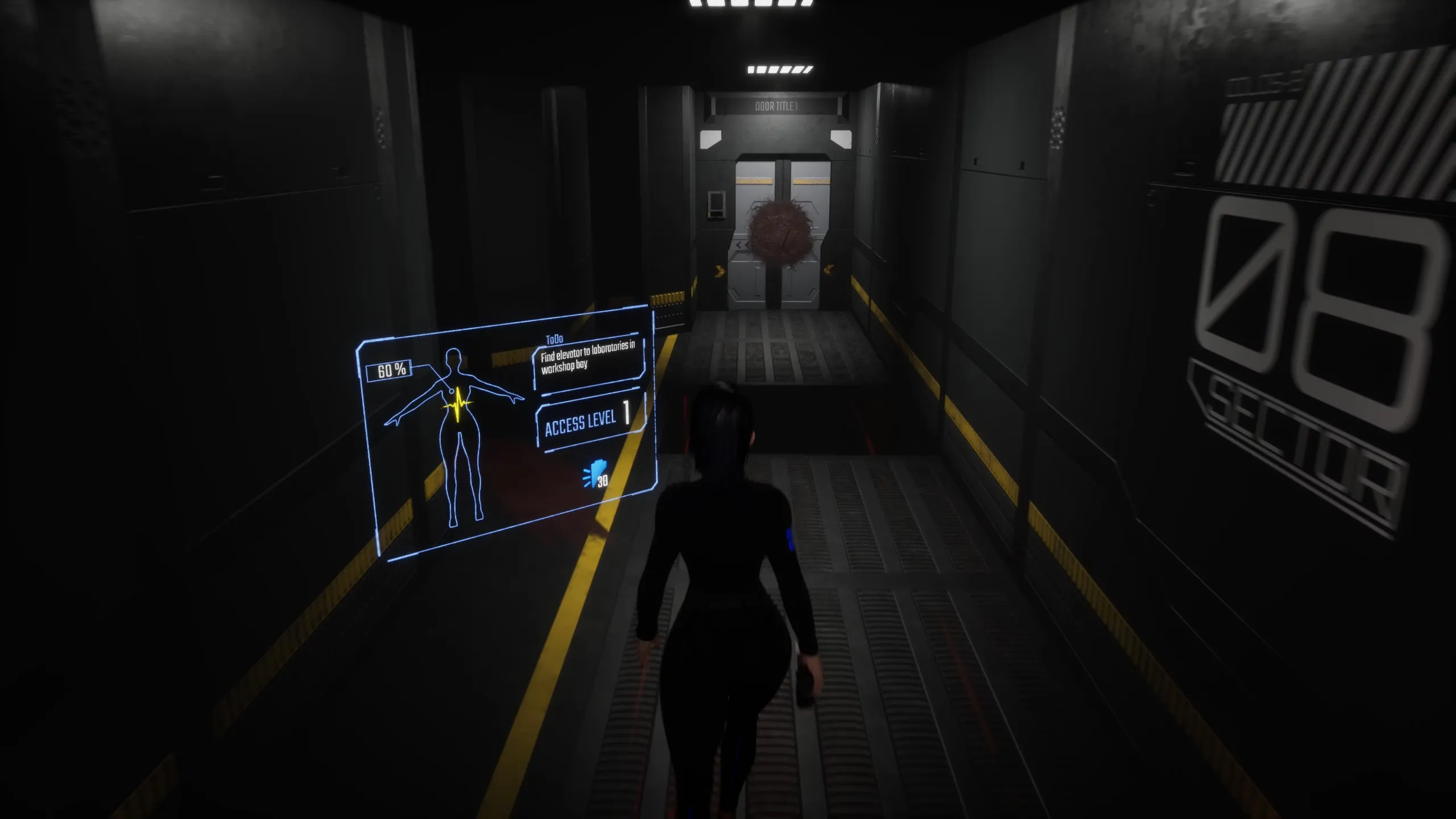
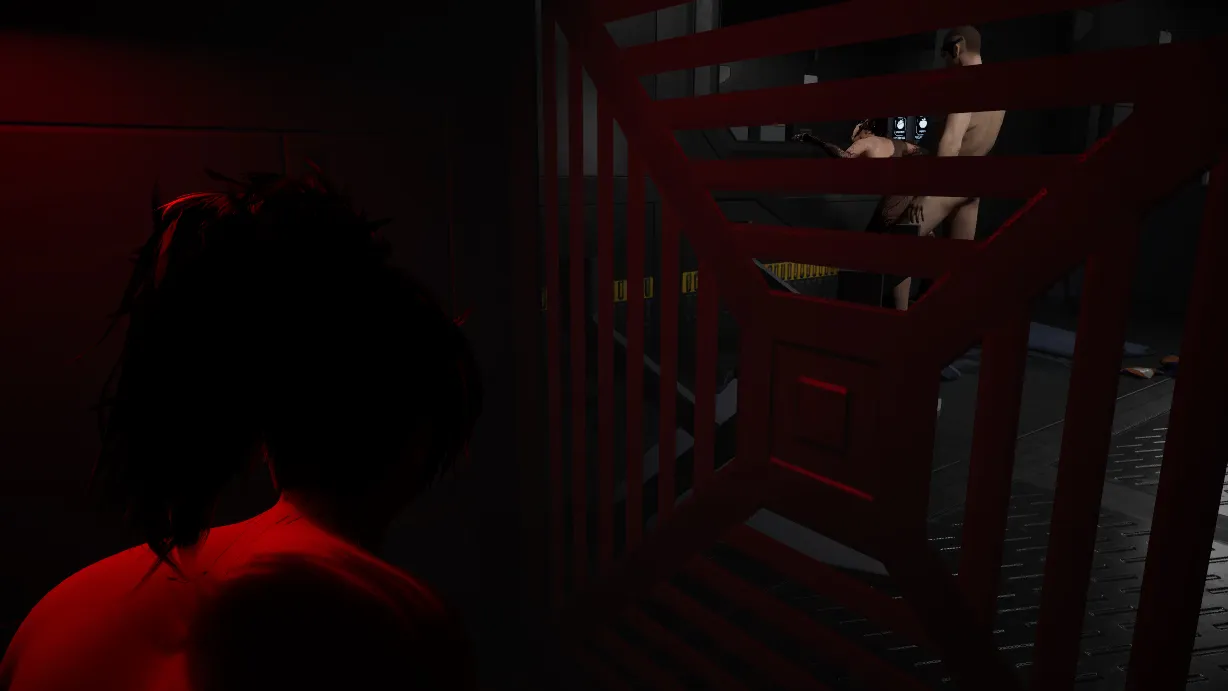
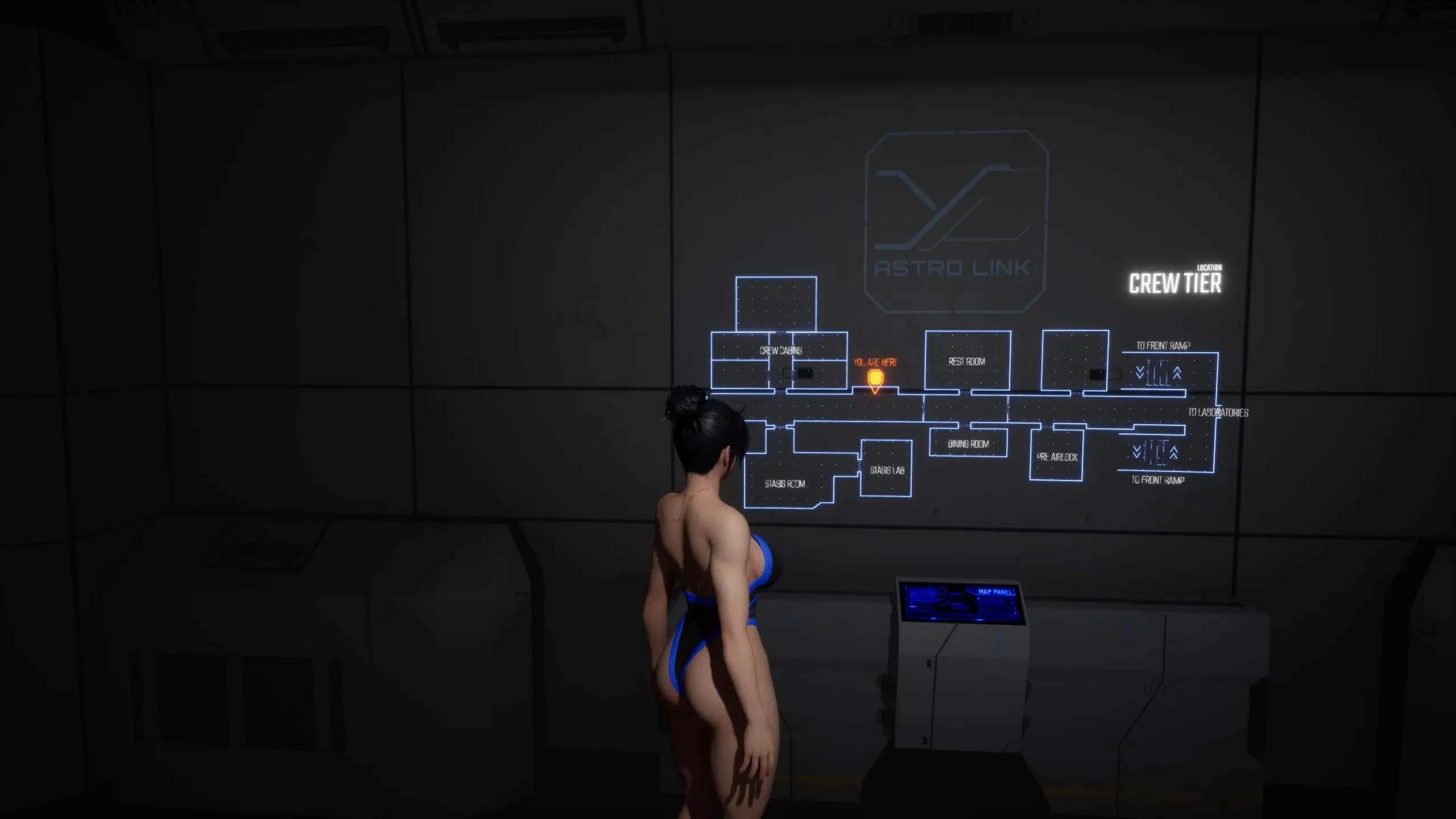
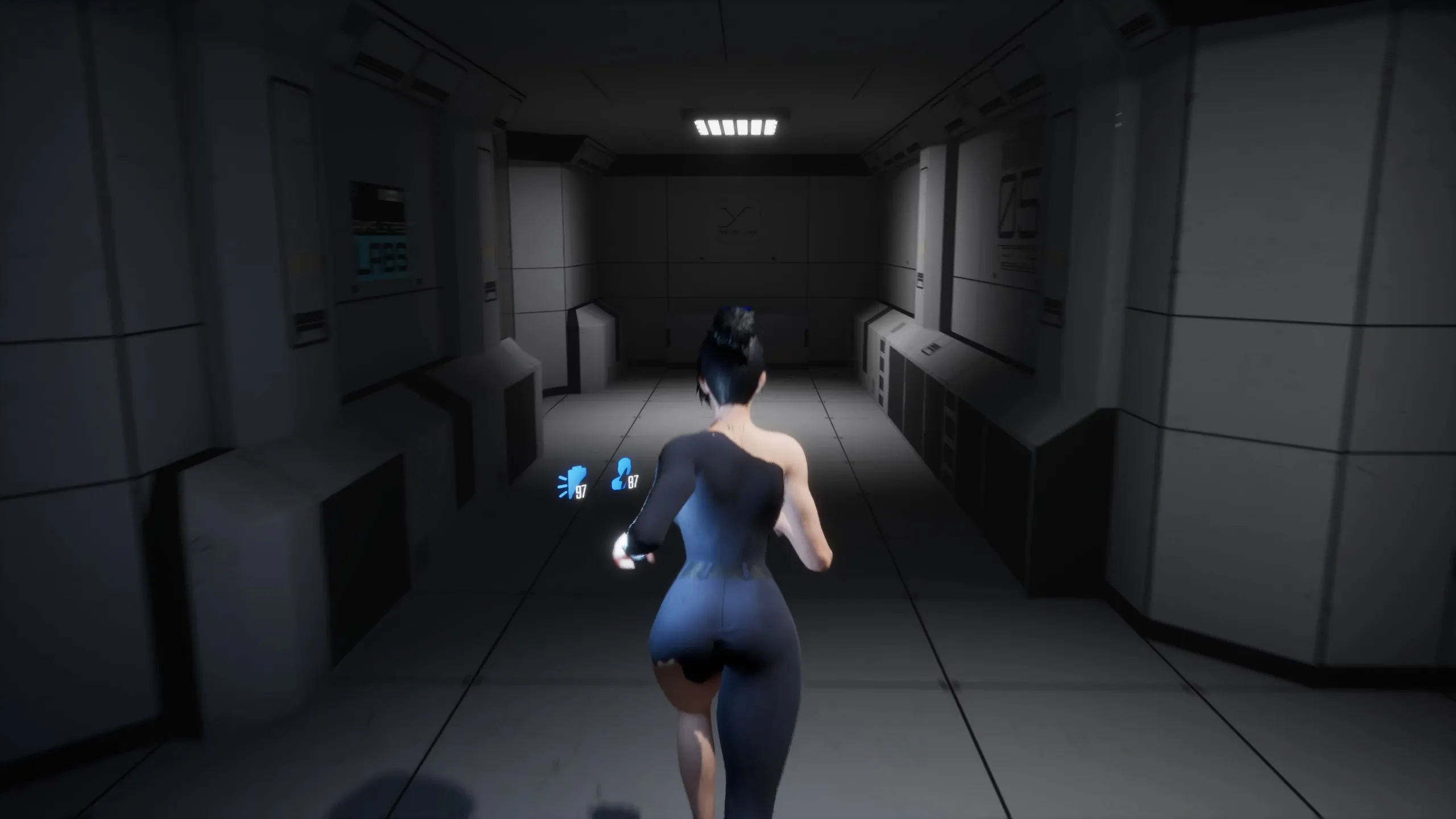
Parasite Inside is a Sci-Fi Horror game where the protagonist, Oni Lim, awakens aboard a colonization spaceship. She discovers that all other crew members are in cryogenic stasis and critical ship systems are malfunctioning. Oni embarks on a perilous journey through the ship’s labyrinthine corridors to uncover the source of the problem, encountering shocking discoveries amidst flickering lights and ominous shadows.

Why Download “Parasite Inside”?

🪐 Sci-Fi Horror Setting – Explore a colonization spaceship with failing systems and ominous threats.
🧩 Puzzle-Solving Mechanics – Find codes, hints, and solutions like reading tablets or peeking through windows.
🔫 Shooter and Adventure Elements – Combine combat with exploration in a 3D Unreal Engine environment.
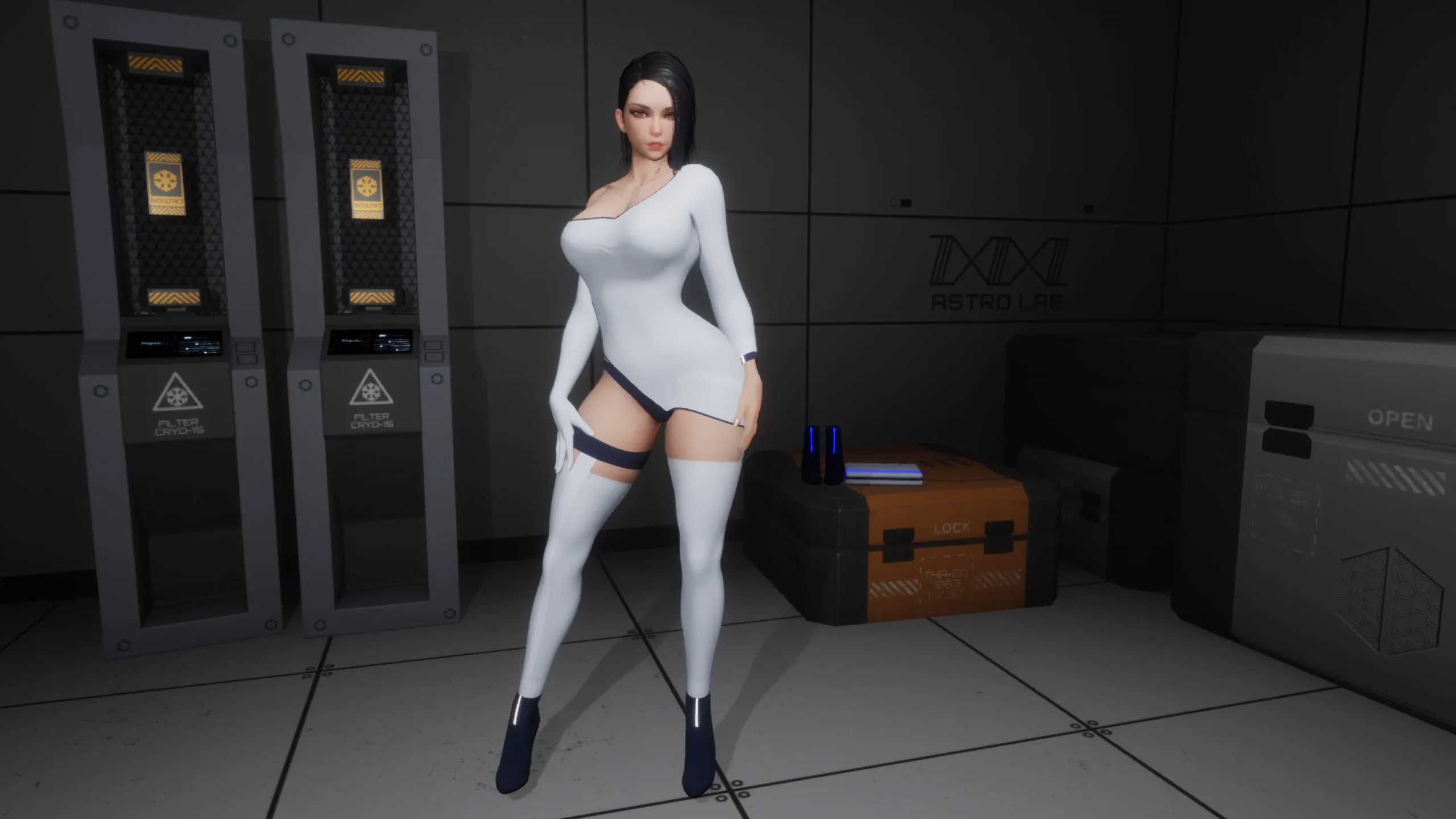
🗣️ Voiced Protagonist – Female lead Oni Lim with voiced elements for immersion.
👻 Horror and Discovery Focus – Uncover shocking events in flickering corridors, compared by users to Dead Space but more fun.
🌟 User-Praised Vibe – Feedback highlights Haydee-like feel with hopes for meticulously crafted storyline.


Game Status:
Protagonist (MC):
Genre:
Engine:
OS:
Last Update: 2026-10-02
Release Date: 2026-03-25
Censored: No

v0.4.5

[Locations]

  • Main Labs – Added Sector 2
  • Main Labs – Added Sector 3
  • Main Labs – Added Sector 4
  • Workshops – Reworked the connection between Sectors 6 and 9
  • Added new landmarks across many older locations to improve navigation

[Enemies]

  • Spreader – Reduced movement speed and jump height
  • Sporewell – Added a new enemy type

[Cutscenes]

  • Added one major story cutscene and four minor story cutscenes
  • Added one respawn scene

[Character]

  • Reworked stamina system – stamina is now consumed only when using certain implants
  • Removed stamina consumption while running
  • Flashlight battery capacity increased by 10%

[Systems]

  • Reworked the level streaming system to reduce delayed object loading
  • Added a cold damage system and outfit-based resistance to cold

[UI]

  • Updated the display method for core status indicators (stamina, flashlight, damage/infection feedback)

[Implants]

  • Added new implant: BioCatalyst Core

[Audio]

  • Added new ambient sounds
  • Fixed issues where sounds could be heard from unrealistic distances

[Video Gallery]

  • Added one new scene to the Video Gallery
  • Fixed an issue with the flashlight when switching scenes

[Picture Gallery]

  • Added 3 collectible cards

[Map System]

  • Added a map for Main Labs Sector 2
  • Added a map for Main Labs Sector 3
  • Added a map for Main Labs Sector 4

[Camera]

  • Added slight smoothing to the aiming camera

[Optimization]

  • Updated the rendering system
  • Optimized texture sizes to reduce VRAM usage
  • Optimized environment assets
  • Optimized collision on environment objects
  • Converted nearly half of the dynamic light sources to static lights for better performance

[Outfits]

  • The COLOS-8 outfit has been fully reworked

[Settings]

  • Video – Added Reflection Method settings
  • Video – Added Resolution Scale settings
  • Fixed an issue where the Master Audio setting did not work correctly

[Other]

  • Added “No Power” indicators for interactive doors
  • Added “No Power” indicators for elevators
  • Added “No Power” indicators for power panels
  • Added 8 new lore notes
  • Added new environment decals
  • Fixed numerous bugs

System requirements:

  • OS: Windows 11 (64-bit)
  • Processor: Intel Core i5-8250U / AMD Ryzen 5 5500 or better
  • Memory: 12 GB RAM
  • Graphics: NVIDIA GTX 1060 (6GB) / AMD Radeon RX 580 (8GB) or better
  • DirectX: Version 12
  • Storage: 3 GB on SSD (required) Input:
  • Keyboard + Mouse


Some Android games come with both an .apk file and one or more .rpa files. Here’s how to install them correctly:

  1. Install the APK file

    • Tap on the .apk file and follow the prompts to install the game on your Android device.

    • Make sure “Install from unknown sources” is enabled in your device settings.

  2. Place the RPA file(s)

    • After installing the APK, don’t launch the game yet.

    • Use a file manager app and go to:
      Android > data > [game folder] > files > game

    • If the game folder doesn’t exist, create it manually.

    • Copy or move all .rpa files into this game folder.

  3. Launch the game

    • Now open the game. The extra content (like images, sounds, mods, etc.) from the RPA files will be loaded.


⚠️ Notes:

  • If the game crashes or doesn’t open, double-check that the .rpa files are placed in the correct folder.

  • Do not unzip .rpa files — they should remain exactly as downloaded.

  • For best results, use a reliable file manager like ZArchiver or Solid Explorer.

When you install a game downloaded from outside the Google Play Store, Android may display a security warning. This is a standard system alert for “unknown sources” and doesn’t necessarily mean the file is harmful.

Our team does its best to gather and share games from trusted and well-known sources. However, since these games are created and distributed by independent developers, We are not responsible for the content or behavior of the game itself. Use your discretion and only install games from developers or sources you feel comfortable with.

Modded games are modified versions of the original games that offer extra features, unlocked content, or changes not present in the official release. These modifications are usually made by independent developers or fans and are designed to enhance gameplay or remove limitations.


⚠️ Please Note:

  • Modded games are not created by the original developers.

  • Some mods may not work on all devices or may crash unexpectedly.

  • Always use caution and install modded games from trusted sources.

Walkthrough Mod:
A Walkthrough Mod adds helpful tips, highlights, or guides inside the game to show the best choices, routes, or scenes. It helps players get the best results without guessing.

Cheat Mod:
A Cheat Mod enables features like unlimited money, points, or energy. It lets you skip grinding and enjoy the full game faster — but it may reduce the challenge.

Multi Mod:
A Multi Mod combines multiple mods (e.g. walkthrough + cheats + gallery unlocker + Custom Settings …) into one package. 

Unlock Mod:
An Unlock Mod gives you access to features that are locked in the original game, such as premium scenes, full galleries, or choices that are normally restricted.

An Incest Patch restores or enables family-related content that was removed or censored in the public version of the game due to platform rules.

⚠️ Always check local laws and age restrictions before using such patches

Report broken download links
Please note that our download links are not direct. You will be redirected through external pages that may contain advertisements. These ads are not affiliated with us.
Only report a link if the file is truly unavailable — for example, if you encounter a 404 error or the download page does not work at all.

Request Game Update
Use this form to request an update for the current version of the game.
Before submitting a request, please make sure that a newer version has been officially released by the developer (e.g., on Patreon, Steam, itch.io, etc.).
Keep in mind that it usually takes a short time after the developer’s release for the new version to appear on our website.

Your Rating For This Post

Average rating [3] out of 5 | Vote: 1

No votes so far! Be first

3.0

● Help make this game page more complete!  If you notice any missing tags, forgotten details, required patches, or any other important information, please let us know in the comments.
Your contributions help improve the page for everyone. Thank you!

guest
0 Comments