
Sexbot Restoration 2124 [v0.16.1] [squirrel24]

4
(1)

Story Overview

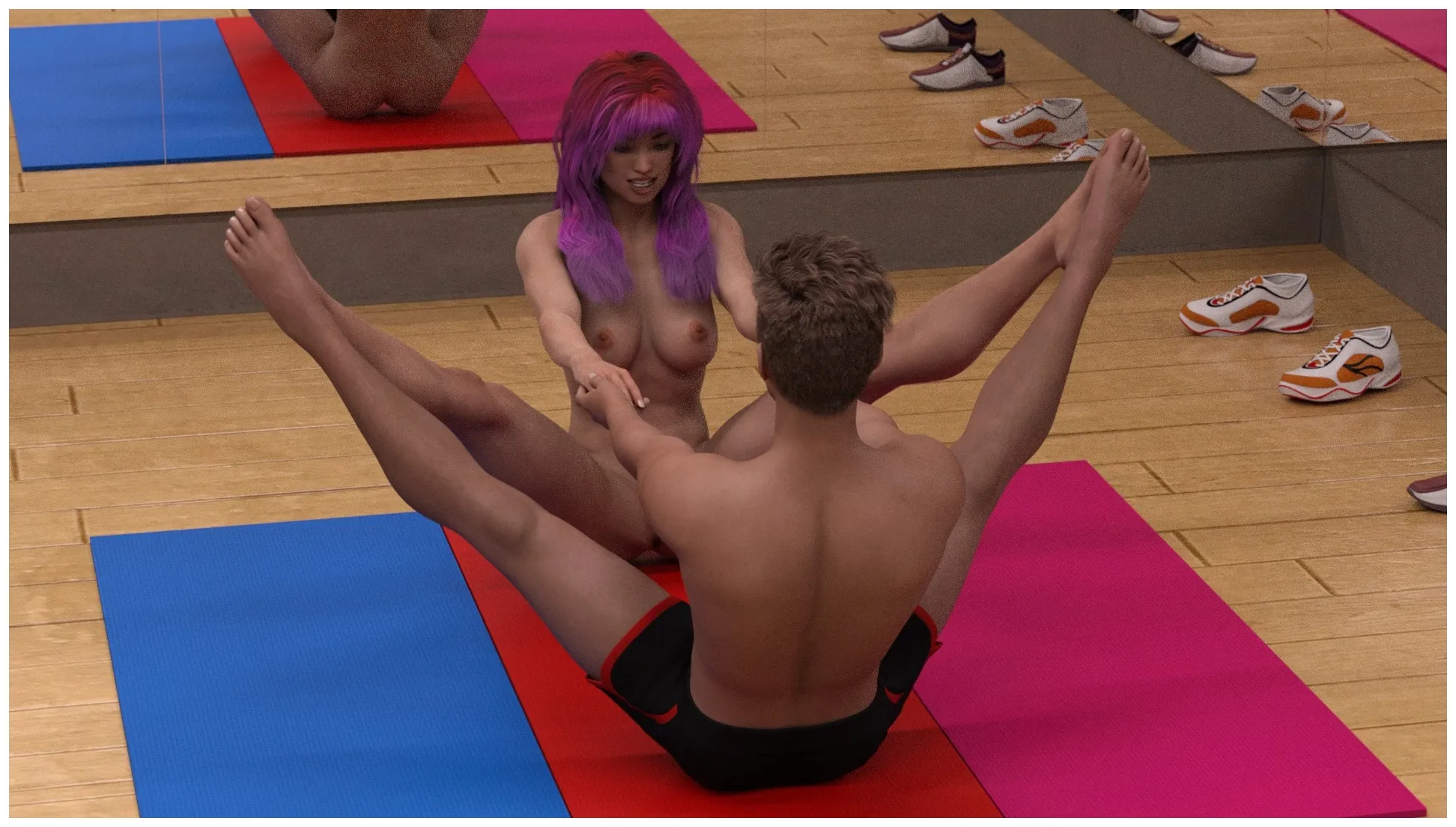
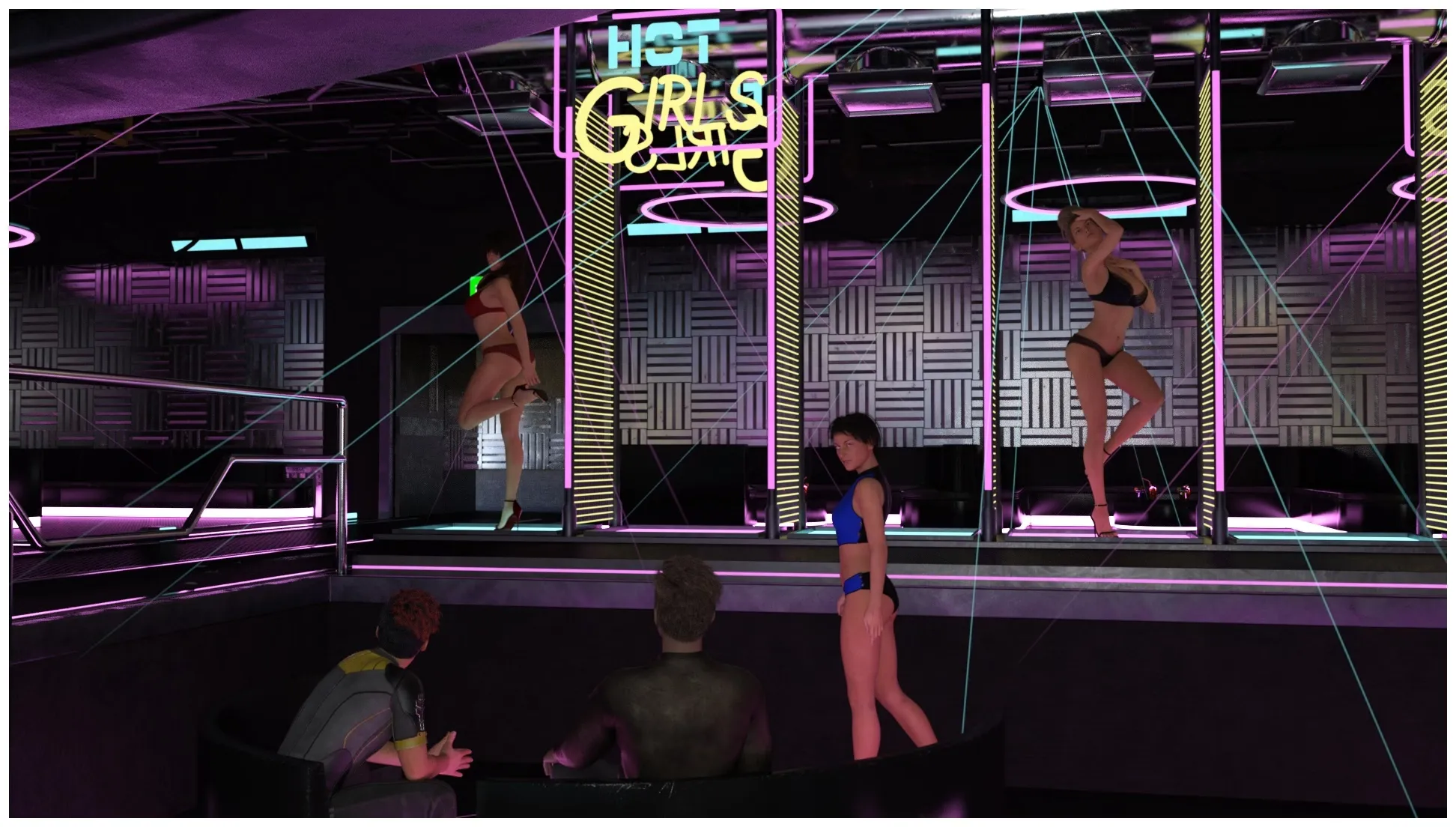
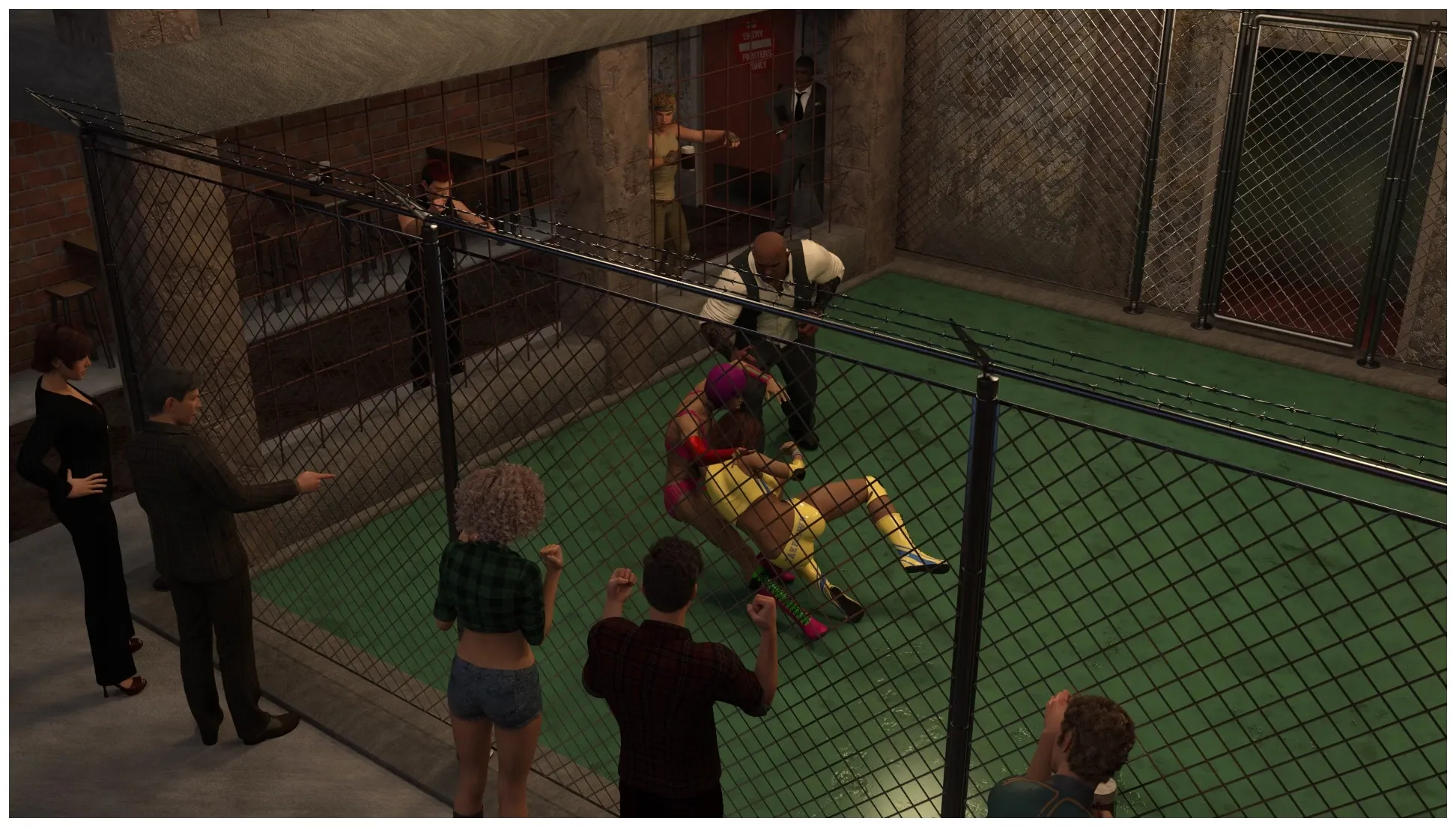
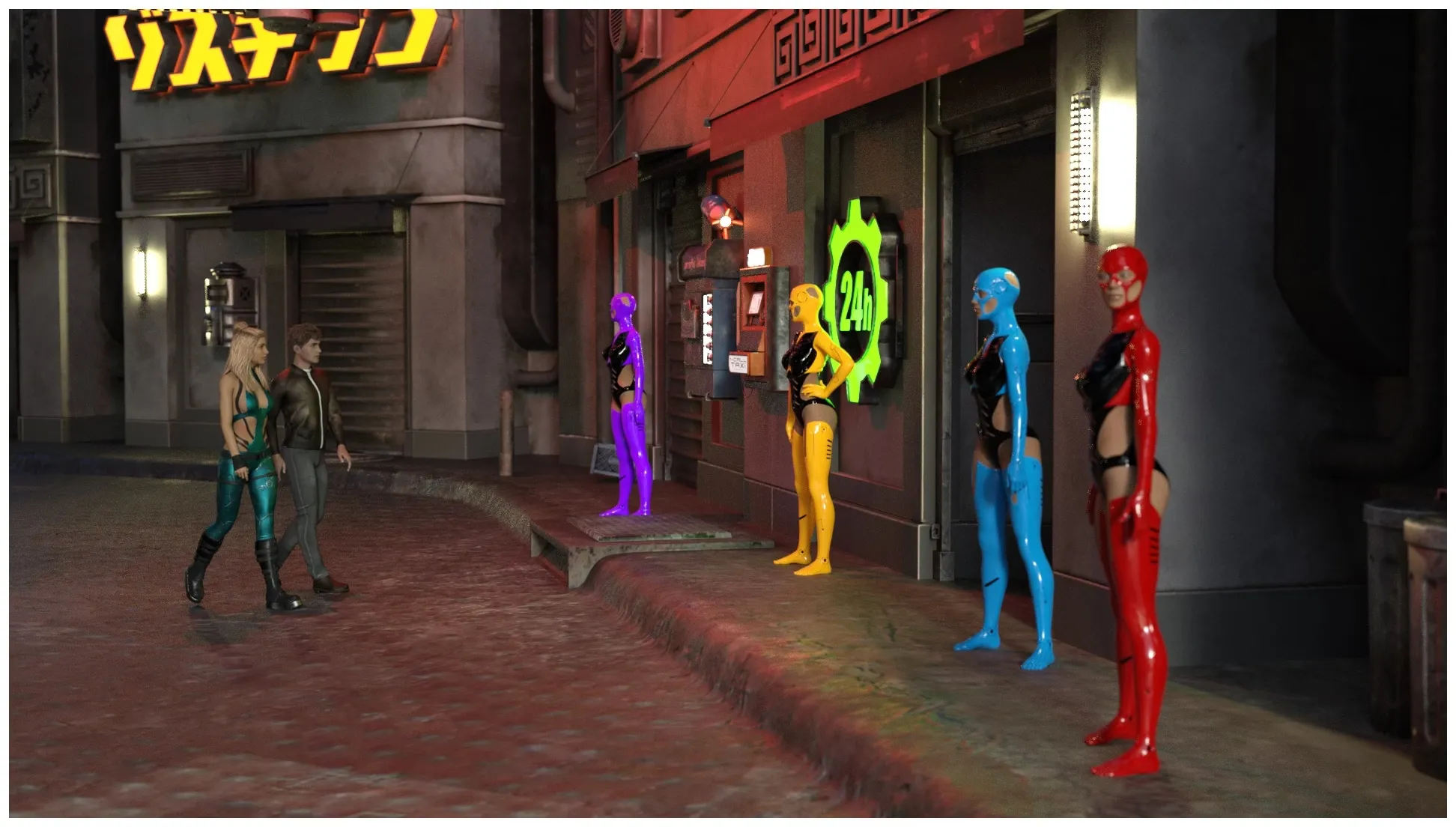
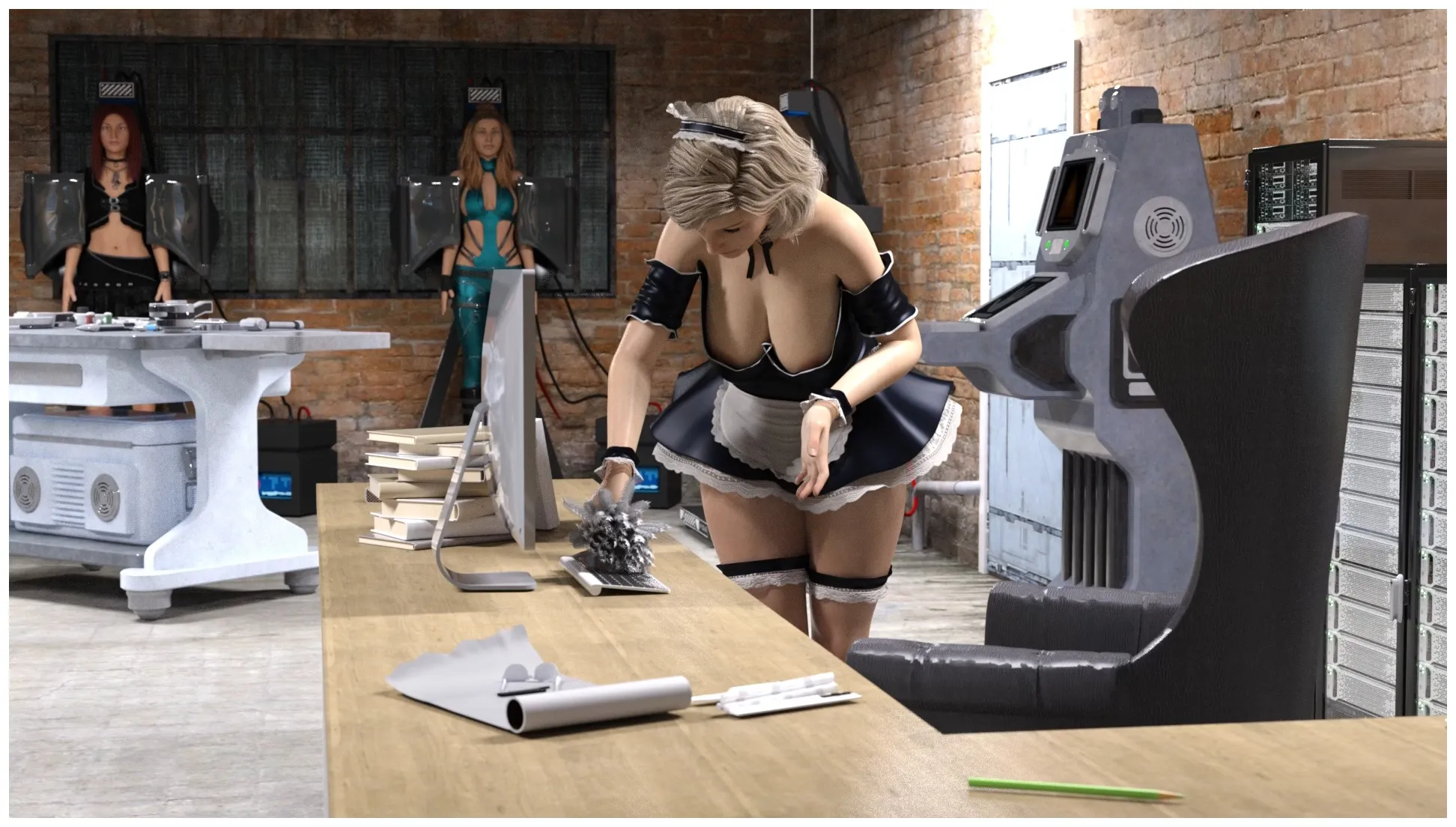
In the year 2124, repairing obsolete robots isn’t exactly a dream career—but it’s all the protagonist has. A lifelong fascination with dismantling and rebuilding discarded sexbots kept him away from school, eventually costing him both his education and his home. Kicked out by his parents at eighteen, he invests his last savings into a run-down warehouse, hoping to turn his hobby into a real repair business before he runs out of money.

Unlike a traditional visual novel, Sexbot Restoration 2124 is built around business management and resource planning. Running the workshop means repairing damaged machines, upgrading equipment, managing finances, and gradually expanding your operation while learning the mechanics of a surprisingly deep simulation. As your reputation grows, new clients, projects, and opportunities begin to appear, rewarding careful planning as much as successful repairs. Despite its futuristic setting, the heart of the game is about building a business from nothing and proving that an unconventional passion can become a successful livelihood.


Game Status:
Protagonist (MC):
Engine:
Last Update: 2026-08-03
Release Date: 2026-08-03
Censored: No

v0.16.1

QOL – A setting was added to adjust the scrolling speed in the game. This change primarily effects the mouse wheel. It does not effect a touch screen. Settings are Slow (default), Medium (new), and Fast (new).

BUG FIX – The actions when using the tinker button in ‘Bot Monitor’ were changed to prevent a part with defects from reaching 100% integrity.

BUG FIX – When a bot is on a mission the inactive button to interact with the bot within ‘Bot Monitor’ now displays the correct bot name, model, and capsule location.

TEXT CHANGE – A character in the game referred to his ‘grandfather’ and this was changed to ‘father’. The ‘father’ will be in a quest that will start in v0.17.

Some Android games come with both an .apk file and one or more .rpa files. Here’s how to install them correctly:

  1. Install the APK file

    • Tap on the .apk file and follow the prompts to install the game on your Android device.

    • Make sure “Install from unknown sources” is enabled in your device settings.

  2. Place the RPA file(s)

    • After installing the APK, don’t launch the game yet.

    • Use a file manager app and go to:
      Android > data > [game folder] > files > game

    • If the game folder doesn’t exist, create it manually.

    • Copy or move all .rpa files into this game folder.

  3. Launch the game

    • Now open the game. The extra content (like images, sounds, mods, etc.) from the RPA files will be loaded.


⚠️ Notes:

  • If the game crashes or doesn’t open, double-check that the .rpa files are placed in the correct folder.

  • Do not unzip .rpa files — they should remain exactly as downloaded.

  • For best results, use a reliable file manager like ZArchiver or Solid Explorer.

When you install a game downloaded from outside the Google Play Store, Android may display a security warning. This is a standard system alert for unknown sources and doesn’t necessarily mean the file is harmful.

Our team does its best to gather and share games from trusted and well-known sources. However, since these games are created and distributed by independent developers, We are not responsible for the content or behavior of the game itself. Use your discretion and only install games from developers or sources you feel comfortable with.

Modded games are modified versions of the original games that offer extra features, unlocked content, or changes not present in the official release. These modifications are usually made by independent developers or fans and are designed to enhance gameplay or remove limitations.


⚠️ Please Note:

  • Modded games are not created by the original developers.

  • Some mods may not work on all devices or may crash unexpectedly.

  • Always use caution and install modded games from trusted sources.

Walkthrough Mod:
A Walkthrough Mod adds helpful tips, highlights, or guides inside the game to show the best choices, routes, or scenes. It helps players get the best results without guessing.

Cheat Mod:
A Cheat Mod enables features like unlimited money, points, or energy. It lets you skip grinding and enjoy the full game faster — but it may reduce the challenge.

Multi Mod:
A Multi Mod combines multiple mods (e.g. walkthrough + cheats + gallery unlocker + Custom Settings …) into one package. 

Unlock Mod:
An Unlock Mod gives you access to features that are locked in the original game, such as premium scenes, full galleries, or choices that are normally restricted.

An Incest Patch restores or enables family-related content that was removed or censored in the public version of the game due to platform rules.

⚠️ Always check local laws and age restrictions before using such patches

Report broken download links
Please note that our download links are not direct. You will be redirected through external pages that may contain advertisements. These ads are not affiliated with us.
Only report a link if the file is truly unavailable — for example, if you encounter a 404 error or the download page does not work at all.

Request Game Update
Use this form to request an update for the current version of the game.
Before submitting a request, please make sure that a newer version has been officially released by the developer (e.g., on Patreon, Steam, itch.io, etc.).
Keep in mind that it usually takes a short time after the developer’s release for the new version to appear on our website.

Your Rating For This Post

Average rating [4] out of 5 | Vote: 1

No votes so far! Be first

4.0

● Help make this game page more complete!  If you notice any missing tags, forgotten details, required patches, or any other important information, please let us know in the comments.
Your contributions help improve the page for everyone. Thank you!

guest
0 Comments