Some Modeling Agency [v0.24.1 f0] [T Valle]

2.5
(2)

Story Overview

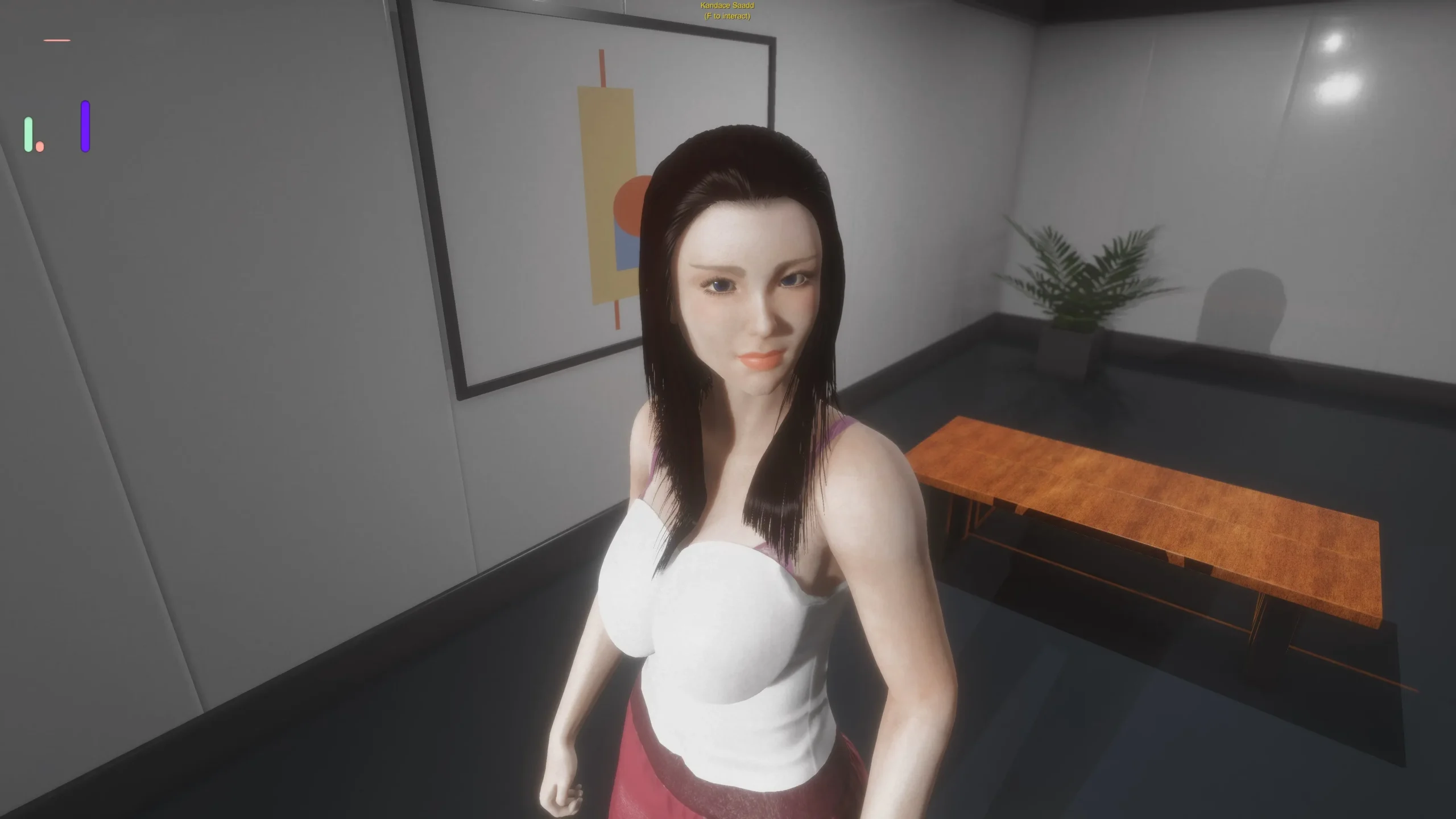
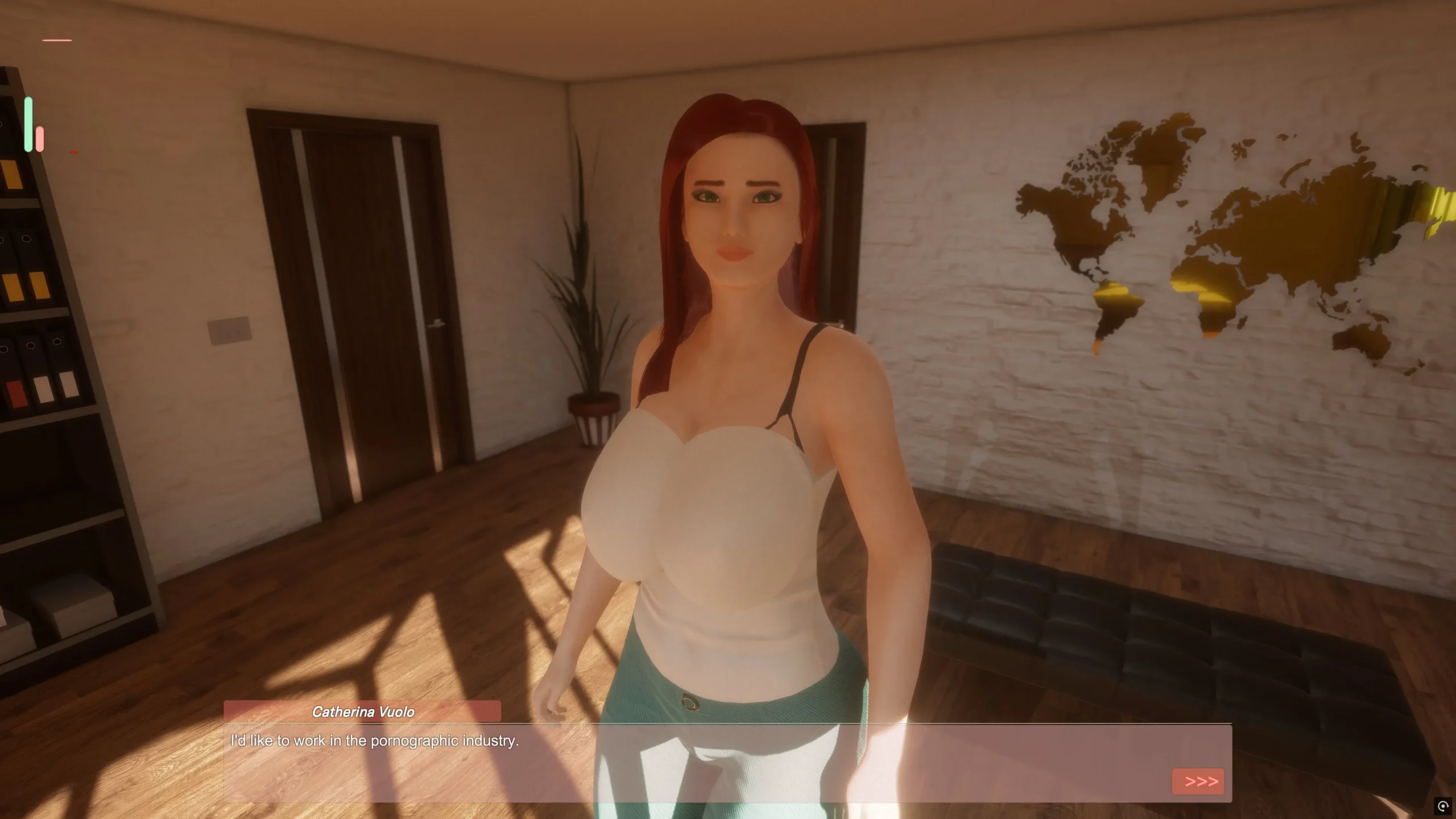
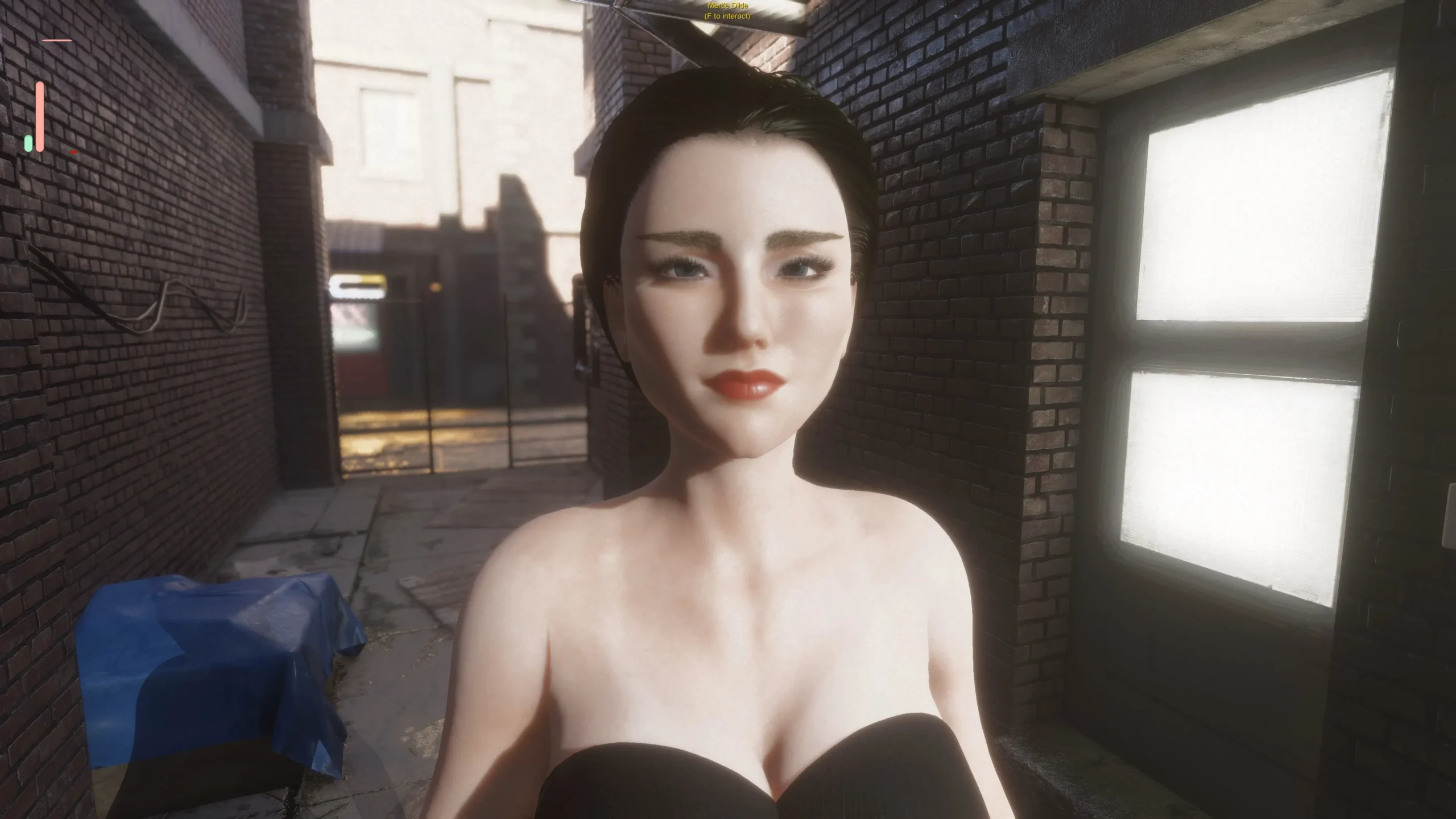
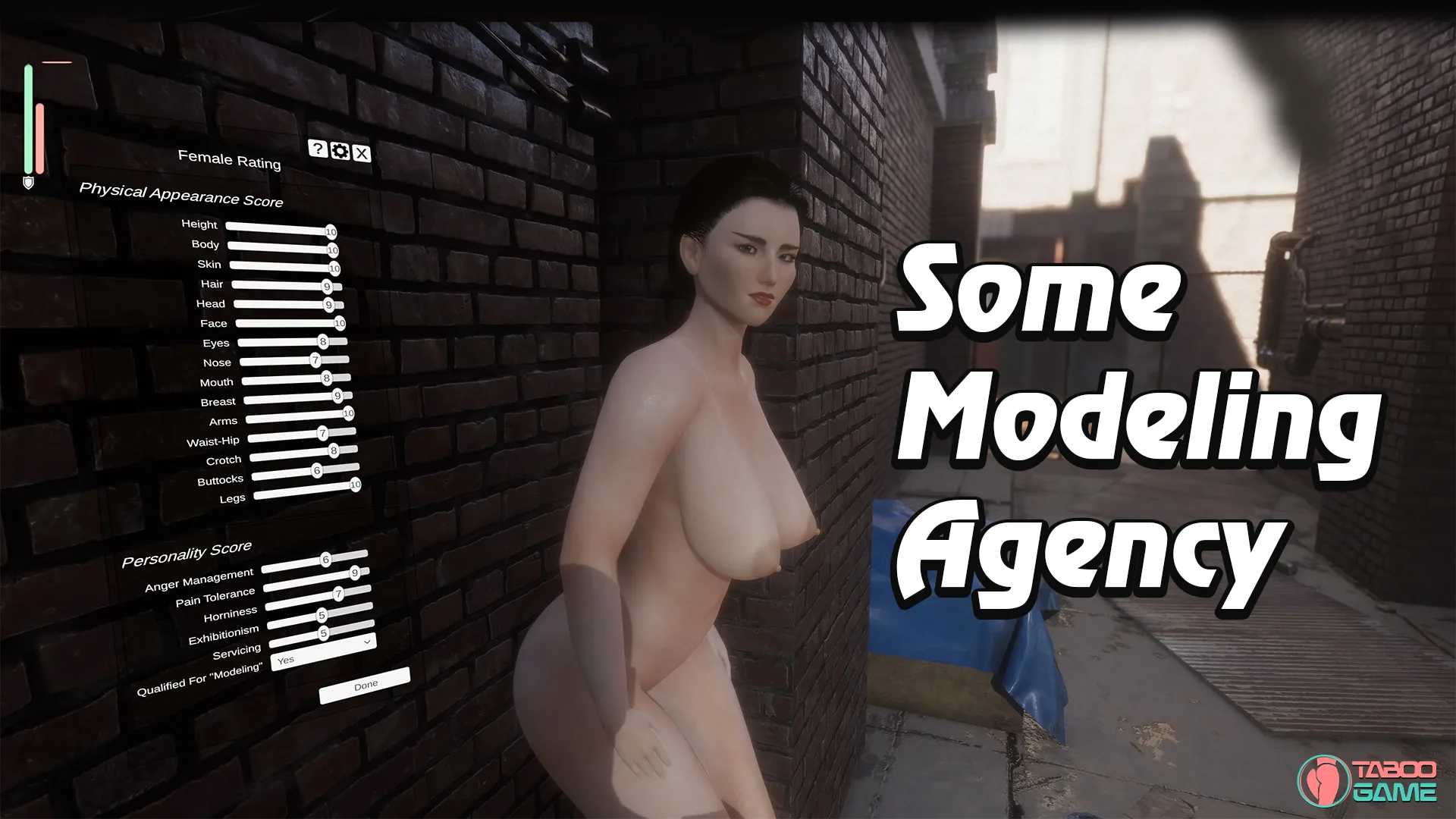
Running a modeling agency sounds glamorous—until you realize every decision shapes the future of your business. In Some Modeling Agency, aspiring models regularly visit your office hoping to launch their careers, and it’s up to you to decide who deserves a chance. Each evaluation goes beyond first impressions, as your preferences gradually influence the type of applicants your agency begins to attract.

Rather than following a traditional story, the game revolves around management, progression, and player-driven customization. Your ratings affect future recruitment, allowing your agency to evolve based on the qualities you value most. As your reputation grows, you’ll meet a wider variety of models, expand your business, and shape the agency into one that reflects your own decisions, creating a sandbox-style experience focused on strategy and long-term progression rather than a fixed narrative.

Game Status:
Protagonist (MC):
Engine:
OS:
Last Update: 2026-10-10
Release Date: 2026-08-06
Censored: No

v24.1 f0

  • Models’ willingness to advance to the next modeling type now depends not only on their consent toward the manager/boss but also on their overall Modeling Exp.
  • When a model is in the office, she will accept all interactions allowed by her current modeling type. During jobs, interactions will depend exclusively on the job contract.
  • The main character can now gain Management Exp. Higher Management Exp increases the chances of successfully referring models to other agencies and allows the manager to negotiate better commissions and salaries for newly hired models. Existing models will keep their previously agreed salaries and commissions.
  • The Models Info panel now displays each model’s current modeling type and Modeling Exp.
  • The Characters Info panel now displays the player’s Management Exp, representing their experience managing the agency.
  • Modeling Exp is now calculated based on the interactions that occur during a session rather than completed objectives. Job/Activity Exp will still be calculated based on completed objectives.
  • Custom Pose Edit Mode now always starts with all high heels disabled, making custom poses compatible with both high heels and regular shoes. Custom poses previously saved with high heels may have overly rotated feet. Sorry about that!
  • The Models Info panel now also displays the type of reputation a model is currently building. This will be used in a future game mechanic.
  • Models will now automatically pose when the player asks them to practice, provided they are standing in front of a light or on the podium.
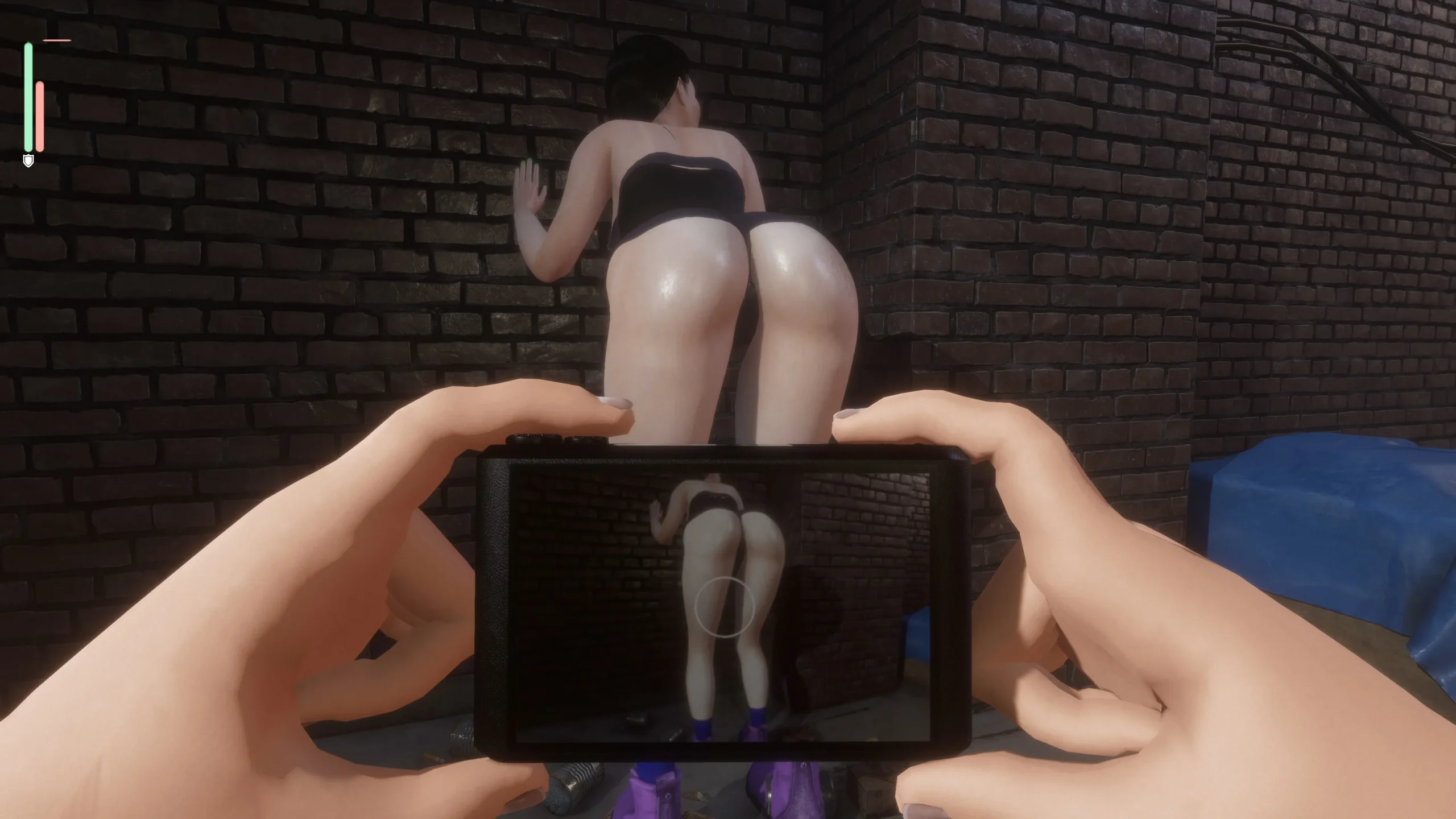
  • The professional camera now generates interactions only for the center of the camera’s frame.
  • All agencies now have less demanding requirements for accepting models.
  • Models are now more willing to take risks when attempting to join another agency after being referred to it.
  • Positive relationship buffs with other agencies now last longer.
  • The pose transition system works much better now, even when wearing high heels!
  • Poses, models, gestures, outfits, and most other files are now loaded asynchronously, preventing the game from freezing when loading large amounts of content, such as thousands of portraits.
  • The number of available vacancies for hiring models has been doubled.
  • Minor adjustments to desire gain and decay.
  • Minor adjustments to pupil dilation.
  • Spa Job: Default client payments, tips, and base income have all been doubled, significantly increasing the total income generated by the Spa Job.
  • Spa Job: If a model’s favorability and desires become sufficiently high, she may now offer herself to clients.
  • Hired models’ portraits can now be updated.
  • Favorability changes from buffs, agreements, and contracts now have their own context, preventing them from feeding back into or conflicting with each other. This should improve most Favorability-based calculations, including bribes, auto-rating, and overall corruption.
  • The Favorability corruption bonus has been increased, and an issue that caused the bonus to be applied three times to holes has been fixed.

Fixes

  • Fixed a serious bug: Entering Custom Pose Edit Mode could modify the all renderers of the scene. If you accidentally clicked a bone and then selected empty space or a model’s body, this could break the GPU deformations used by both the models’ skin and internal holes, causing them to render incorrectly.
  • Fixed missing objectives when interviewing models.
  • Fixed an issue that made it extremely difficult to get other agencies to accept models.
  • Fixed an issue where some models refused shoulder massages and other agreed-upon or contracted interactions.
  • Fixed an issue where bone guides could appear far away when starting Custom Pose Edit Mode.
  • Fixed incorrect exposure calculations for interactions involving pulling clothes. Models could believe they were more exposed than they actually were. For example, pulling down her pants could make her believe she was no longer wearing underwear, even if she still was. This could cause her to become angrier or more frightened when her clothes were removed.
  • Fixed the “Bleached” agency searching for models with the wrong skin color.
  • Fixed async-loaded panels resetting their scroll position.
  • Fixed a dialogue bug that occurred when promoting a submissive model to a higher modeling type.
  • Fixed conflicts between Favorability modifiers caused by corruption. Models will now accept interactions as long as their actual Favorability value is high enough, regardless of the corrupted/modified value shown by individual modifiers.
  • Fixed an issue where most sensors continued updating even when disabled or unused, wasting CPU resources.
  • Various other minor fixes.

Known Issues

  • The “Allow your lens to capture her most intimate area while she poses for it” objective cannot currently be completed while the model is posing by herself. For now, you need to manually put her into the required pose, as before.
  • When practicing modeling, models should not perform poses that emphasize their breasts or buttocks (whether clothed, in underwear, or completely naked) unless they have consented to those poses.
  • When starting a practice session after a model has been sitting, the practice poses may load near the surface where she was sitting instead of on the podium or in front of the light.
  • The localization toggle does not work correctly after returning to the main menu. The player must restart the game for the change to take effect.
  • Changing the hand restraint direction from gravity-based to hand-palm orientation caused some issues. Models may appear to repeatedly grab and release surfaces. The restraint direction should remain primarily gravity-based, with only a slight influence from the orientation of the palms.
  • Overseeing a model’s work should increase Management Exp even when the work is unrelated to modeling.
  • The camera tool’s image appears too dark during the Photoshoot Job. This issue is particularly difficult to fix because it only occurs in builds.
  • If a model is practicing and another secondary interaction executes simultaneously, she may attempt to fly away.
  • When hiring a model, some inputs conflict while attempting to cancel the current portrait and immediately take a new photo. The phone’s mode can also be changed when it shouldn’t be. This may cause the portrait to be saved incorrectly.
  • Spa Oral Service: There is no natural lubrication for the mouth, so some dicks are simply too big for a model to comfortably perform oral sex on a client. I’ll fix this.
  • Player controls remain active when an input field is displayed. For example, pressing F while the pose name input field is open can still trigger player actions.
  • Capturing a model’s “back door” can be difficult when she has very curvy proportions.
  • Oral sex is still somewhat glitchy. I’ll tweak it again.
  • The main light no longer follows the model when it is set to follow her.
  • Some text in the End Session panel is still missing localization.
  • Phone and camera images are still incompatible with X-rays.

How to play:

  • game uses mouse and keyboard
  • Tab: Agency Menu.
    Number 1: Hand. Used to caress body parts, interact with blue orbs to remove girl clothes or to grab penis. Can also interact with bones in Custom Poses.
    Number 2: Finger. Used to poke body parts and penetrate holes. Can be used to loosen up tight girls, generate Desire (purple bar), etc.
    Number 3: Cellphone. Can be used to save girls. Use middle mouse button to save custom poses.
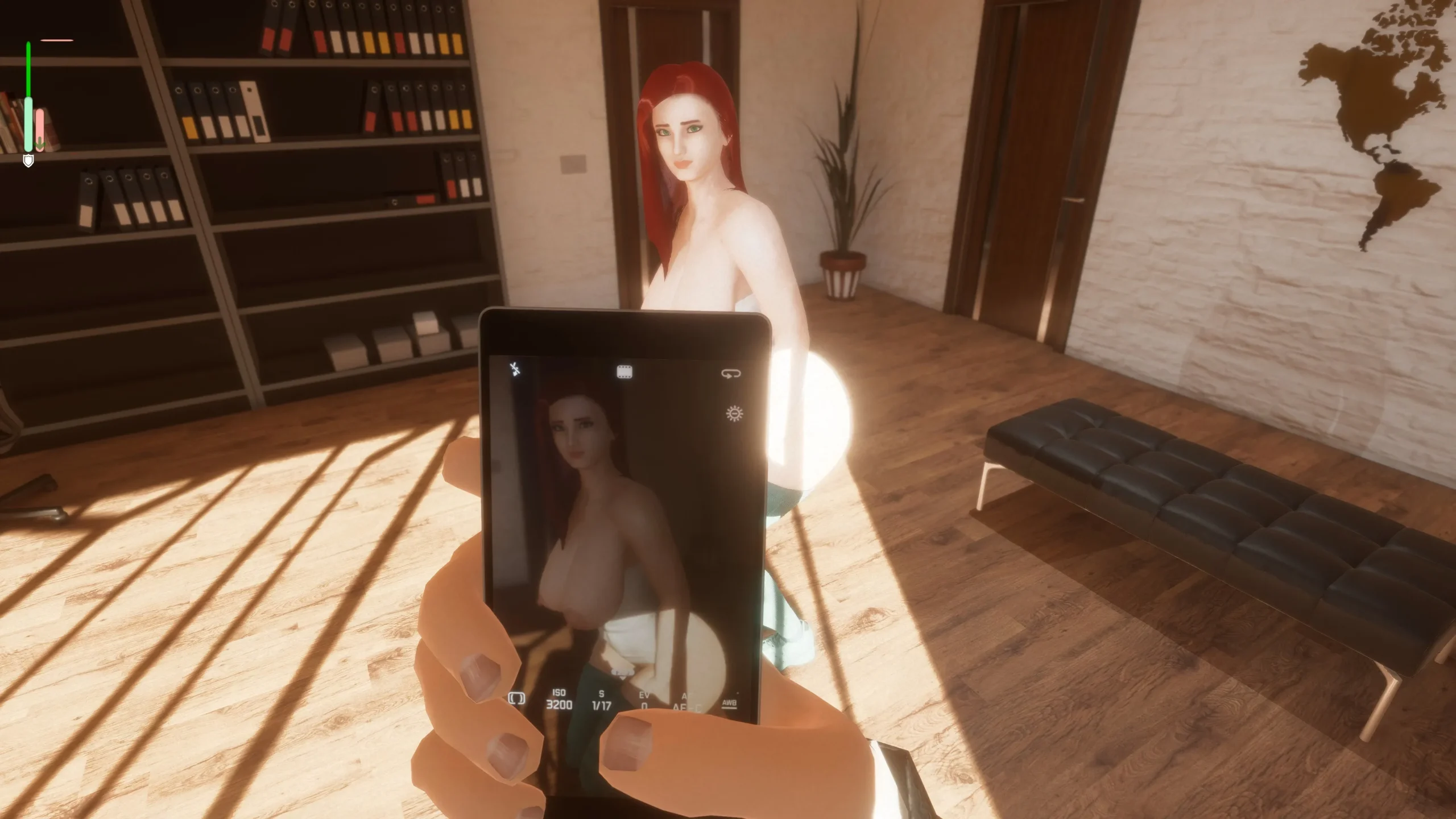
    Number 4: Camera. Used during interviews to increase Consent (green bar).
  • WASD: Player Movement.
  • Right Mouse Button: Move Player Head.
  • Left Mouse Button: Interact.
  • F: Talk or Make Requests, like asking the girl to move, change poses, turn around or take clothes off. Visible menus depend on Girl’s acceptance or modeling stage (Chat -> Let’s try XXX Modeling).
  • P or Shift+P: Remove Player Clothes. Showing penis too early may have bad consequences.
  • V: Raise up.
  • C: Crouch.
  • Mouse Wheel: Thrust hips.
  • Left Shift: Increase all animation and movement speed.
  • Left Alt: Decrease all animation and movement speed. Useful to decrease pain generation.
  • Left Control: Contextual. While holding penis, can change it’s angle. When using the Mouse Wheel, can raise up or crouch. With hands, can rotate or change angle.

Don’t rush to hire your first model. At the early game, you’ll get money by sending girls to other agencies in the Tab Menu -> Contact Her With Agency. One common strategy is to make a Chubby profile and send models to the Plus Size Agency, or Muscular profile and send them to the Fitness Agency. Racial Agencies are a bit harder to please.
When you get at least $2,5k+ and you find a girl you like (personality is also important), you can hire her. You’ll need to negotiate her salary and commissions, so be careful with how much you offer.

How to Find Good Girls

Appearance
Hot girls take some time to appear. Expensive campaigns with more phases help by a lot (recruiting at Mondays also seems to help, according to the dev).
You don’t need to adjust ratings one by one. The game already “cheats” and rates it based on the profile you’ve created. Subsequent campaign phases depend on the models you interview and the ratings they get. The higher the ratings, the more you’ll see the same thing at next phase.
To advance phases, select “Show Campaign Info” -> “Go Next Phase”.

Personality
Personality is a bit harder to filter. You can start by checking Tab -> Model Resume to check two things:
1. Personality Traits (Perverted and Exhibitionists are generally the best, but you can change traits with time).
2. Interests: dictate what kind of jobs they will accept (Erotic Modeling and Escort Services can accept all current jobs). “Modeling” interest also affects initial Consent. Girls ready for Erotic Modeling get a big boost to their green bar.
Consent (green bar) is very important. Each girl has a unique Consent requirement to be comfortable with touching, caressing, poking or penetration. To increase it, you need to take photos of the girl during the interview while changing their positions and clothes. You can also bribe her, make compliments and make her cum.
Pleasure (pink bar) is also important because female orgasm can raise Consent. Sensitivity to pleasure is also unique for each body part: some girls can feel more pleasure on their shoulders, thighs, hands, belly… The clitoris is generally a safe bet, but many girls are not willing to let you touch it right away. Start with shoulders, arms, back. After, you can try belly, breasts, nipples and ass. If she lets you touch, but none is sensitive, go for the clit.
Arousal (purple thin bar) works almost like Consent. Decreases sensitivity to pain, fear and increases her Desire. If her desire is high enough, she will fuck your dick by herself in almost any position. You can increase her arousal by touching her on sensitive zones.
Other bars are Fear (Brown), Pain (Blue), Boredom (Gray) and Anger (Red). Keep an eye on those, Anger is the most important because it doesn’t decay with time, you need to find a good sensitive spot to reduce it. If she is too sensitive to Pain, hold Left Alt to move slower. Also, if you keep inflicting Pain, Fear or making her Angry, she won’t forget about it.
Each girl is unique, so every single body part has it’s own Consent requirement to be touched or penetrated. Keep taking photos to increase Consent until you can find a good place to touch. If you can’t find any or her Anger gets too high too quick, just send her to another agency.
Sexual Experience and Desire can affect how tight her holes are. If penetration is causing too much Pain for her, you can use your finger to loosen up her holes.

How to Progress
Your hired models will accumulate “Modeling Exp” from any performed job. This will unlock new jobs, animations, positions and options for you. Just keep sending them to the Spa or to Photo-shoots.
Each Monday you’ll be able to upgrade to a bigger office, but remember you’ll need to pay your rent every week. Bigger offices allow you to hire more girls, have better light and more furniture for poses.
You can also free room for new models by firing any of the current ones.
When you have enough money: don’t forget that you can “bribe” most girls and also pay for sex by using the Chat option. When you pay for sex, it’s much easier to make her orgasm to increase Consent and relations with the player.
⭕ this version is no longer compatible with save games from past versions

Some Android games come with both an .apk file and one or more .rpa files. Here’s how to install them correctly:

  1. Install the APK file

    • Tap on the .apk file and follow the prompts to install the game on your Android device.

    • Make sure “Install from unknown sources” is enabled in your device settings.

  2. Place the RPA file(s)

    • After installing the APK, don’t launch the game yet.

    • Use a file manager app and go to:
      Android > data > [game folder] > files > game

    • If the game folder doesn’t exist, create it manually.

    • Copy or move all .rpa files into this game folder.

  3. Launch the game

    • Now open the game. The extra content (like images, sounds, mods, etc.) from the RPA files will be loaded.


⚠️ Notes:

  • If the game crashes or doesn’t open, double-check that the .rpa files are placed in the correct folder.

  • Do not unzip .rpa files — they should remain exactly as downloaded.

  • For best results, use a reliable file manager like ZArchiver or Solid Explorer.

When you install a game downloaded from outside the Google Play Store, Android may display a security warning. This is a standard system alert for “unknown sources” and doesn’t necessarily mean the file is harmful.

Our team does its best to gather and share games from trusted and well-known sources. However, since these games are created and distributed by independent developers, We are not responsible for the content or behavior of the game itself. Use your discretion and only install games from developers or sources you feel comfortable with.

Modded games are modified versions of the original games that offer extra features, unlocked content, or changes not present in the official release. These modifications are usually made by independent developers or fans and are designed to enhance gameplay or remove limitations.


⚠️ Please Note:

  • Modded games are not created by the original developers.

  • Some mods may not work on all devices or may crash unexpectedly.

  • Always use caution and install modded games from trusted sources.

Walkthrough Mod:
A Walkthrough Mod adds helpful tips, highlights, or guides inside the game to show the best choices, routes, or scenes. It helps players get the best results without guessing.

Cheat Mod:
A Cheat Mod enables features like unlimited money, points, or energy. It lets you skip grinding and enjoy the full game faster — but it may reduce the challenge.

Multi Mod:
A Multi Mod combines multiple mods (e.g. walkthrough + cheats + gallery unlocker + Custom Settings …) into one package. 

Unlock Mod:
An Unlock Mod gives you access to features that are locked in the original game, such as premium scenes, full galleries, or choices that are normally restricted.

An Incest Patch restores or enables family-related content that was removed or censored in the public version of the game due to platform rules.

⚠️ Always check local laws and age restrictions before using such patches

Report broken download links
Please note that our download links are not direct. You will be redirected through external pages that may contain advertisements. These ads are not affiliated with us.
Only report a link if the file is truly unavailable — for example, if you encounter a 404 error or the download page does not work at all.

Request Game Update
Use this form to request an update for the current version of the game.
Before submitting a request, please make sure that a newer version has been officially released by the developer (e.g., on Patreon, Steam, itch.io, etc.).
Keep in mind that it usually takes a short time after the developer’s release for the new version to appear on our website.

Your Rating For This Post

Average rating [2.5] out of 5 | Vote: 2

No votes so far! Be first

2.5

● Help make this game page more complete!  If you notice any missing tags, forgotten details, required patches, or any other important information, please let us know in the comments.
Your contributions help improve the page for everyone. Thank you!

guest
0 Comments