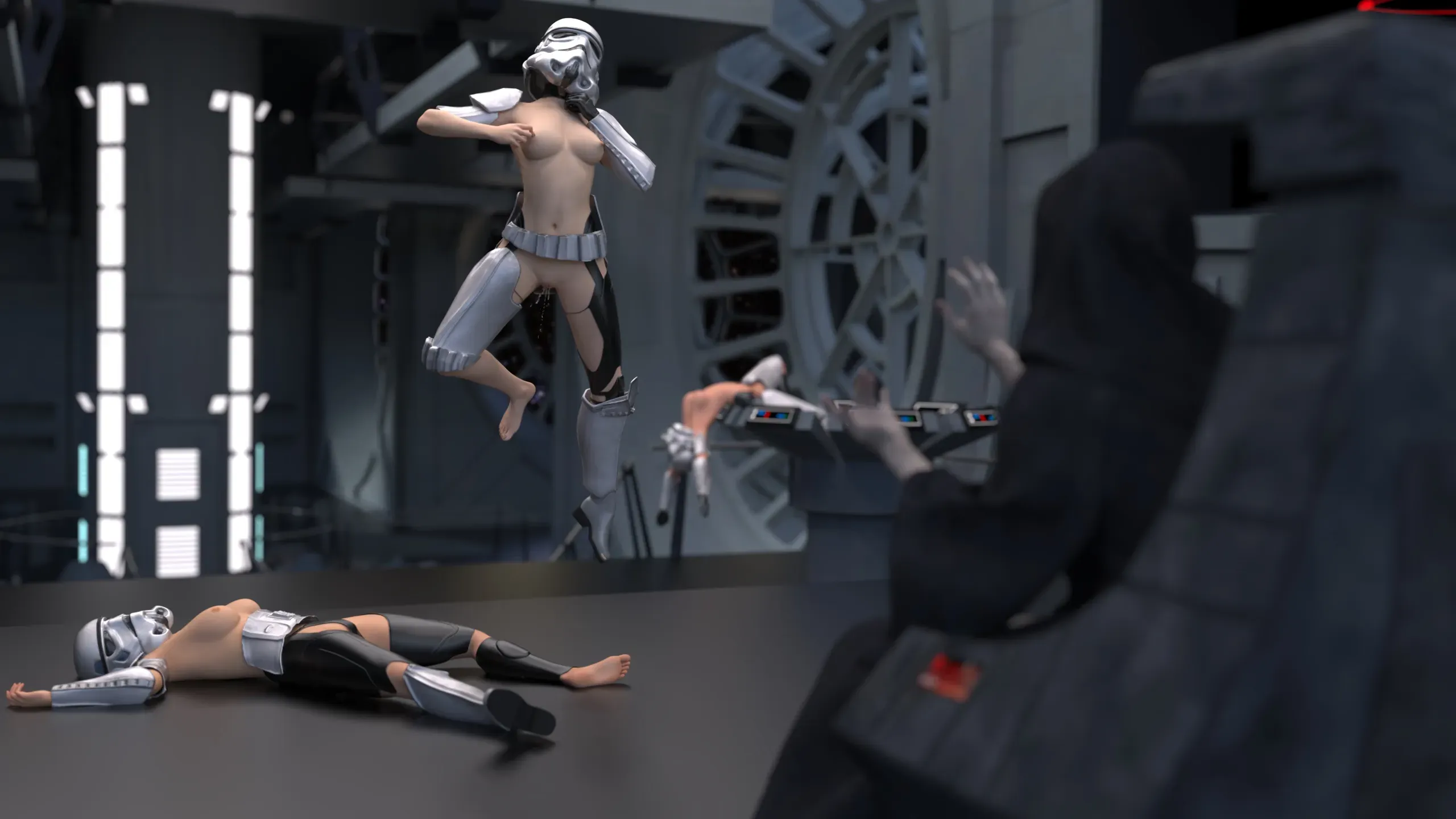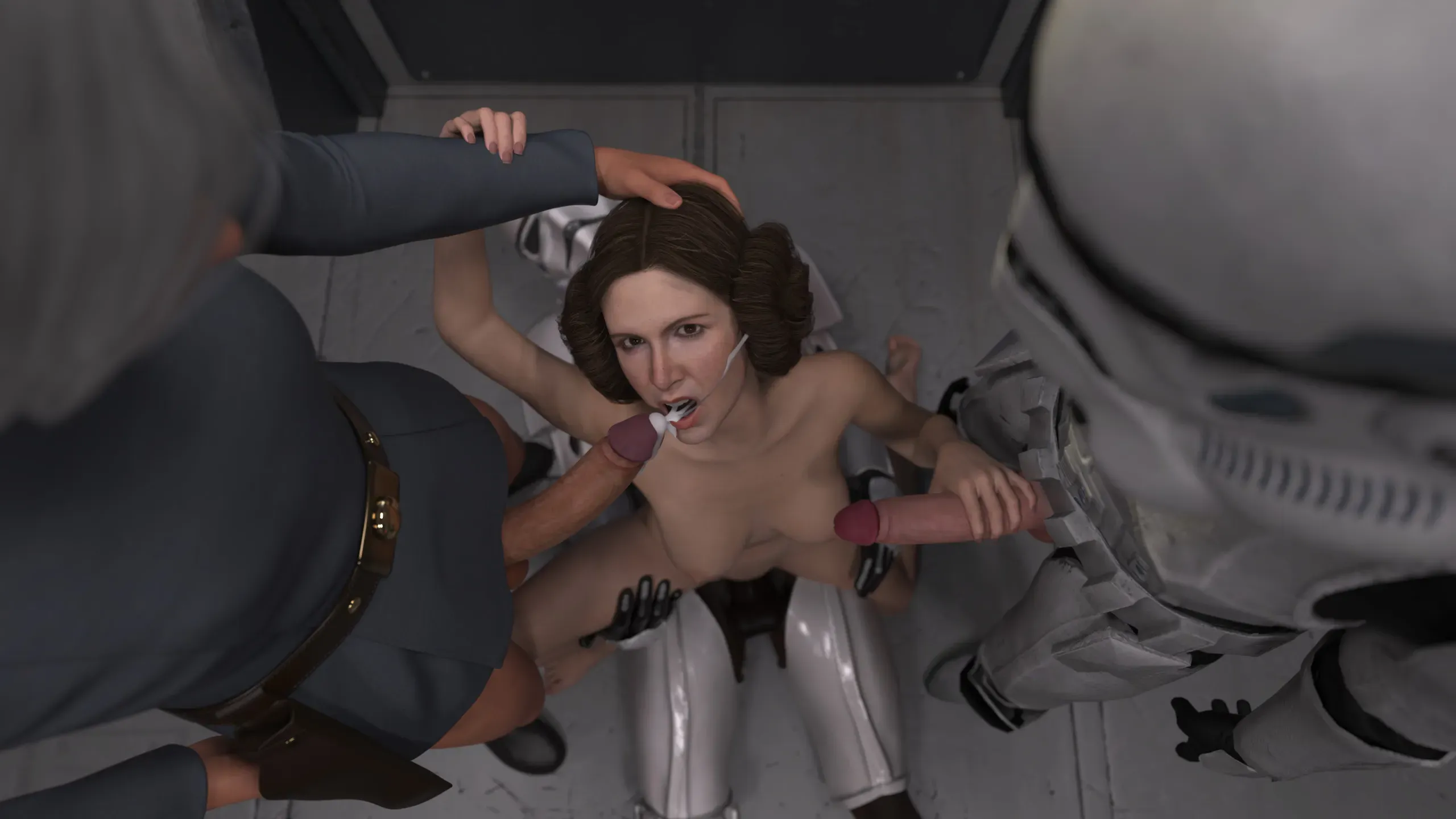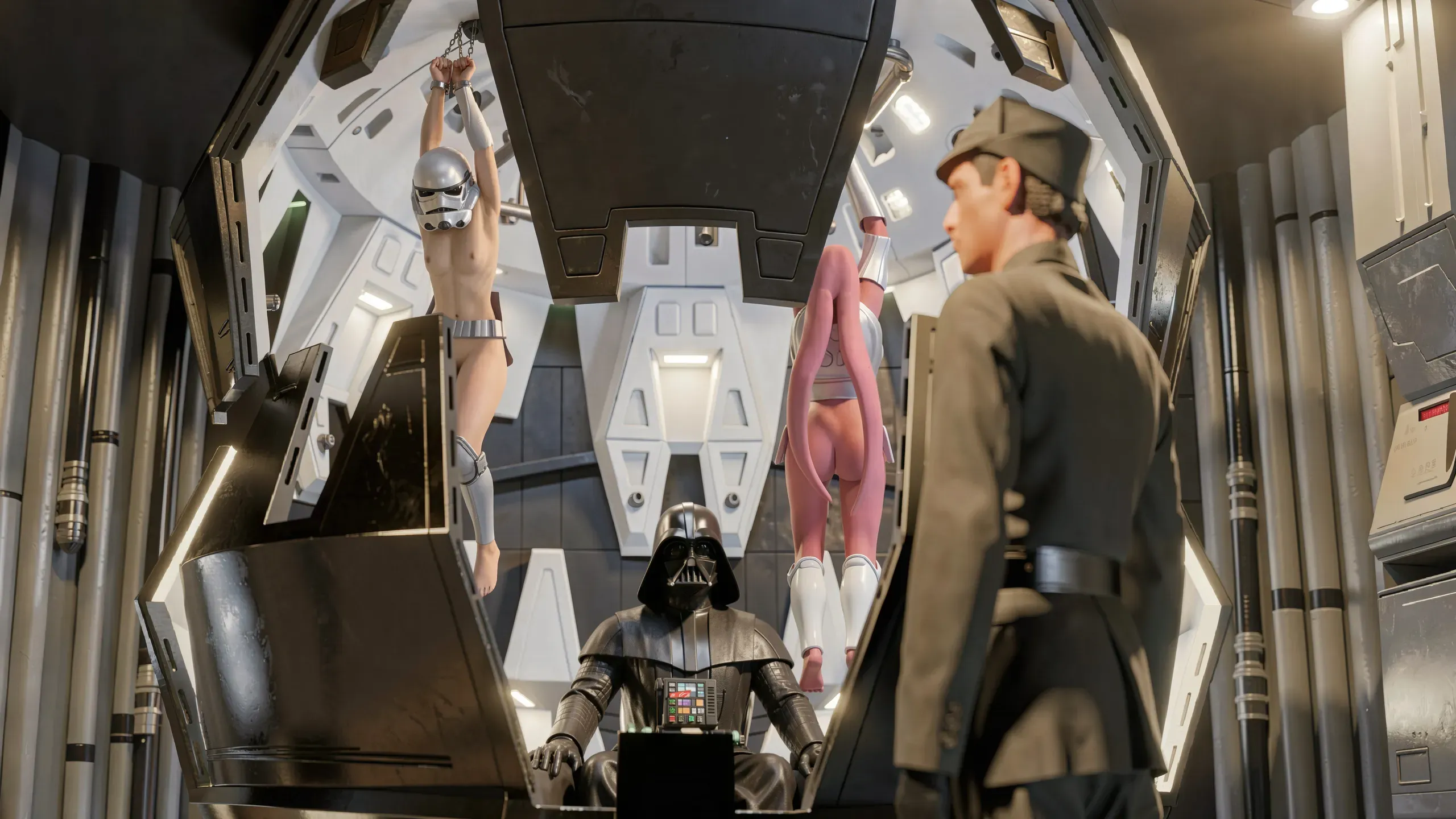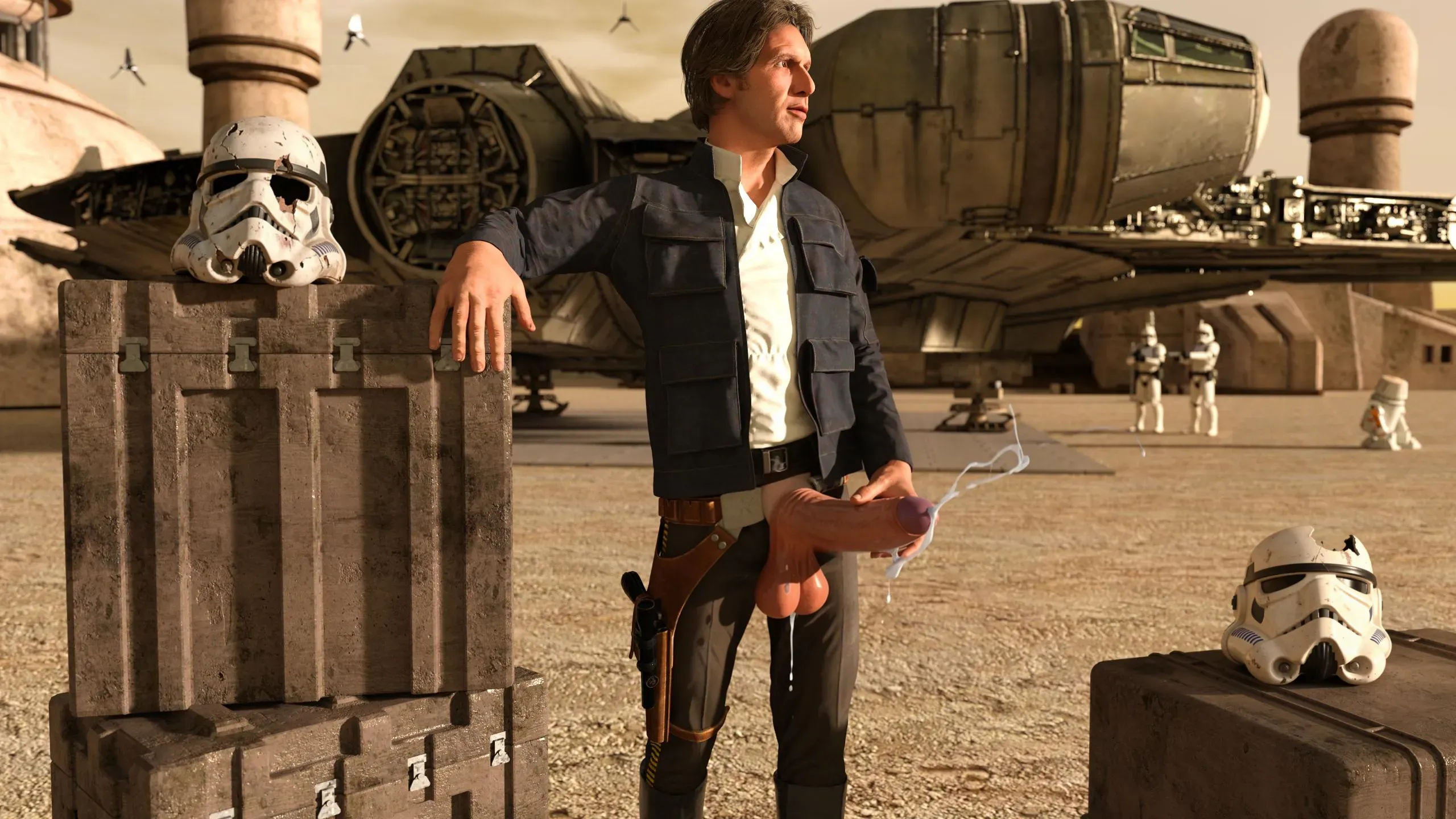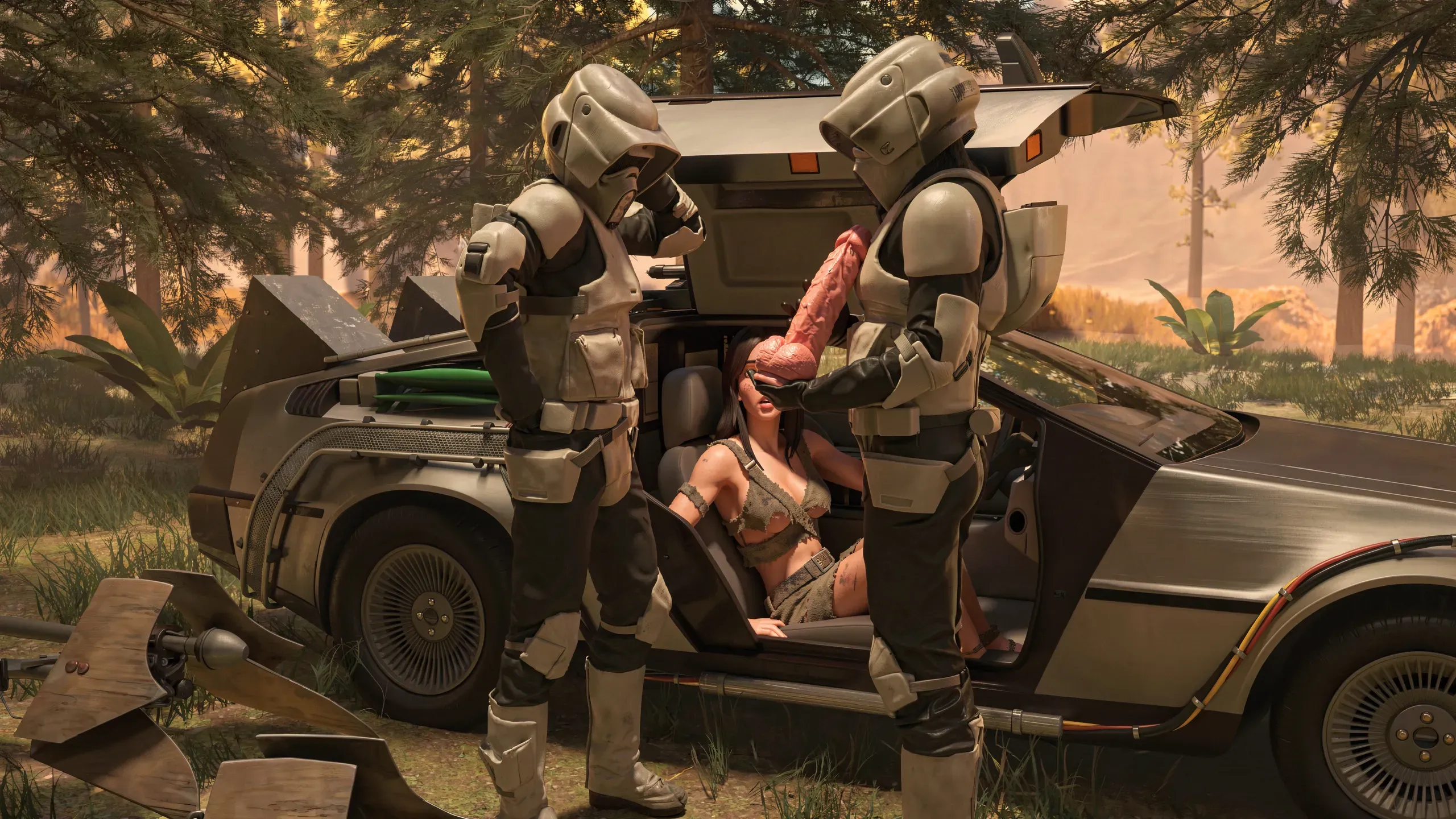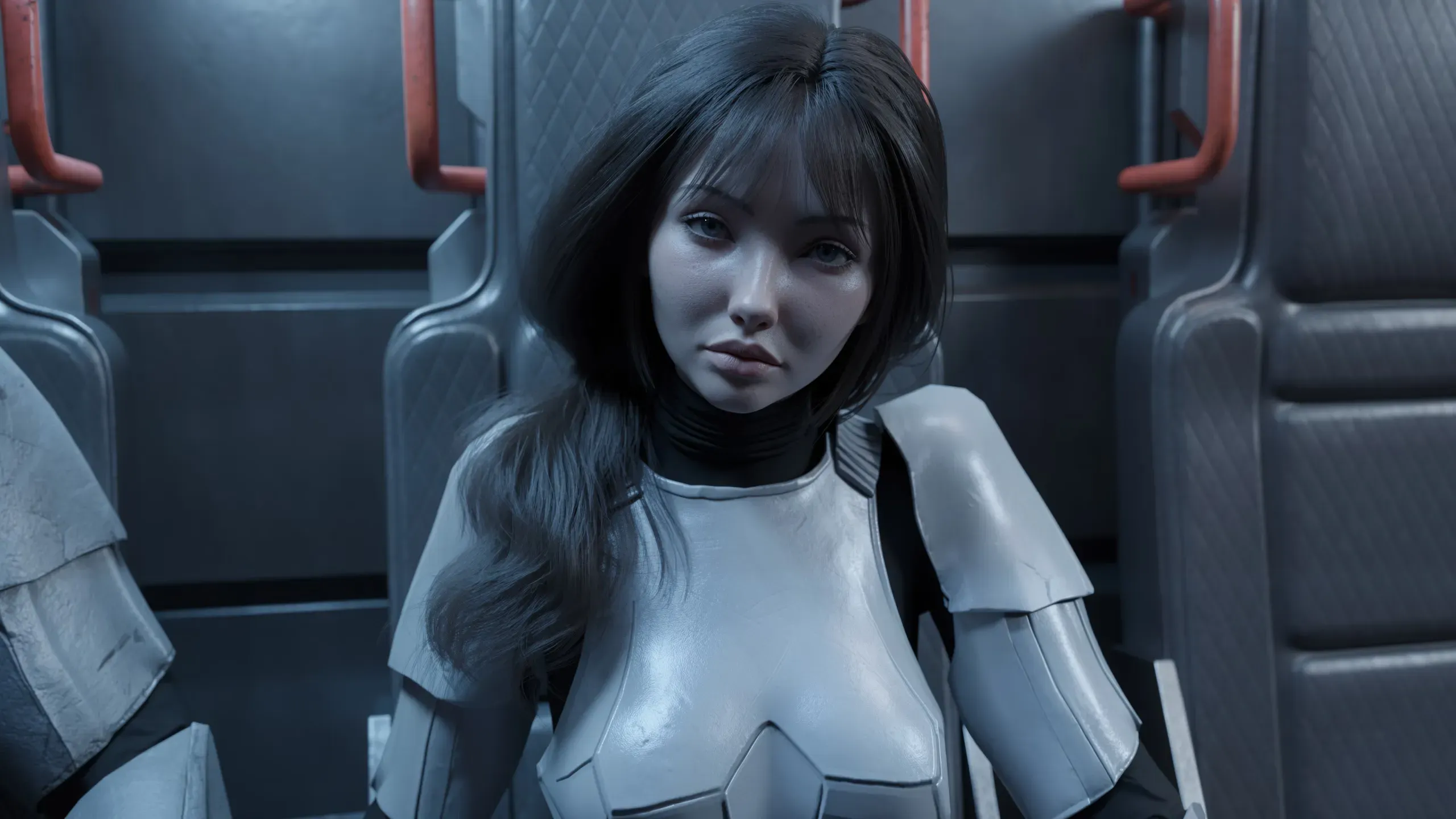
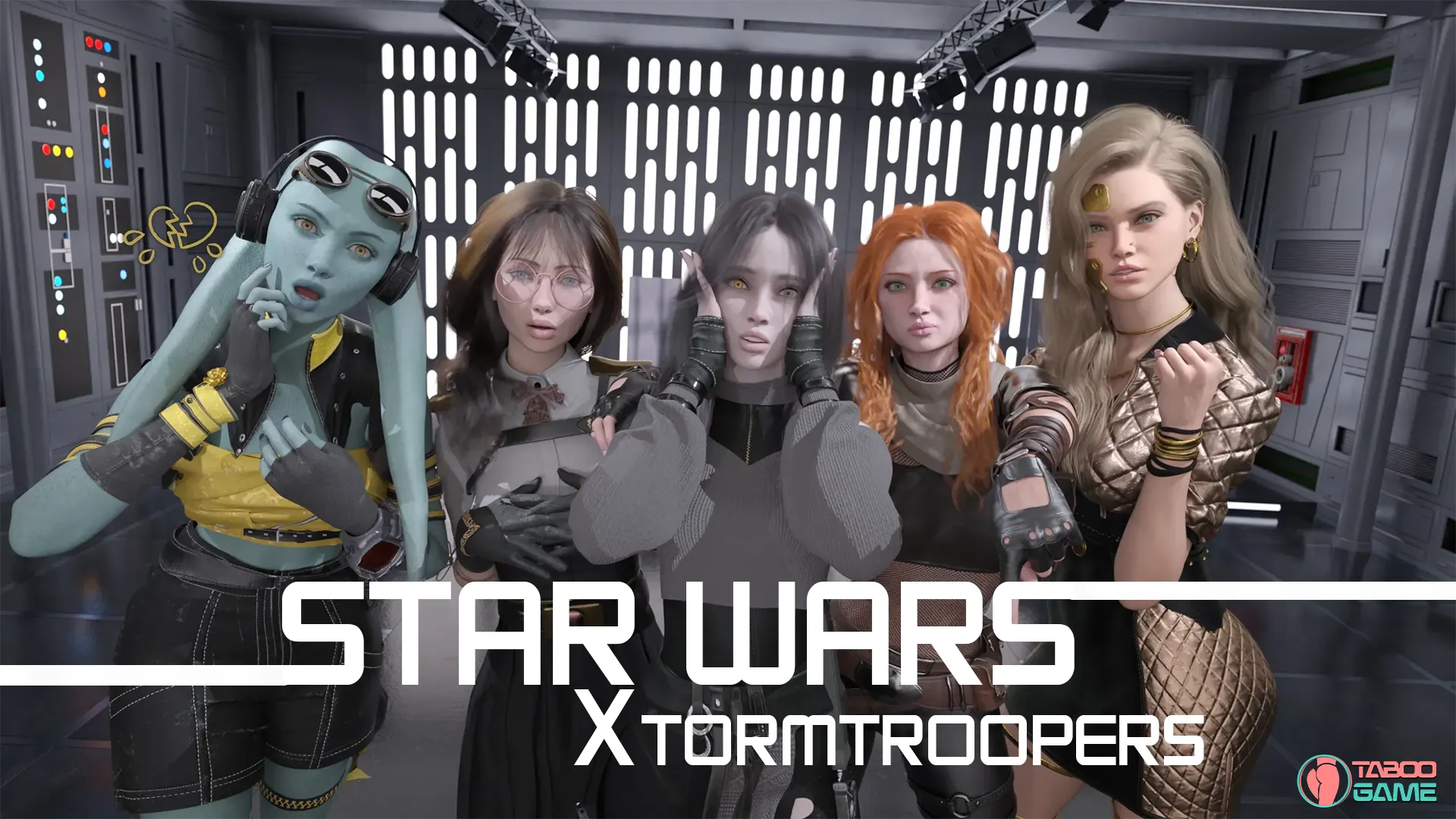
Star Wars: XtormTroopers [Ch. 1 – Issue 2] [Michelangelo da Mouso]

4
(1)

Story Overview

Star Wars: XtormTroopers is a humorous sci-fi parody visual novel set in the Star Wars universe. You play as a nobody from the dusty Outer Rim. After your mother falls sick, a mysterious rich uncle takes you in. Suddenly you’re thrown into a new family with strict rules and a cold aunt who treats you like an unwanted guest.

Her perfect daughter gets accepted into an elite Imperial program, while you — with your mediocre scores — have no chance. But your aunt wants you out of the picture, so strings are pulled and you’re forced in anyway. This is your last opportunity to become someone in the Empire. Whatever you do… do NOT fuck this up.

Why Download “Star Wars: XtormTroopers”?

🌌 Star Wars Parody — A funny and irreverent take on the Star Wars universe filled with humor and satire.
🪐 Sci-Fi Adventure — Life in the Empire, Imperial training, and outer rim origins with a humorous twist.
😂 Strong Humor — Sharp dialogue and comedic situations from a loser protagonist trying to survive elite Imperial life.
👥 Harem Potential — Multiple female characters in a classic harem-style story setup.
🎮 Unity Engine — Smooth visuals and modern presentation with animated scenes and voiced dialogue.
🚀 Male Protagonist Story — Follow an underdog trying to make it in the Empire while dealing with family drama and new rules.

Game Status:
Protagonist (MC):
Genre:
Engine:
Last Update: 2026-05-14
Release Date: 2026-05-14
Censored: No

Chapter 1 – Issue 2

Gameplay Time:~30 minutes (at auto speed)
Director’s Cut:~10 minutes of exclusive commentary
Extras Time:~20 minutes “sneak peek” preview
Lore & Dialogue:~21,000 words (Narration + GUI)
Renders & Videos:355 renders (+1 video)
Minigames:4 fully playable experiences


New Features:
The Save-File Continuity

In Issue 1, any modification to a scene would invalidate save files, forcing you to restart from the latest unmodified scene. Since I’m very much against technical limitations punishing the player’s progress, I have restructured how scenes are handled to ensure your journey persists across updates. Furthermore, I am pushing myself to treat every single release as a “final version” of its content; once a scene is delivered, it should be a final “polished piece of art”.​

Audio Feedback in GUI

Implemented a new auditory response system across the Graphic User Interface. Every interaction now provides a subtle, satisfying audible feedback.​
While this may seem like a minor detail, it required a complete overhaul of the previous audio architecture. To give you total control, I’ve added a dedicated GUI Sound Slider, allowing you to mute these effects without affecting the background music or atmospheric sounds.​

Mac Support

Leveraging the new scene architecture, I have implemented the necessary standards to bring the experience to Apple devices. This “Issue 2” is the inaugural Mac version  As with any first step into a new ecosystem, there may be unforeseen frictions. If you encounter any anomalies, please report them via Discord.​

️ Bug Fixes & Technical Polishing

  • (Major) DirectX 11 Stability Patch (Windows): Fixed crashes on systems forcing DX12 by implementing an extra shortcut that forces the game to initiate via DX11.
  • (Medium) Visual Correction (Issue 1): Fixed a continuity error when Jules was removing the helmet.
  • (Medium) Audio Restoration (Issue 1): Re-processed the voice line “Do not cause problems for us already” to remove errors.

Thank you for your patience and feedback. Every bug reported is a step closer to the cinematic experience I envision for this world.

Some Android games come with both an .apk file and one or more .rpa files. Here’s how to install them correctly:

  1. Install the APK file

    • Tap on the .apk file and follow the prompts to install the game on your Android device.

    • Make sure “Install from unknown sources” is enabled in your device settings.

  2. Place the RPA file(s)

    • After installing the APK, don’t launch the game yet.

    • Use a file manager app and go to:
      Android > data > [game folder] > files > game

    • If the game folder doesn’t exist, create it manually.

    • Copy or move all .rpa files into this game folder.

  3. Launch the game

    • Now open the game. The extra content (like images, sounds, mods, etc.) from the RPA files will be loaded.


⚠️ Notes:

  • If the game crashes or doesn’t open, double-check that the .rpa files are placed in the correct folder.

  • Do not unzip .rpa files — they should remain exactly as downloaded.

  • For best results, use a reliable file manager like ZArchiver or Solid Explorer.

When you install a game downloaded from outside the Google Play Store, Android may display a security warning. This is a standard system alert for unknown sources and doesn’t necessarily mean the file is harmful.

Our team does its best to gather and share games from trusted and well-known sources. However, since these games are created and distributed by independent developers, We are not responsible for the content or behavior of the game itself. Use your discretion and only install games from developers or sources you feel comfortable with.

Modded games are modified versions of the original games that offer extra features, unlocked content, or changes not present in the official release. These modifications are usually made by independent developers or fans and are designed to enhance gameplay or remove limitations.


⚠️ Please Note:

  • Modded games are not created by the original developers.

  • Some mods may not work on all devices or may crash unexpectedly.

  • Always use caution and install modded games from trusted sources.

Walkthrough Mod:
A Walkthrough Mod adds helpful tips, highlights, or guides inside the game to show the best choices, routes, or scenes. It helps players get the best results without guessing.

Cheat Mod:
A Cheat Mod enables features like unlimited money, points, or energy. It lets you skip grinding and enjoy the full game faster — but it may reduce the challenge.

Multi Mod:
A Multi Mod combines multiple mods (e.g. walkthrough + cheats + gallery unlocker + Custom Settings …) into one package. 

Unlock Mod:
An Unlock Mod gives you access to features that are locked in the original game, such as premium scenes, full galleries, or choices that are normally restricted.

An Incest Patch restores or enables family-related content that was removed or censored in the public version of the game due to platform rules.

⚠️ Always check local laws and age restrictions before using such patches

Report broken download links
Please note that our download links are not direct. You will be redirected through external pages that may contain advertisements. These ads are not affiliated with us.
Only report a link if the file is truly unavailable — for example, if you encounter a 404 error or the download page does not work at all.

Request Game Update
Use this form to request an update for the current version of the game.
Before submitting a request, please make sure that a newer version has been officially released by the developer (e.g., on Patreon, Steam, itch.io, etc.).
Keep in mind that it usually takes a short time after the developer’s release for the new version to appear on our website.

Your Rating For This Post

Average rating [4] out of 5 | Vote: 1

No votes so far! Be first

4.0

● Help make this game page more complete!  If you notice any missing tags, forgotten details, required patches, or any other important information, please let us know in the comments.
Your contributions help improve the page for everyone. Thank you!

guest
0 Comments